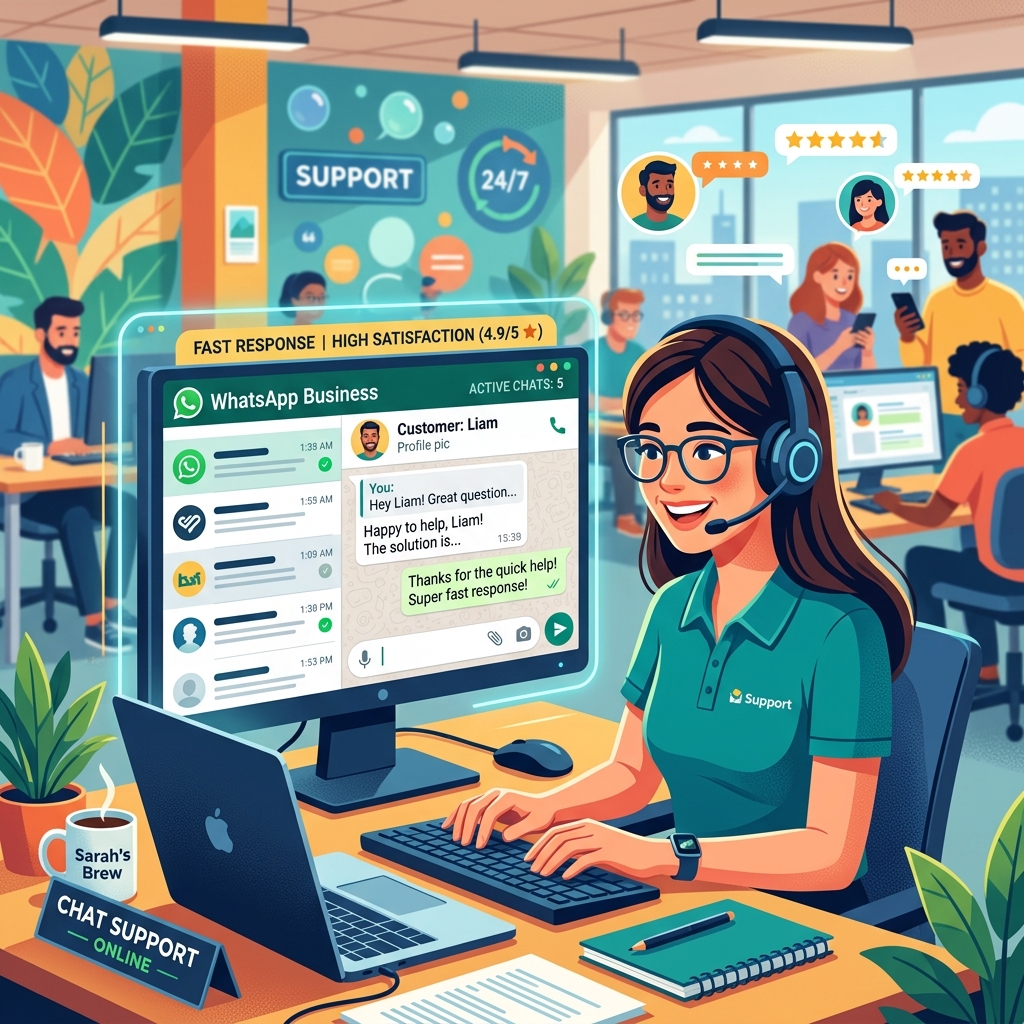
WhatsApp Customer Service Best Practices That Increase Customer Satisfaction
Turn your WhatsApp support channel into a loyalty-building machine with these proven customer service strategies.
Introduction
Customers no longer want to call a 1-800 number, listen to elevator music for 20 minutes, and explain their problem to three different agents. They want to send a text message, go about their day, and get a notification when the issue is resolved.
Because of this, WhatsApp has rapidly become the preferred customer service channel globally.
However, simply "being on WhatsApp" isn't enough. If you treat WhatsApp like a slow email inbox, you will frustrate your customers even more. WhatsApp is a real-time, conversational platform, and it requires a specific set of best practices to excel.
In this guide, we'll explore how to deliver world-class customer service on WhatsApp that turns angry complainers into loyal brand advocates.
1. Set Clear Expectations for Response Times
The biggest mistake businesses make is leaving customers in the dark. On WhatsApp, a lack of response feels like being ignored face-to-face.
Use automated messages to manage expectations immediately:
- During Business Hours: "Hi! We've received your message. An agent will reply within 15 minutes."
- Outside Business Hours: "Hi! We are currently closed. Our hours are 9 AM - 5 PM. We'll prioritize your message as soon as we open tomorrow."
When customers know exactly when you will reply, their anxiety drops, and they are much less likely to send angry follow-up messages.
2. Blend Automation with Human Empathy
Chatbots are fantastic for gathering information, but they are terrible at handling angry customers. The best customer service setups use a hybrid approach.
Step 1: The Bot. Use a bot to greet the user and ask for their order number and a brief description of the problem. This saves the human agent 5 minutes of data collection.
Step 2: The Human. Once the bot collects the data, it hands the chat over to a human agent. The agent should acknowledge the issue immediately and use a conversational, empathetic tone.
Bad: "Your ticket has been logged."
Good: "I am so sorry your package arrived damaged, Sarah. I can see your order number. Let me arrange a replacement for you right away."
3. Use Rich Media to Solve Problems Faster
One of WhatsApp's greatest strengths is its multimedia capabilities. Stop asking customers to describe complex technical issues in text.
- Ask for Photos/Videos: "Could you send a quick photo of the blinking light on the router?"
- Send Voice Notes: If an issue requires a lengthy explanation, a friendly 30-second voice note from the agent can feel incredibly personal and reassuring.
- Send PDFs/Manuals: Instantly drop PDF user manuals or setup guides directly into the chat rather than directing them to a hidden page on your website.
 }})
4. Utilize Quick Replies and Templates
Your agents shouldn't type the same answers manually 50 times a day. Use your CRM's "Quick Replies" feature to save pre-written answers for common issues.
However, train your agents to personalize the quick reply before hitting send. Insert the customer's name and tweak the phrasing slightly so it doesn't feel robotic.
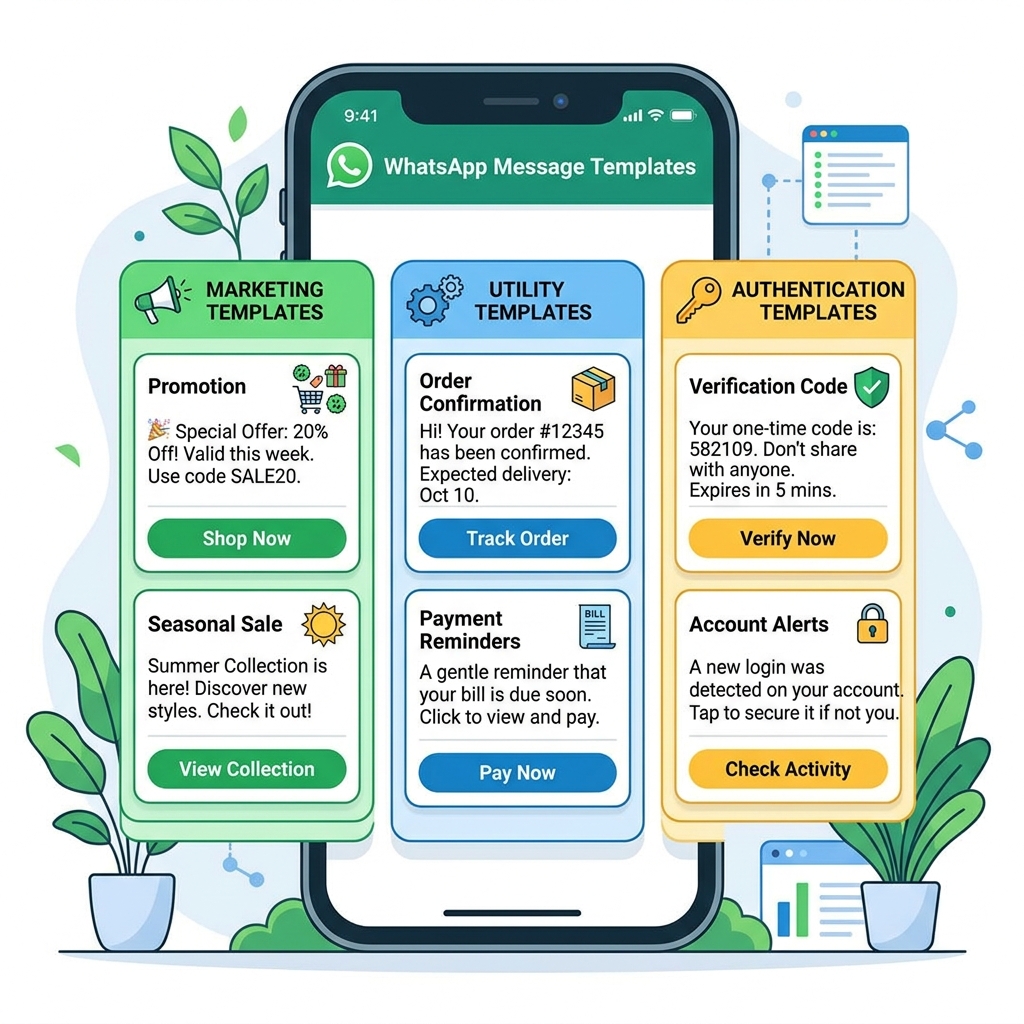
Additionally, use WhatsApp Message Templates to proactively update customers before they have to ask. Sending a proactive "Your order is out for delivery" template prevents the customer from ever needing to contact support in the first place.
5. Maintain the Context (Use a Shared Inbox)
Nothing is more frustrating for a customer than explaining their issue, being transferred to another agent, and having to explain it all over again.
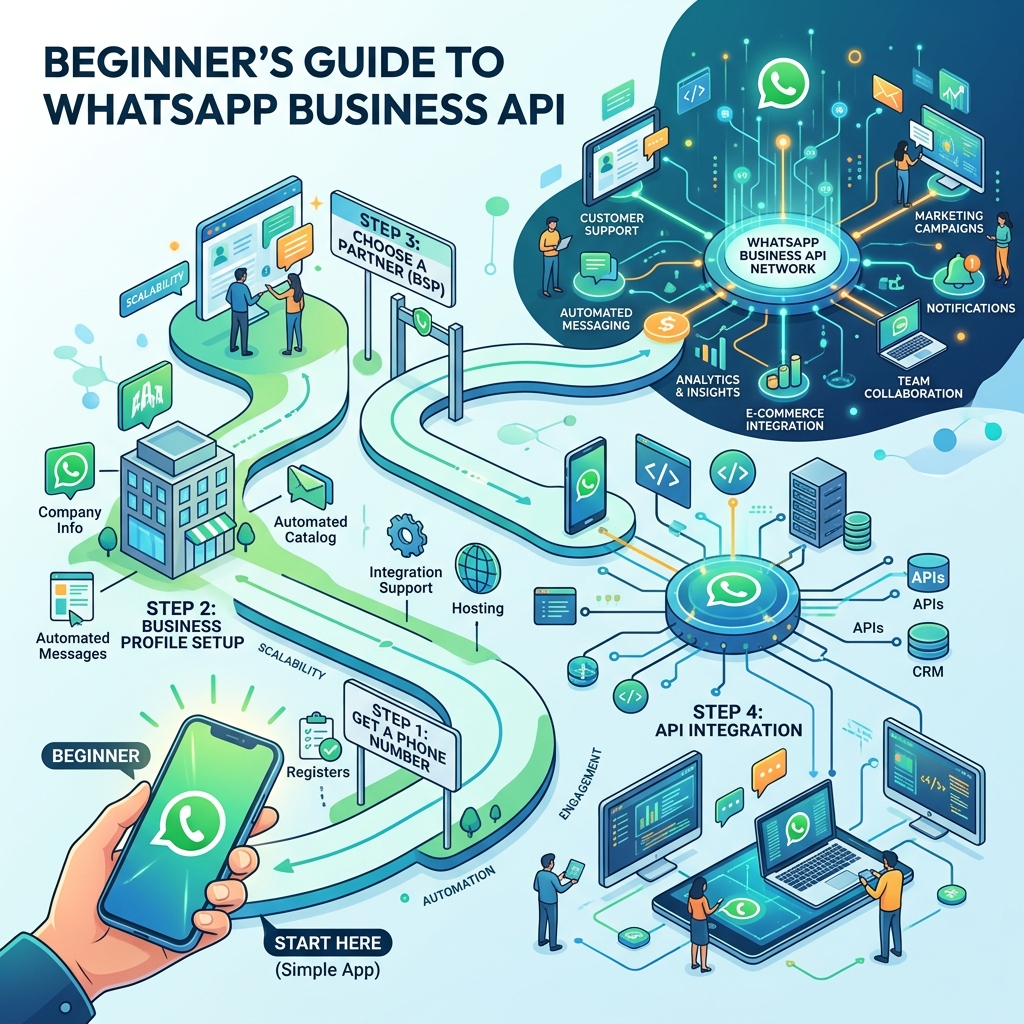
If you are using the WhatsApp Business API connected to a shared inbox, all agents can see the entire history of the chat. Before an agent replies, they must take 30 seconds to read the previous messages.
"Hi David, I see my colleague Mark helped you with the billing issue yesterday. How can I help you today?"
Best Practices Checklist
- ✅ First Response Time (FRT): Aim for an automated FRT of 5 seconds, and a human FRT of under 15 minutes.
- ✅ Resolution Time: Aim to resolve issues within the 24-hour service window to avoid paying for new conversation charges.
- ✅ Gather Feedback: After an issue is resolved, send an automated CSAT (Customer Satisfaction) survey: "Rate your support today from 1-5."
Frequently Asked Questions
How do I manage WhatsApp support after hours?
Use an automated "Away Message" that clearly states your operating hours. Additionally, you can provide a chatbot menu with links to your FAQ page or knowledge base so customers can self-serve while you are closed.
Can multiple agents reply to the same customer?
Yes, but only if you are using the WhatsApp Business API connected to a shared inbox software. The standard mobile app does not support effective multi-agent routing.
Final Thoughts
Customer service is no longer just a cost center; it is a retention engine. The businesses that win in the modern era are the ones that make it unbelievably easy for customers to get help.
By leveraging WhatsApp's immediacy, rich media, and conversational nature, you can deliver a support experience that not only solves problems quickly but makes your customers fall in love with your brand.