Try a Live WhatsApp Workflow
Scan. Send. Experience structured lead capture in real time.
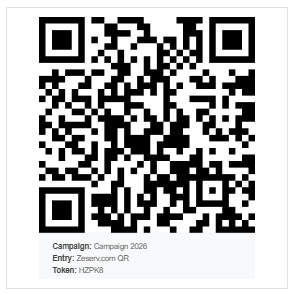
Click the button or scan the QR code
Use the "Click to Start" button, or point your camera at the QR code on the left.
Send the suggested message
Your WhatsApp will open with a pre-filled introductory message to Zeserv. Do not edit it. Simply press Send.
Experience the automation
Answer a few simple questions about your business step by step.
You’ll see how your responses are instantly captured, organized, and acted upon.
You can also observe how the conversation intelligently adapts based on your answers.
Takes less than 60 seconds.
See how this can work for your business
Based on your responses, our team will reach out to you with relevant insights and show you how Zeserv can help you capture more leads, improve follow-ups, and streamline your operations.