WhatsApp Business API Pricing Explained: Everything You Need to Know
Navigate the complexities of WhatsApp Business API pricing to budget effectively and maximize the ROI of your messaging campaigns.
Introduction
Upgrading from the standard WhatsApp Business App to the WhatsApp Business API unlocks incredible capabilities: multi-agent access, chatbot integration, CRM syncing, and mass broadcasting. However, one of the biggest hurdles businesses face when making the switch is understanding how it is priced.
Unlike the free business app, the API operates on a usage-based pricing model. Meta (the parent company of WhatsApp) charges businesses based on the number of conversations they have, rather than a flat monthly fee or a per-message cost.
If you don't understand how this conversation-based pricing works, you could end up with unexpected bills. But once you grasp the structure, you can optimize your campaigns to be highly cost-effective.
In this comprehensive guide, we will break down exactly how WhatsApp Business API pricing works, the different types of conversations, and strategies to keep your costs low.
Understanding Conversation-Based Pricing
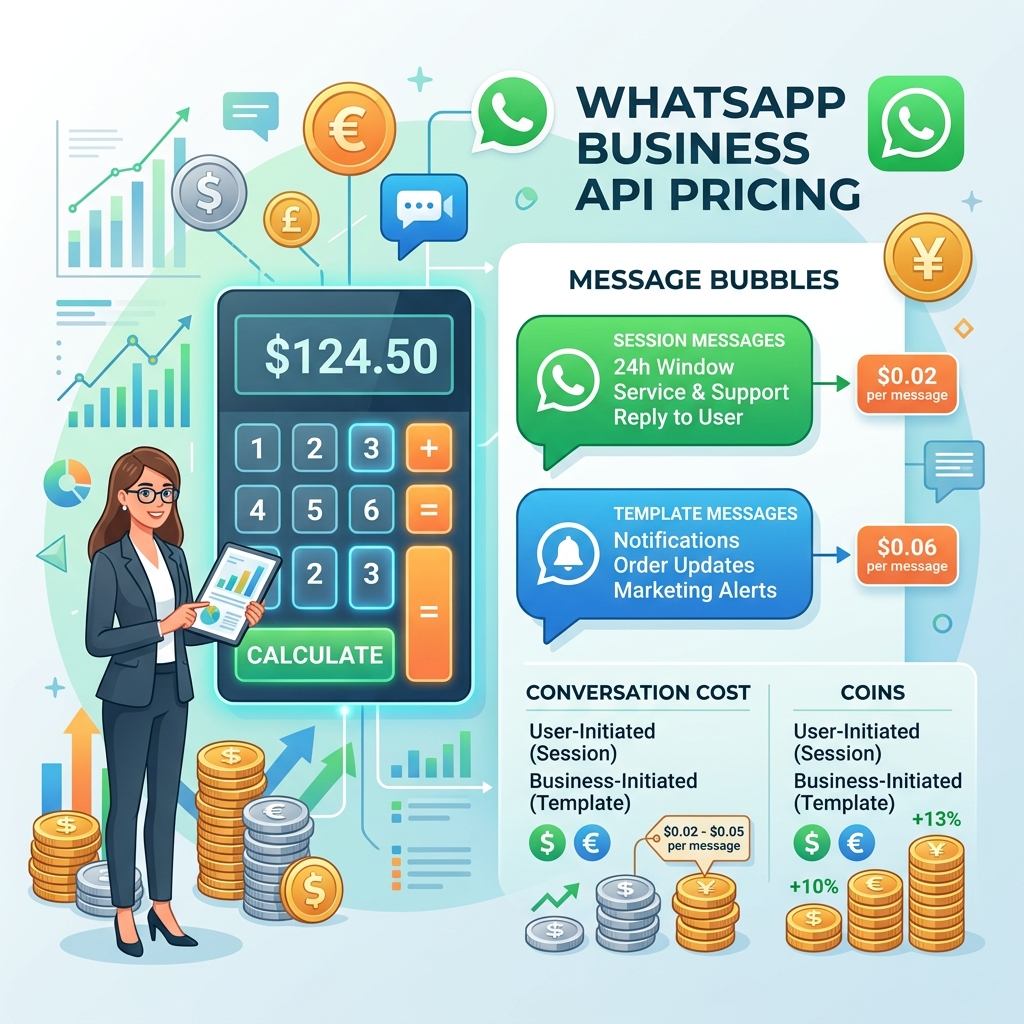
Meta does not charge for every single message you send or receive. Instead, they charge per conversation.
A "conversation" is defined as a 24-hour window that begins the moment a business's message is delivered to a customer. During this 24-hour window, the business and the customer can exchange an unlimited number of messages (including text, media, and templates) without incurring any additional charges from Meta.
Once the 24 hours expire, any new message sent by the business will start a new conversation and incur a new charge.
The Four Conversation Categories
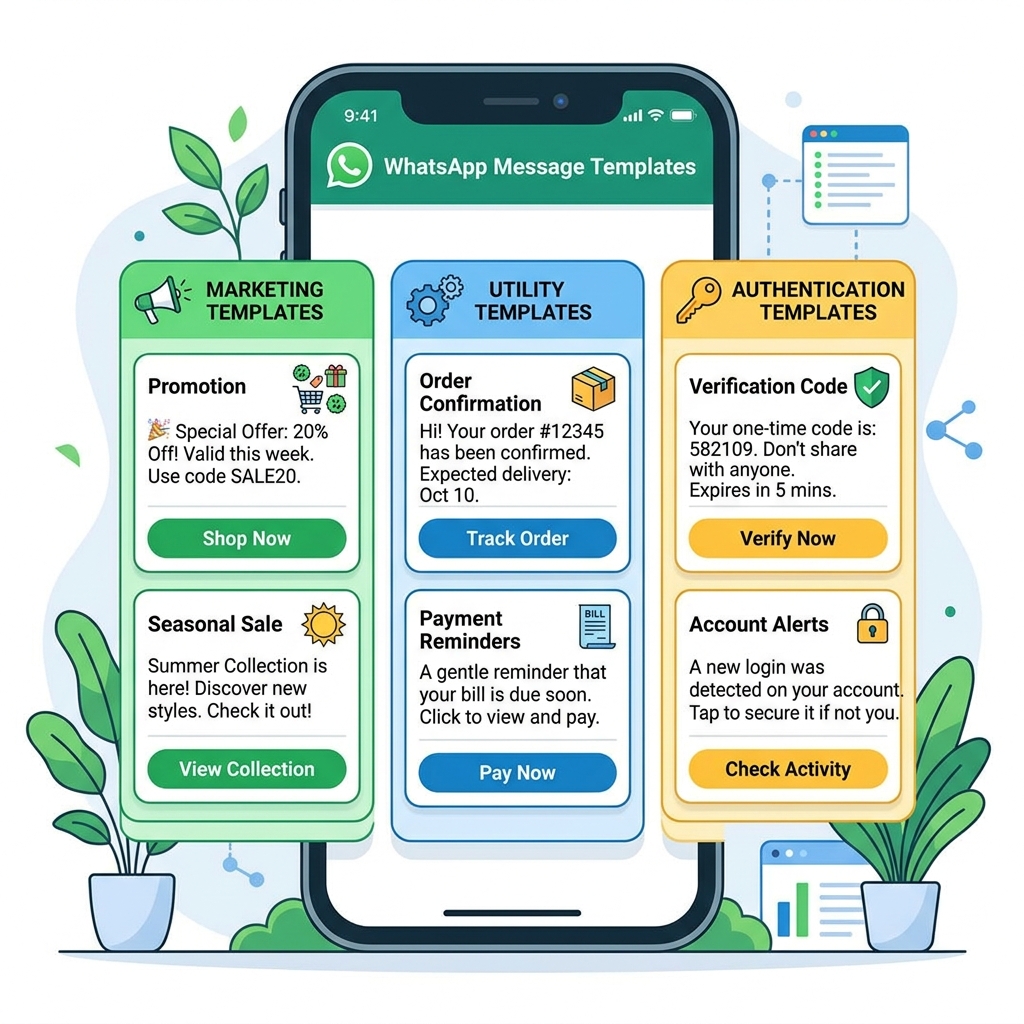
To give businesses more control and to prevent spam, Meta categorizes conversations into four distinct types. The price of a conversation depends on its category and the country code of the customer's phone number.
1. Marketing Conversations
These are the most expensive type of conversation. Marketing conversations include promotions, offers, welcome messages, newsletters, or any message that doesn't strictly fit into the utility or authentication categories.
Example: "Hey John, our summer sale starts today! Use code SUMMER20 for 20% off."
2. Utility Conversations
These are generally cheaper than marketing conversations. They are purely transactional messages related to a specific, agreed-upon request or transaction.
Example: "Your order #12345 has shipped and will arrive on Tuesday."
3. Authentication Conversations
These are strictly for verifying user identities with One-Time Passwords (OTPs) during login, account recovery, or secure transactions. They have strict formatting rules and are typically the cheapest business-initiated category.
Example: "Your verification code is 482910. It expires in 5 minutes."
4. Service Conversations (User-Initiated)
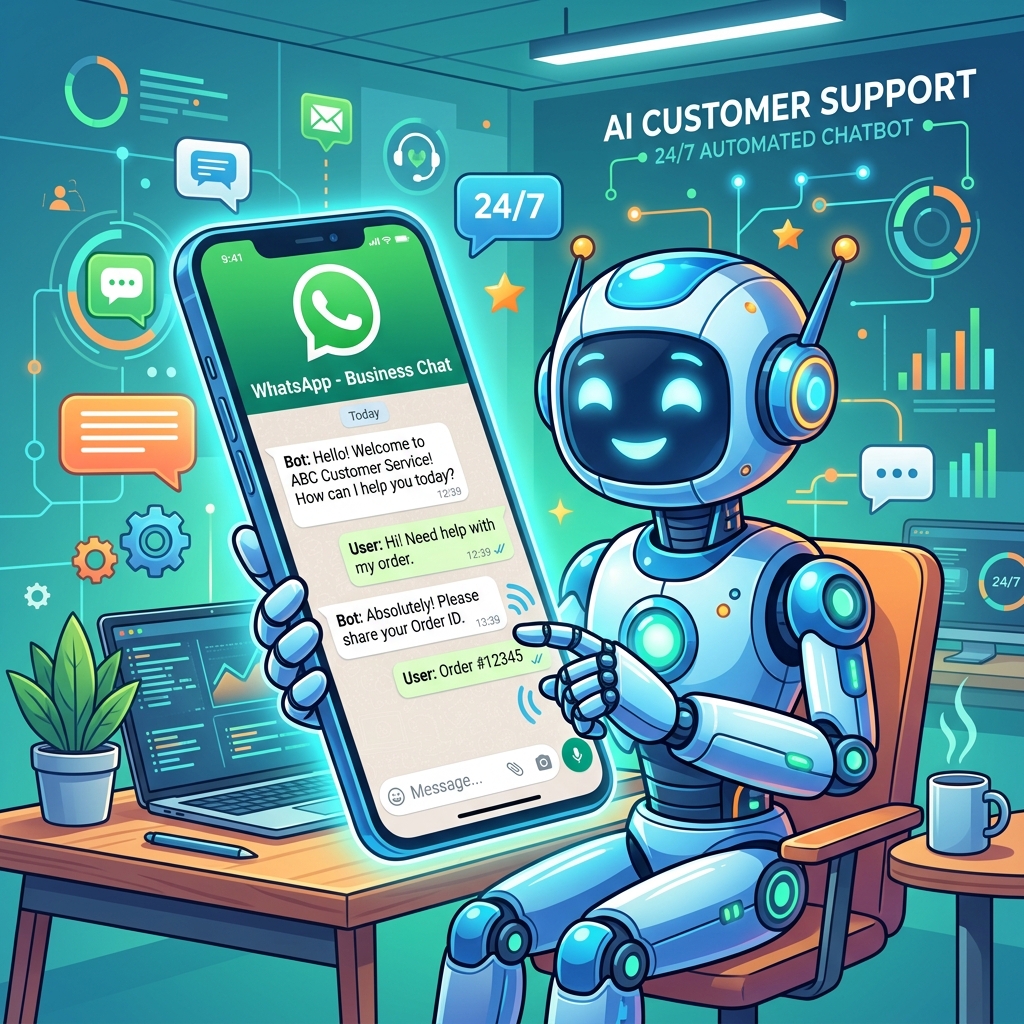
A service conversation occurs when a customer sends a message to your business first, and you reply within 24 hours to help them. These are meant to resolve customer inquiries and provide support.
Important Perk: Meta provides every WhatsApp Business account with 1,000 free Service conversations every month! This makes providing customer support highly cost-effective.
 }})
Additional Costs to Consider
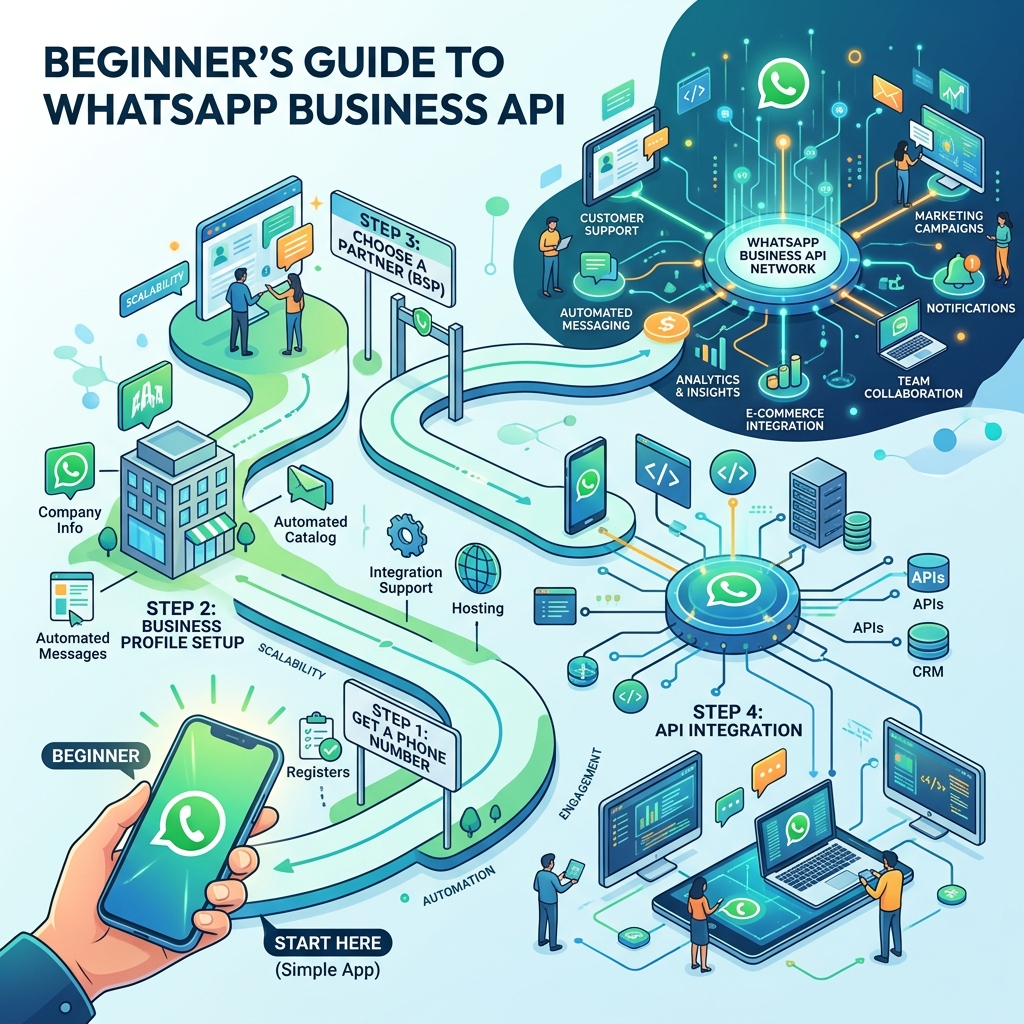
Meta's conversation fees are only one part of the equation. To use the WhatsApp Business API, you must connect through a Business Solution Provider (BSP) or use a CRM platform (like Zeserv) that interfaces with the API.
Therefore, your total monthly cost will typically consist of:
- Meta's Conversation Fees: Billed directly based on your usage (as explained above).
- Platform/Software Subscription: The monthly fee you pay to your software provider for the shared inbox, chatbot builder, CRM features, and campaign management tools.
- BSP Markups (Sometimes): Some providers add a small markup per message on top of Meta's fees. Always check your provider's pricing structure to see if they pass Meta's fees through directly or add a margin.
Tips to Reduce Your WhatsApp API Costs
Smart businesses optimize their messaging strategies to maximize ROI.
- Maximize the 24-Hour Window: If a customer initiates a chat (starting a Service conversation), you have 24 hours to send them promotional material without paying the higher Marketing rate. Use this window to upsell effectively!
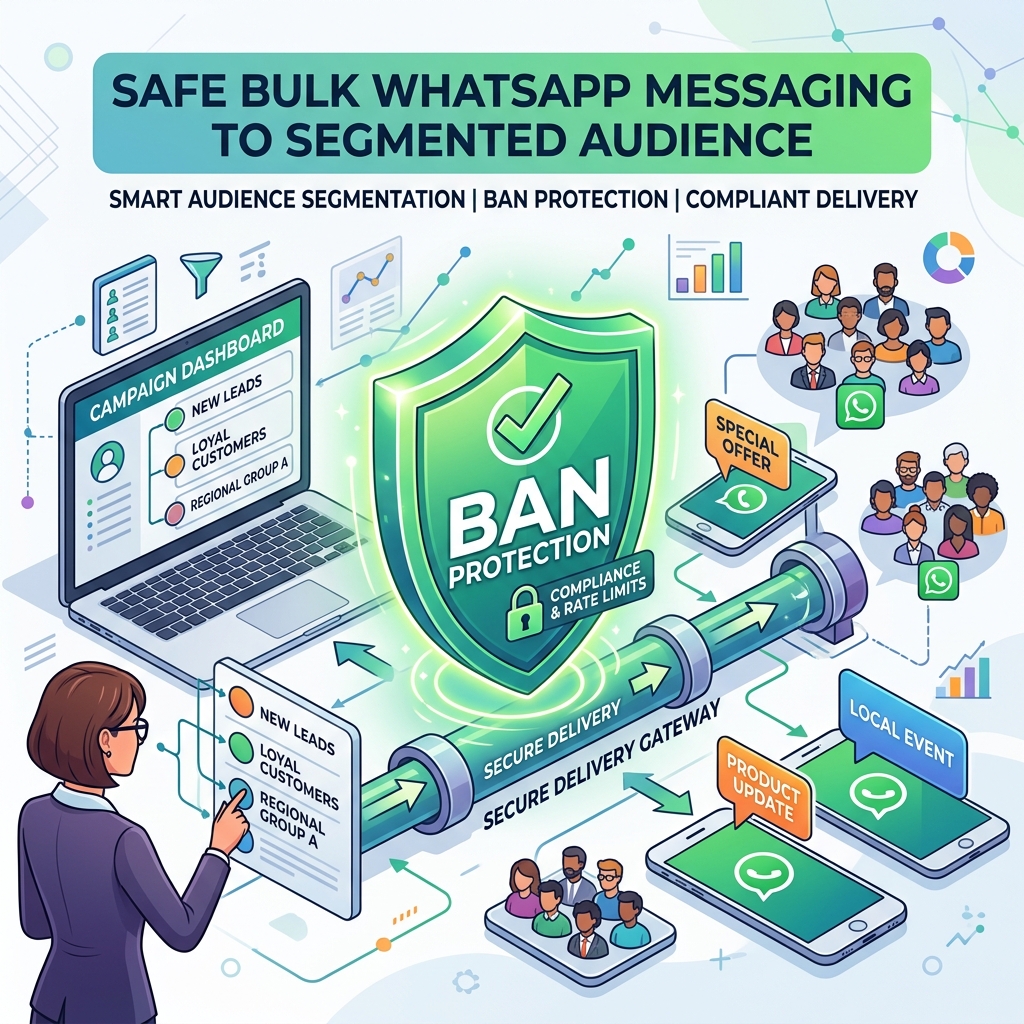
- Clean Your Contact Lists: Don't send bulk marketing broadcasts to unengaged numbers. You pay for the delivered message regardless of whether they read it or not. Segment your audience and only target active customers.
- Resolve Support Tickets Quickly: Ensure your support team or chatbots resolve customer issues within the 24-hour window. If a ticket drags on into day two, you will have to pay for a new conversation to reply.
- Use Free Entry Points: If a customer clicks on a "Click-to-WhatsApp" ad on Facebook or Instagram, or clicks a CTA button on a Facebook Page, the resulting conversation is completely free for 72 hours!
Frequently Asked Questions
Do I pay if a customer sends me a message and I don't reply?
No. A service conversation only begins, and is charged, when the business sends a reply to the customer.
How are international numbers billed?
Conversation rates vary significantly by country. A marketing conversation sent to a UK number will have a different price than one sent to an Indian number. Always check Meta's official pricing rate card for your target markets.
What happens if I send a Marketing template during an active Service conversation?
If you send a Marketing template while a Service conversation is already open, it will trigger a new Marketing conversation charge, and both 24-hour windows will run concurrently.
Final Thoughts
While the WhatsApp Business API is not free, its exceptional open rates (often exceeding 90%) and engagement levels mean the Return on Investment (ROI) usually dwarfs traditional email or SMS marketing.
By understanding how conversations are categorized, leveraging your 1,000 free monthly service conversations, and utilizing free entry points from Meta ads, you can build a highly profitable WhatsApp marketing machine.
Plan your campaigns carefully, segment your audience, and watch your business grow.