How to Collect Leads Using WhatsApp QR Codes
Learn how to bridge the gap between offline interactions and online sales using the power of WhatsApp QR codes for seamless lead generation.
Introduction
In today's fast-paced digital world, businesses are constantly searching for ways to reduce friction in the customer journey. One of the most significant drop-off points occurs when a potential customer is asked to fill out a lengthy web form or dial a phone number they just saw on a billboard.
Enter the WhatsApp QR code.
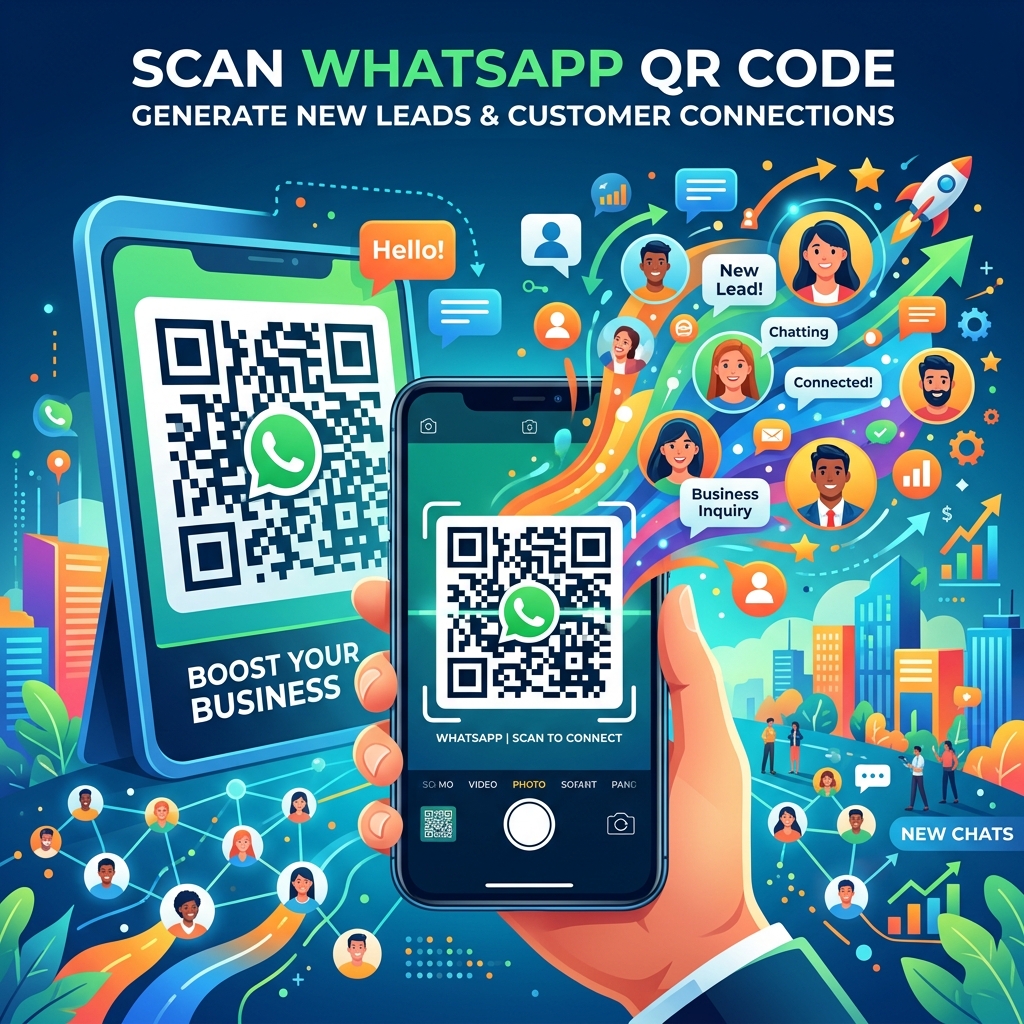
A WhatsApp QR code is a scannable code that instantly opens a chat with your business number on WhatsApp. Instead of typing a phone number, saving it to their contacts, and then initiating a chat, a customer simply points their smartphone camera at the code. With one tap, they are instantly connected to your business.
Even better, these QR codes can be pre-filled with a custom message, allowing you to track exactly where the lead came from. It's one of the most effective offline-to-online lead generation tools available today.
Why QR Codes Convert Better Than Web Forms
Traditional lead generation relies heavily on landing pages and contact forms. However, forms introduce friction.
Consider the steps required for a web form:
- Click a link or type a URL.
- Wait for the page to load.
- Type a name, email address, and phone number.
- Submit the form and wait for a business to contact them.
A WhatsApp QR code eliminates almost all of this:
- Scan the code.
- Hit "Send" on the pre-filled message.
This instant, conversational connection drastically increases conversion rates because it aligns with how modern consumers prefer to communicate—instantly and on their own terms.
Where to Place WhatsApp QR Codes for Maximum Impact
The beauty of QR codes is their versatility. They can be placed almost anywhere physical or digital. Here are the most effective placements:
1. Storefronts and Cash Registers
Turn foot traffic into digital leads. Place a QR code on your door or checkout counter with a call-to-action (CTA) like, "Scan here to join our VIP club for 10% off today!" Even if they don't buy immediately, you now have their contact info for future marketing.
2. Business Cards and ID Badges
Networking is essential, but handing over a physical card often leads nowhere. By adding a WhatsApp QR code to your business card, connections can instantly text you their details, ensuring the conversation continues after the event.
3. Posters, Billboards, and Flyers
Make your traditional advertising measurable. If you run a flyer campaign, include a QR code with a pre-filled message like, "Hi, I saw your summer flyer and want to claim my discount." This helps you track the exact ROI of your physical ads.
4. Product Packaging
Post-purchase engagement is vital for retention. Print a QR code on your packaging that says, "Scan to register your warranty" or "Scan for a video tutorial on how to use this product." This immediately brings an existing customer into your WhatsApp CRM.
Tracking and Automating the Lead Journey
Getting the scan is only half the battle; what happens next is what drives sales.
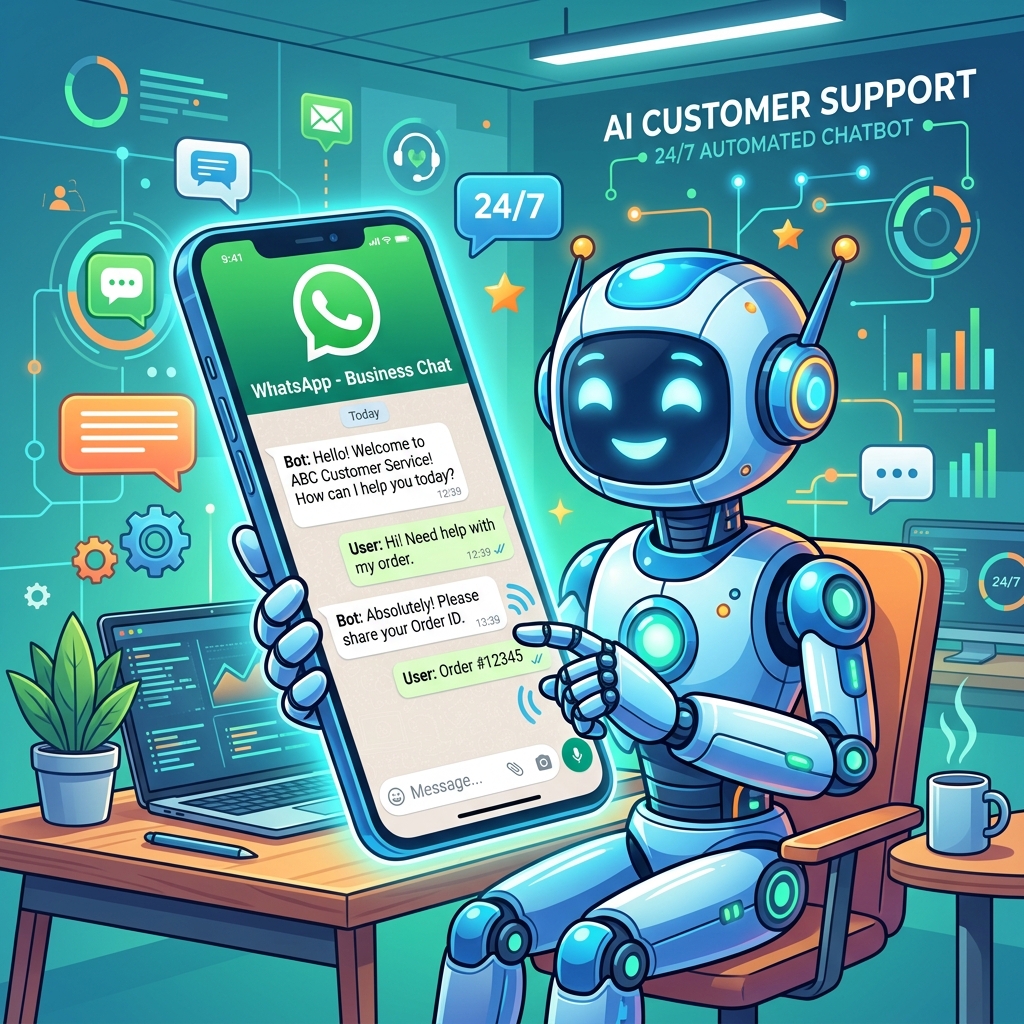
Using the WhatsApp Business API, you can connect your QR codes directly to automation flows and chatbots. For instance:
- Instant Welcome: As soon as the customer sends the pre-filled message, a chatbot instantly replies with a welcome greeting and the promised discount code.
- Lead Qualification: The bot can ask 2-3 quick questions (e.g., "What product are you interested in?") to qualify the lead before handing it over to a human agent.
- CRM Syncing: The customer's phone number and answers are automatically synced to your CRM, creating a new contact profile without any manual data entry.
 }})
WhatsApp QR Code Best Practices Checklist
Before launching a QR code campaign, ensure you check these boxes:
- ✅ Is the QR code large enough to be easily scanned from a distance?
- ✅ Is there a clear Call-to-Action (CTA) next to the code explaining why they should scan it?
- ✅ Is the pre-filled message relevant to the placement?
- ✅ Is your WhatsApp automation ready to respond instantly when the code is scanned?
- ✅ Have you tested the QR code on both iOS and Android devices?
Frequently Asked Questions
Do customers need a special app to scan the code?
No. Most modern smartphones have QR code scanners built directly into their native camera apps. Users simply point their camera at the code, and a prompt will appear to open WhatsApp.
Can I change the pre-filled message later?
It depends on how the QR code is generated. If you generate a static QR code, the message is permanently embedded in the code image. If you use a dynamic QR code provider or a short-link generator, you can often update the destination message without changing the physical code.
How do I generate a WhatsApp QR code?
If you use the standard WhatsApp Business App, you can find your unique QR code in the settings under "Business Tools" -> "Short Link". If you use the WhatsApp Business API, your Business Solution Provider (BSP) will have a tool to generate custom links and QR codes.
Final Thoughts
WhatsApp QR codes are a low-cost, high-reward strategy for capturing leads that would otherwise slip away. By reducing friction and moving offline interactions directly into a conversational interface, businesses can capture more data, respond faster, and ultimately close more sales.
Don't just hand out flyers or business cards and hope for the best. Add a WhatsApp QR code, automate the response, and turn every physical interaction into a measurable digital lead.