WhatsApp Business for E-Commerce: From Catalog to Order Confirmation
Turn the world's most popular messaging app into an end-to-end shopping experience that drives sales and delights customers.
Introduction
E-commerce is evolving rapidly. A few years ago, the pinnacle of digital shopping was a well-designed website. Today, consumers want to shop where they already spend most of their time: inside their messaging apps.
This shift is known as "Conversational Commerce."
WhatsApp, with over 2 billion active users, is leading this revolution. By leveraging WhatsApp Business, e-commerce brands can now guide a customer through the entire purchasing journey—from browsing products to receiving shipping updates—without the customer ever having to open a web browser.
In this guide, we'll explore how to set up an end-to-end e-commerce experience on WhatsApp.
Step 1: The WhatsApp Catalog
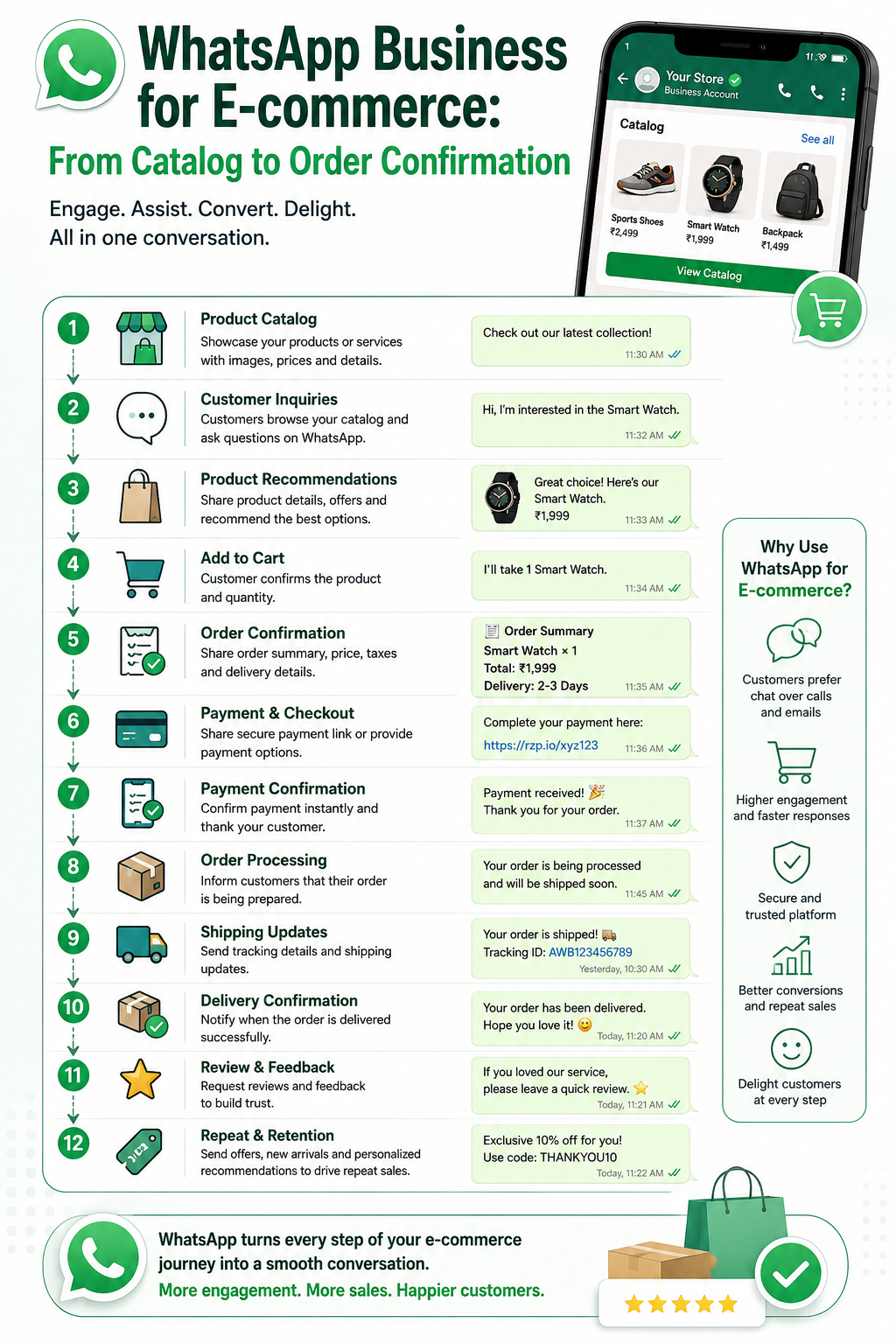
The foundation of WhatsApp e-commerce is the Catalog feature. This allows you to create a mobile storefront directly within your WhatsApp profile.
Instead of sending a link to your website, you simply share your catalog. Customers can tap the shopping bag icon in your chat to view your products, read descriptions, check prices, and look at up to 10 images per item.
Pro Tip: Keep your catalog updated! Out-of-stock items displayed in your catalog lead to frustrated customers and wasted agent time.
Step 2: The Shopping Cart
Once a customer finds an item they like in your catalog, they don't need to text you the product name. They can simply tap Add to Cart.
They can continue browsing, adding multiple items to their cart. When they are ready, they hit send, and you (the business) receive their entire order in a single, neatly formatted WhatsApp message.
This eliminates the messy back-and-forth of trying to figure out exactly which "blue shirt" the customer meant.
Step 3: Payments & Order Confirmation (Via API)
If you are using the free WhatsApp Business App, the transaction stops at the cart message. You must manually send the customer a payment link (like a Stripe or PayPal link) and manually confirm the order.
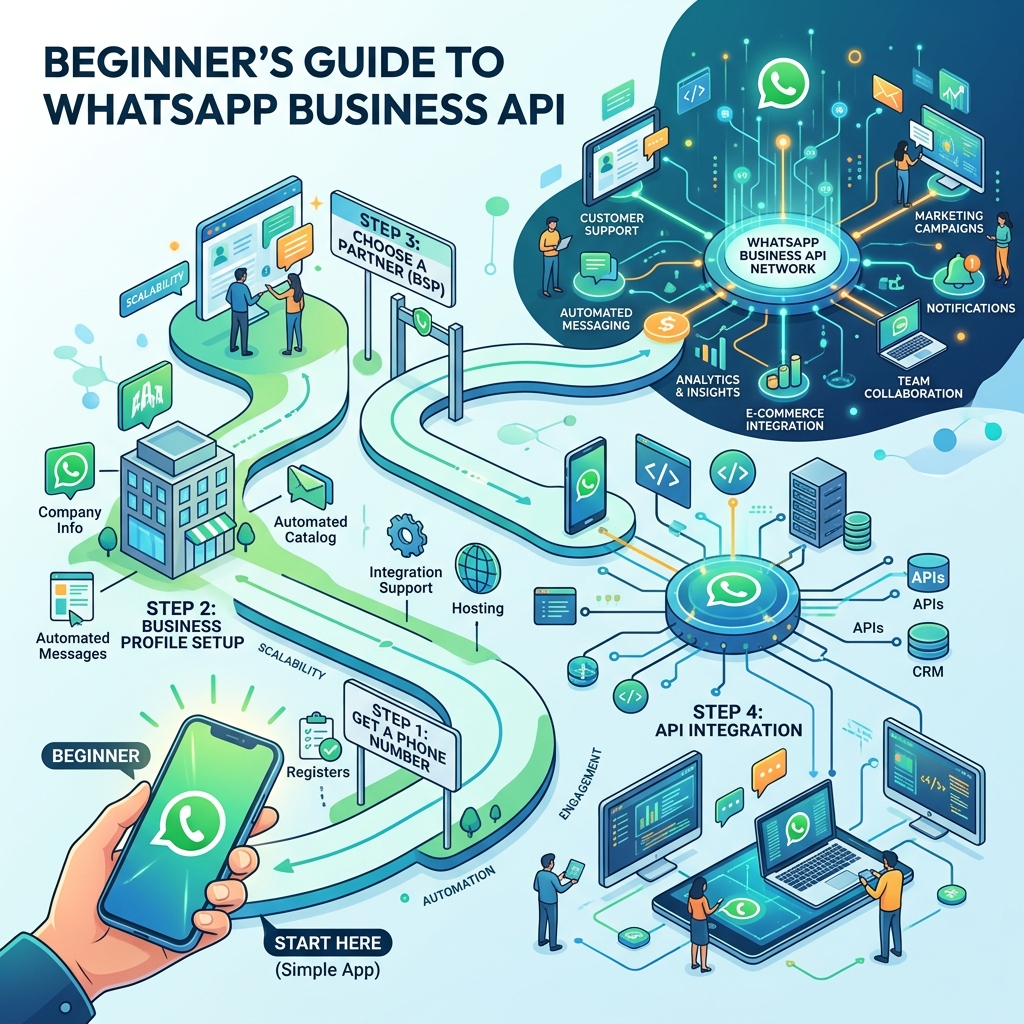
However, if you upgrade to the WhatsApp Business API (using a platform like Zeserv), you can automate this entire process:
- The customer sends their cart.
- The API automatically calculates the total (including shipping) and replies with a dynamic checkout link.
- The customer pays via the secure link.
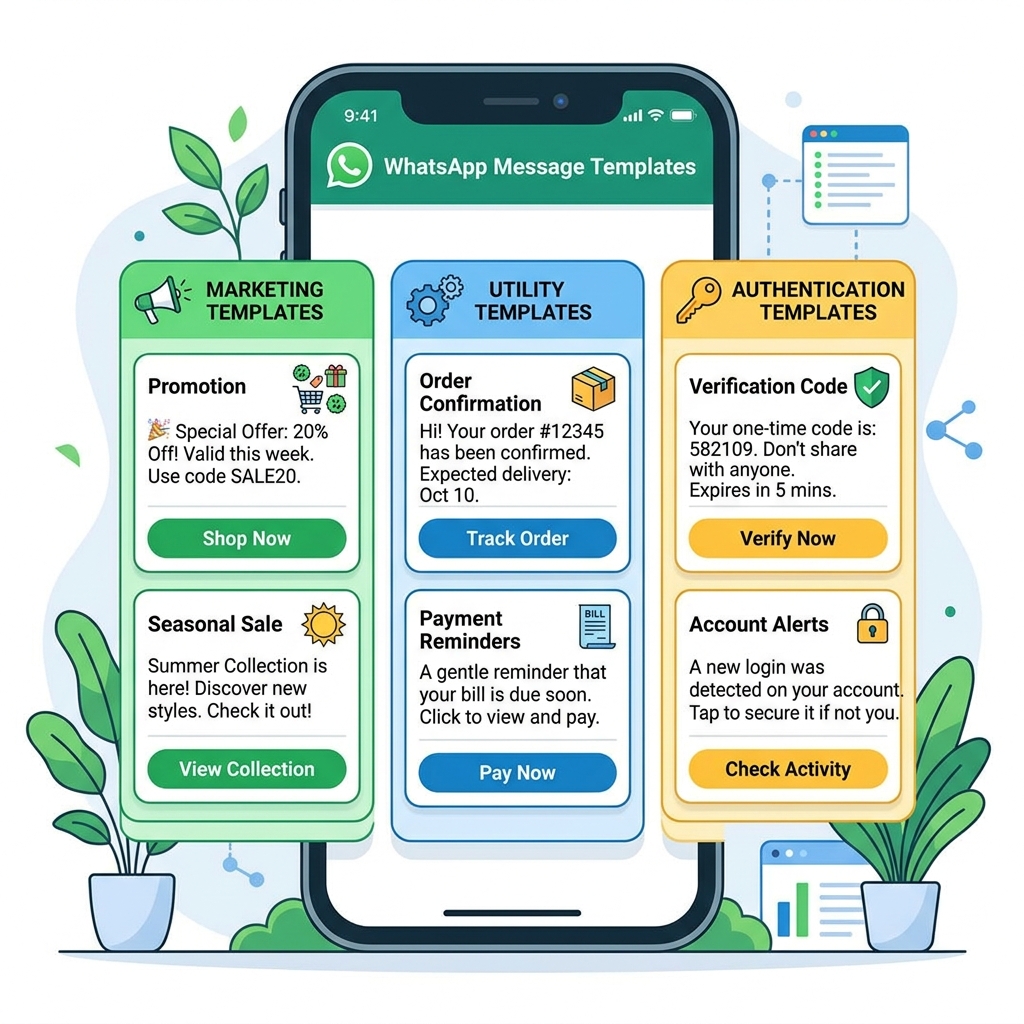
- The API instantly detects the successful payment and sends a WhatsApp Message Template: "Payment successful! Your order #1029 is confirmed."
 }})
Step 4: Post-Purchase Notifications
The e-commerce experience doesn't end at checkout. Post-purchase anxiety is real, and WhatsApp is the best way to soothe it.
Connect your e-commerce platform (like Shopify or WooCommerce) to the WhatsApp API to automate fulfillment updates:
- Shipped: "Hi {{Name}}, good news! Order #1029 has been shipped. Track it here: [Link]"
- Out for Delivery: "Your package will be delivered today before 5 PM."
- Delivered: "Your package has arrived! Let us know if you love it."
Best Practices for WhatsApp E-Commerce
- ✅ Use High-Quality Images: Your catalog images must look professional. Low-quality photos erode trust instantly on a mobile screen.
- ✅ Automate FAQs: Shoppers will ask about return policies and shipping times before buying. Use a chatbot to answer these instantly 24/7.
- ✅ Run "Click-to-WhatsApp" Ads: Run ads on Facebook and Instagram where the call-to-action button opens a WhatsApp chat with your business instead of a landing page.
Frequently Asked Questions
Can customers pay directly inside WhatsApp?
Meta is rolling out native in-app payments (WhatsApp Pay) in specific countries like India and Brazil. In other regions, you use the API to send secure payment gateway links within the chat.
How many products can I add to the catalog?
You can add up to 500 items to your WhatsApp catalog.
Final Thoughts
Conversational commerce is the future of retail. By bringing your store to the app your customers already use every day, you drastically reduce friction, increase trust, and boost your conversion rates.
Don't wait for your competitors to adopt this. Start building your WhatsApp storefront today.