Introduction
WhatsApp has become one of the most preferred communication channels for businesses worldwide. Whether you're a freelancer, retailer, clinic, restaurant, educational institution, or enterprise, chances are your customers already use WhatsApp every day.
But many business owners face a common question:
Should I use the WhatsApp Business App or the WhatsApp Business API?
The answer depends on your business size, the number of customer conversations you handle, and how much automation you need.
In this guide, we'll compare both solutions in detail, helping you decide which one is the right fit for your business.
What is the WhatsApp Business App?
The WhatsApp Business App is a free mobile application designed for small businesses that want to communicate with customers using WhatsApp.
It includes features like:
- Business profile
- Product catalog
- Greeting messages
- Away messages
- Quick replies
- Labels for organizing chats
It works much like the regular WhatsApp app but includes additional business-focused tools.
Best suited for
- Local shops
- Home businesses
- Freelancers
- Consultants
- Small clinics
- Restaurants
- Businesses receiving fewer than 100 conversations per day
What is the WhatsApp Business API?
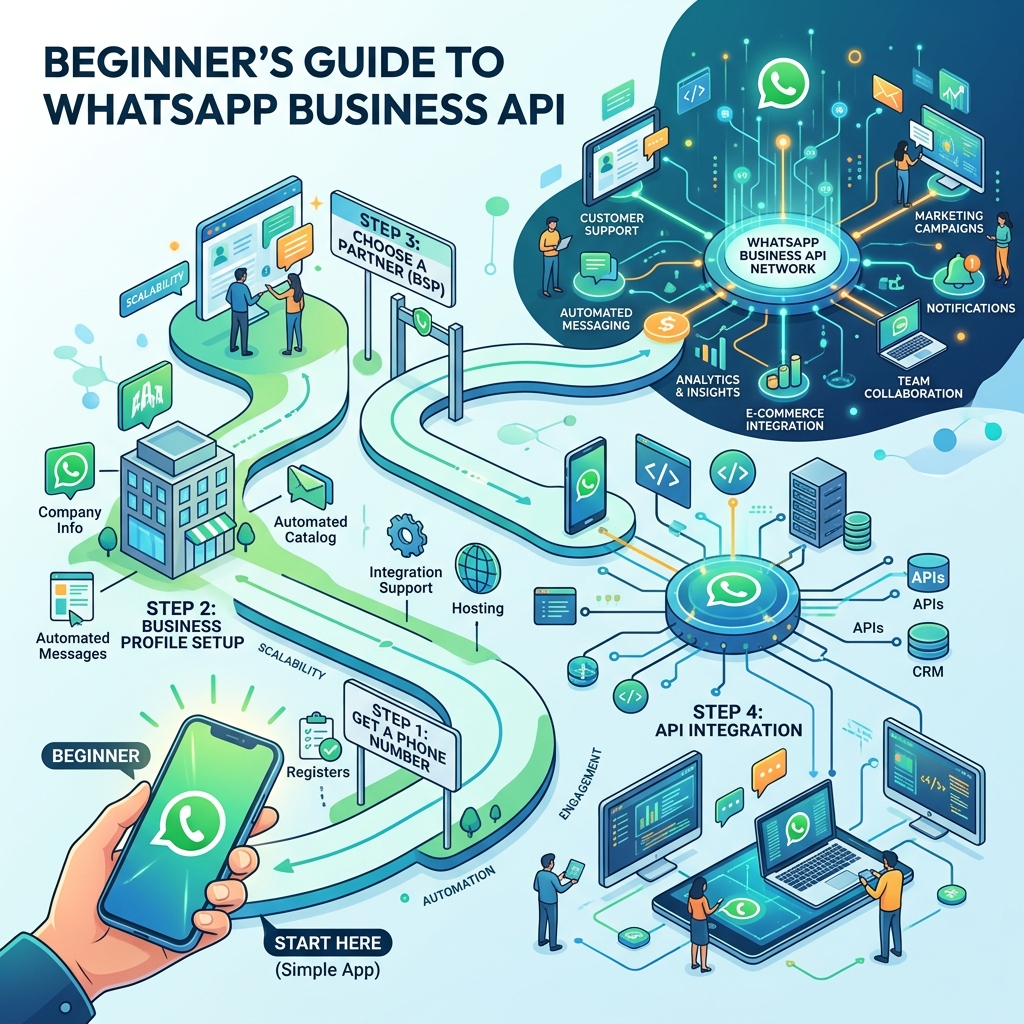
The WhatsApp Business API (also called the WhatsApp Business Platform) is designed for businesses that need to manage customer communication at scale.
Unlike the app, the API doesn't provide its own interface. Instead, it connects WhatsApp to business software such as CRM systems, customer support platforms, marketing tools, or automation platforms.
With the API, businesses can:
- Automate conversations
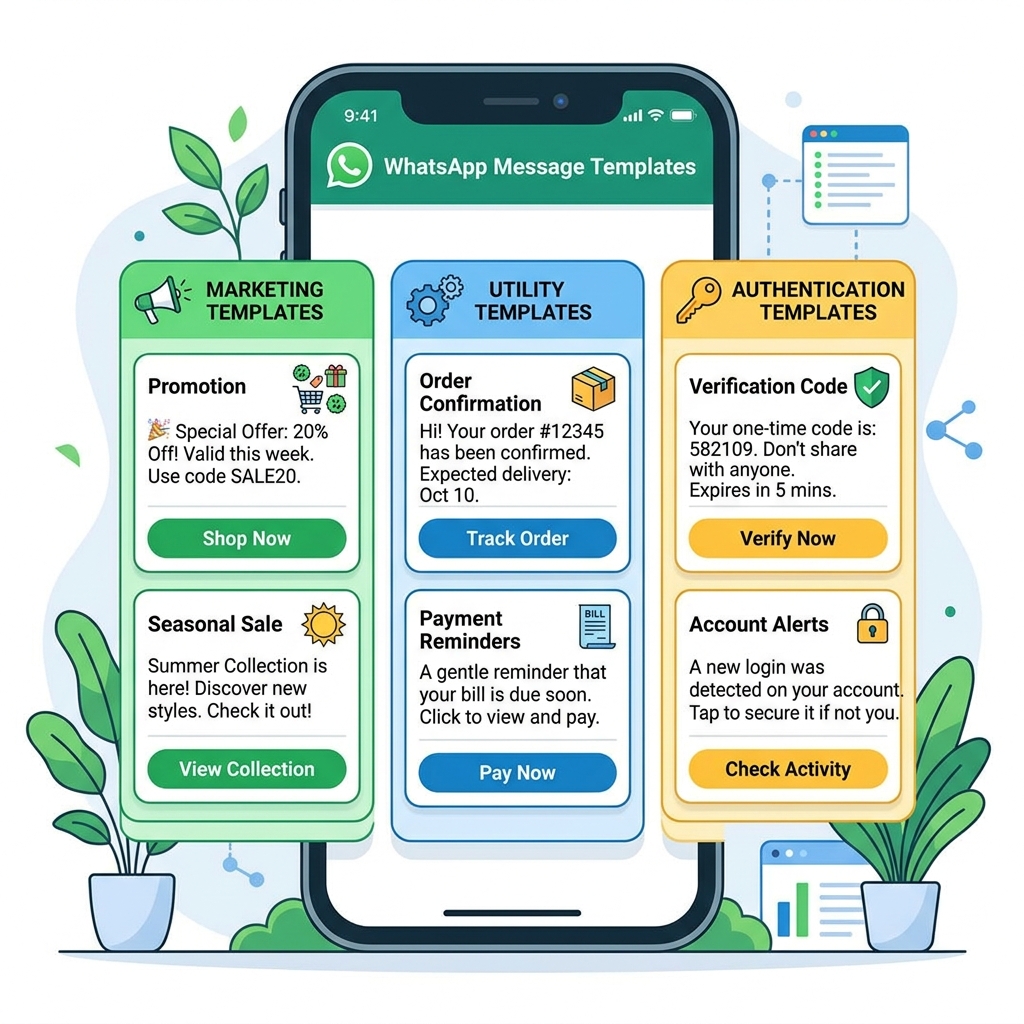
- Send approved template messages
- Build chatbots
- Assign conversations to multiple agents
- Integrate with CRM and ERP software
- Run marketing campaigns
- Track customer interactions
- Manage thousands of conversations simultaneously
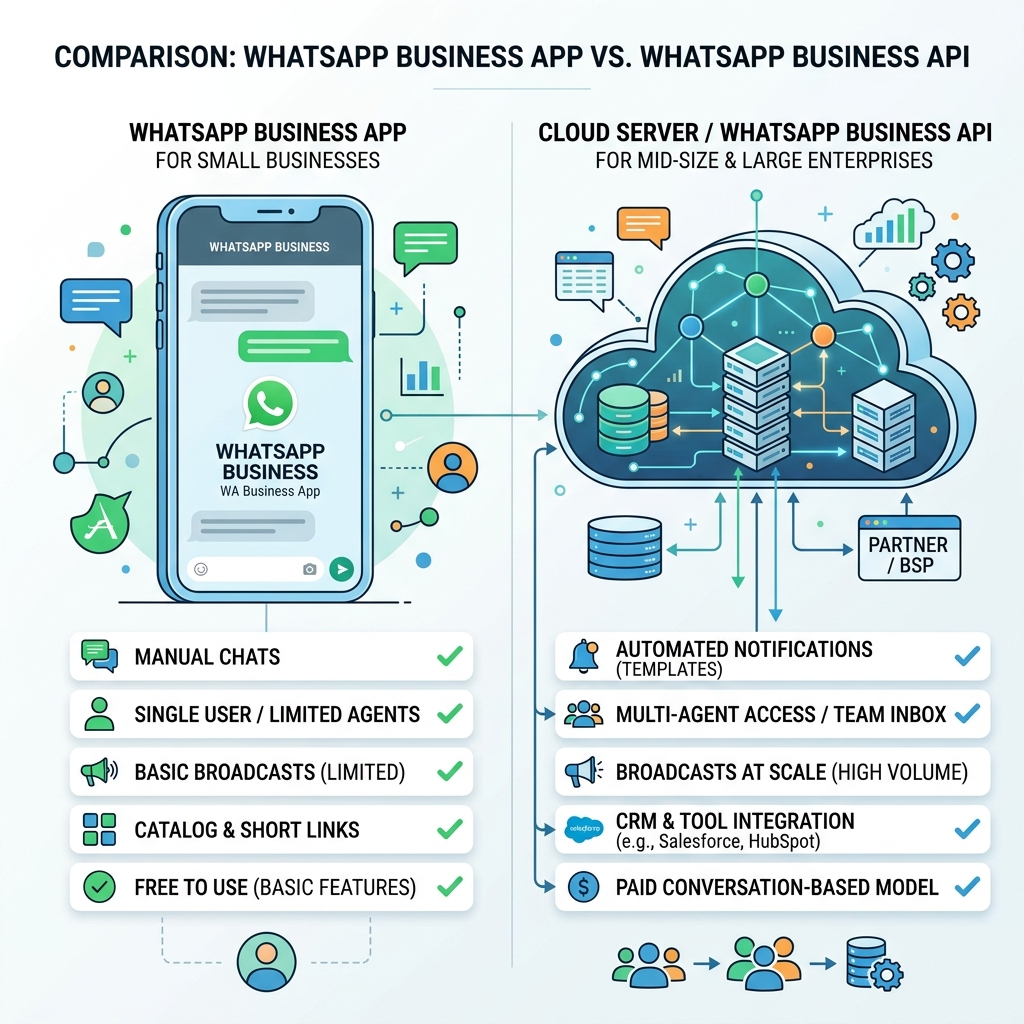
Quick Comparison
| Feature | WhatsApp Business App | WhatsApp Business API |
|---|---|---|
| Cost | Free | Usually requires a platform or solution provider |
| Best for | Small businesses | Growing and large businesses |
| Number of users | One primary device with companion devices | Multiple users and teams |
| Automation | Basic | Advanced |
| Chatbots | No | Yes |
| CRM Integration | No | Yes |
| Bulk Messaging | Very limited | Supported using approved templates |
| Campaign Management | No | Yes |
| Reports & Analytics | Minimal | Detailed |
| Workflow Automation | No | Yes |
Feature-by-Feature Comparison
1. Ease of Setup
WhatsApp Business App: Simply download the app, verify your phone number, and start chatting with customers. No technical knowledge required.
WhatsApp Business API: Requires setup through Meta or a Business Solution Provider. Once configured, it can integrate with your existing business systems.
Winner: Business App (for simplicity)
2. Customer Support
Business App: All customer messages arrive in one inbox. As your business grows, it becomes difficult to manage conversations efficiently.
Business API: Messages can be automatically categorized, assigned to agents, routed to departments, and escalated based on customer needs. Ideal for businesses with customer support teams.
Winner: Business API
3. Automation
This is where the biggest difference lies.
Business App offers: Greeting messages, Away messages, Quick replies. Useful, but limited.
Business API offers: AI chatbots, Appointment booking, Lead qualification, Order tracking, Automated follow-ups, Payment reminders, Customer surveys, Workflow automation, Ticket creation, CRM updates.
Businesses can automate repetitive tasks while still allowing human agents to step in when needed.
Winner: Business API
4. Marketing
Business App: You can manually send updates to customers using Broadcast Lists, but there are limitations (customers must have your number saved, managing large campaigns becomes difficult, tracking campaign performance is limited).
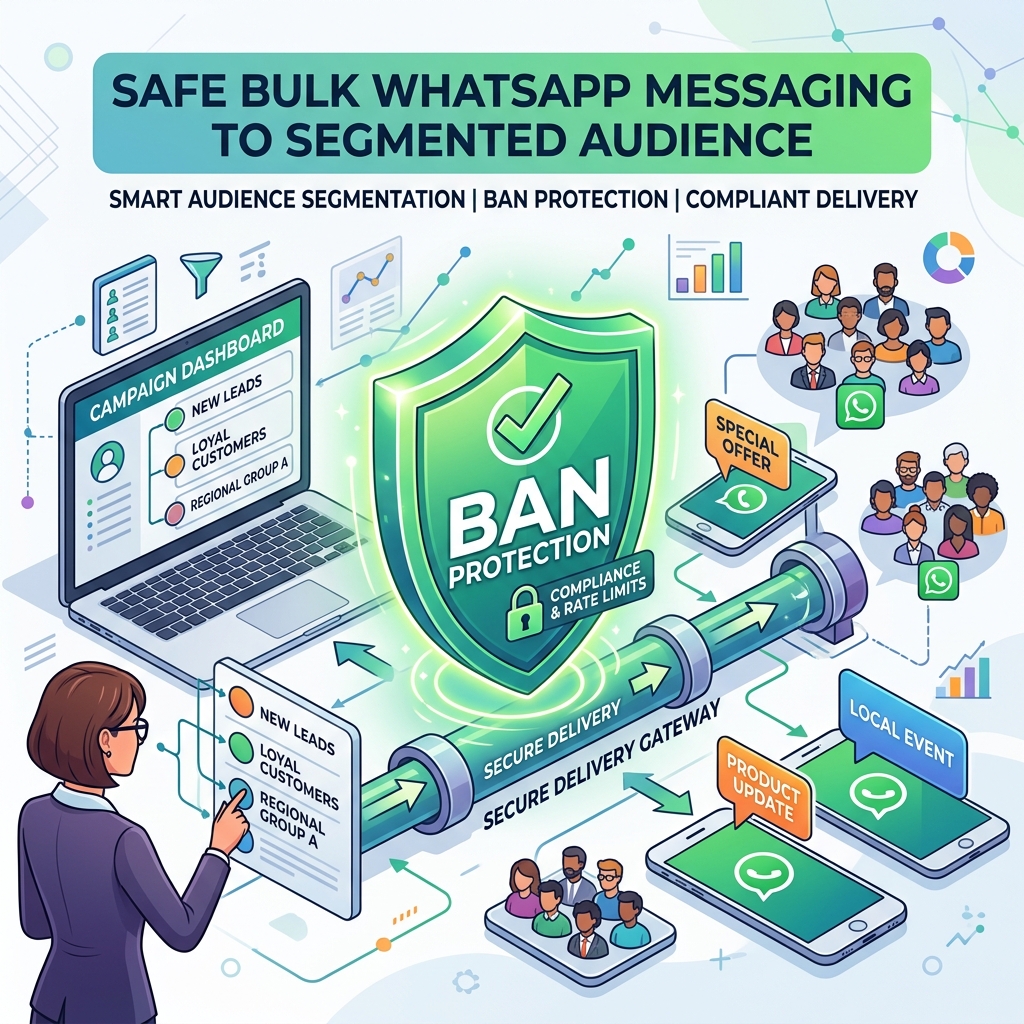
Business API: Businesses can run structured campaigns using approved message templates, schedule messages, segment audiences, personalize communication, and measure delivery and engagement.
Winner: Business API
5. Team Collaboration
Business App: Although companion devices make it easier for a few people to access the account, it isn't designed for larger customer support teams.
Business API: Multiple agents can respond to customers simultaneously. Managers can monitor conversations, assign chats, and review performance.
Winner: Business API
6. Customer Data
Business App: Customer information is limited. You mainly see chat history.
Business API: Businesses can maintain a complete customer profile including purchase history, appointments, service requests, previous conversations, notes, tags, and custom fields. This enables more personalized service.
Winner: Business API
7. Integrations
Business App: Works independently. It doesn't connect directly with most business software.
Business API: Can integrate with CRM systems, ERP software, billing systems, e-commerce platforms, appointment booking systems, inventory software, helpdesk solutions, and marketing platforms. This creates a seamless customer journey.
Winner: Business API
8. Scalability
Imagine your business grows from handling 20 customers a day to 2,000. The Business App quickly becomes difficult to manage manually.
The API is built for this scale, allowing automation and multiple team members to work together efficiently.
Winner: Business API
Which Businesses Should Use the WhatsApp Business App?
The app is ideal if you:
- Are just starting your business
- Have a small customer base
- Handle customer chats yourself
- Don't require advanced automation
- Mainly answer inquiries and share catalogs
- Have a limited budget
Examples include home bakers, freelancers, tutors, small boutiques, local repair shops, and independent consultants.
Which Businesses Should Use the WhatsApp Business API?
The API is a better choice if you:
- Receive hundreds of customer inquiries
- Have multiple staff handling WhatsApp
- Want to automate repetitive tasks
- Need CRM integration
- Run marketing campaigns
- Want chatbots
- Need detailed analytics
- Plan to scale your business
Examples include hospitals, educational institutions, real estate companies, retail chains, travel agencies, e-commerce businesses, financial service providers, and automobile dealerships.
Can You Start with the Business App and Upgrade Later?
Absolutely. Many businesses begin with the free Business App. As customer volume grows, they move to the WhatsApp Business API to gain access to automation, integrations, and multi-user capabilities. The transition allows businesses to maintain continuity while expanding their communication capabilities.
Common Misconceptions
"The API is only for large enterprises."
Not anymore. Many small and medium-sized businesses now use the API through affordable automation platforms.
"The API replaces human agents."
No. It automates repetitive tasks and helps route conversations efficiently, while human agents continue to handle complex or sensitive interactions.
"The Business App can do everything the API does."
The Business App offers useful features for small businesses, but it doesn't provide advanced automation, CRM integration, multi-agent support, or scalable workflow capabilities.
Decision Checklist
Choose the WhatsApp Business App if:
- ✅ You're a solo entrepreneur or very small business.
- ✅ You handle all customer conversations yourself.
- ✅ Your daily chat volume is manageable.
- ✅ Basic features meet your current needs.
Choose the WhatsApp Business API if:
- ✅ Your customer inquiries are increasing.
- ✅ Multiple team members need access to WhatsApp.
- ✅ You want to automate support, follow-ups, or marketing.
- ✅ You use a CRM, ERP, or other business systems.
- ✅ You're focused on scaling your operations.
Frequently Asked Questions
Is the WhatsApp Business App free?
Yes. The app is free to download and use.
Is the WhatsApp Business API free?
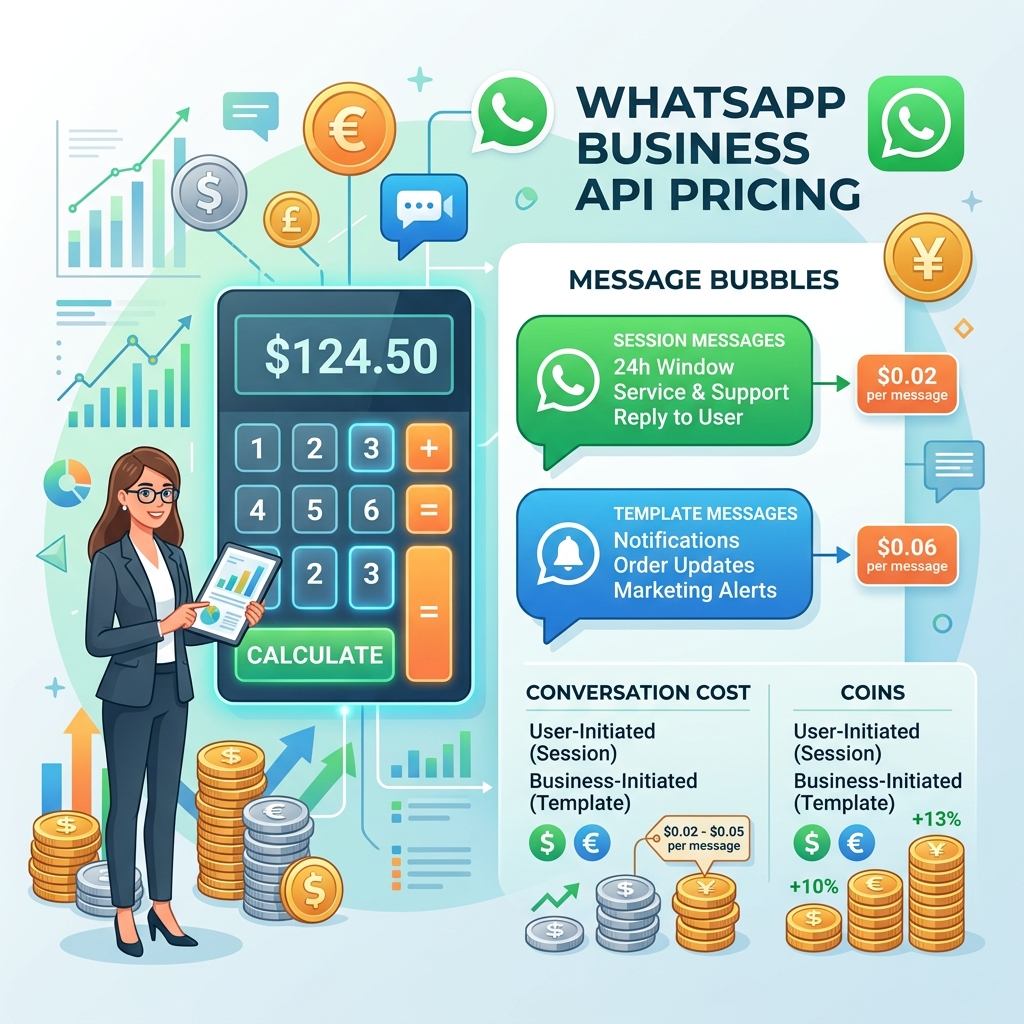
The API itself is a platform for integration. Businesses typically use it through a solution provider, and Meta charges for certain types of business conversations based on its pricing model. Costs vary depending on usage and region.
Can I use my existing business phone number?
In many cases, yes. Meta's coexistence capabilities also allow eligible businesses to continue using their WhatsApp Business App while benefiting from API-powered features through compatible platforms.
Can I send promotional messages with the API?
Yes, provided you use approved message templates and follow WhatsApp's policies.
Do I need technical knowledge to use the API?
Not necessarily. Many business platforms provide user-friendly interfaces for automation, campaigns, and customer management without requiring programming skills.
Conclusion
The WhatsApp Business App is an excellent starting point for small businesses looking to establish a professional presence on WhatsApp. It's easy to use, free, and offers enough features for businesses with modest communication needs.
However, as your business grows, manual processes can become a bottleneck. The WhatsApp Business API unlocks advanced capabilities such as automation, multi-agent collaboration, CRM integration, campaign management, and analytics—making it a better long-term solution for businesses aiming to scale.
Rather than viewing the two as competitors, think of them as different stages in your business journey: start with the Business App if it meets your current needs, and move to the API when you're ready to automate, streamline operations, and deliver a more consistent customer experience.