
WhatsApp Business App Hidden Features You Probably Didn't Know
Unlock the full potential of the standard WhatsApp Business App with these powerful but underutilized features.
Introduction
Most small business owners download the WhatsApp Business App, set up their profile picture, enter their business hours, and stop there. They treat it exactly like their personal WhatsApp account.
But the free WhatsApp Business App is packed with native tools designed to save you time, organize your customers, and present a more professional image.
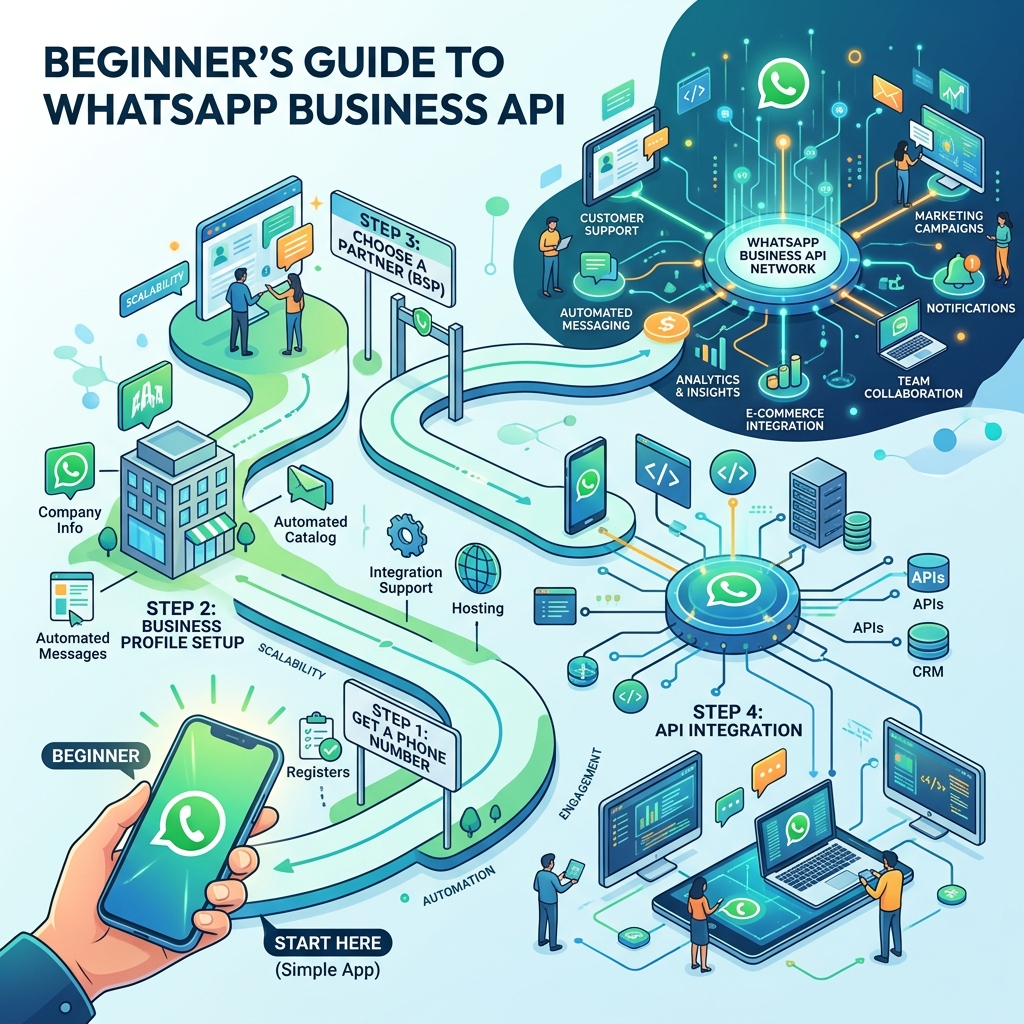
While growing businesses will eventually need the powerful automation of the WhatsApp Business API (via tools like Zeserv), the standard app is an excellent starting point—if you know how to use it.
Here are the hidden features in the WhatsApp Business App that you should be using right now.
1. The Product Catalog & Cart
Stop sending PDFs or hundreds of photos to customers asking "What do you sell?"
The Catalog feature allows you to create a mobile storefront right inside WhatsApp. You can upload up to 500 products or services, each with its own:
- Image (up to 10 photos per item)
- Title and description
- Price
- Website link
- Item code/SKU
The Hidden Trick: Customers can browse your catalog, tap the "Add to Cart" button, and send their entire order to you in a single, neatly formatted message. It turns WhatsApp into a mini e-commerce platform.
2. Labels for CRM Organization
If you use WhatsApp for sales, your inbox can quickly become chaotic. Who has paid? Who is waiting for a quote? Who is a new lead?
Labels are WhatsApp's built-in CRM system. You can create up to 20 custom color-coded labels (e.g., "New Customer", "Pending Payment", "Order Complete") and assign them to individual chats or specific messages.
The Hidden Trick: You can broadcast messages to specific labels! If you want to remind everyone with the "Pending Payment" label, you can select the label and tap "Message Customers" to create a targeted broadcast list instantly.
3. Quick Replies (The Time Saver)
How many times a day do you type your bank details, your store address, or your return policy?
Quick Replies allow you to save these frequently sent messages and assign them a keyboard shortcut. For example, you can save your 4-paragraph shipping policy under the shortcut `/shipping`.
Whenever a customer asks about shipping, simply type `/shipping` in the chat, and the full message will populate instantly.
 }})
4. The "Short Link" & QR Code Generator
You want customers to message you, but asking them to type in a 10-digit phone number and save it to their contacts is too much friction.
Under Business Tools, you'll find the Short Link generator. This creates a link (e.g., `wa.me/123456789`) that you can put in your Instagram bio, Facebook page, or email signature. When clicked, it opens a chat with you instantly.
The Hidden Trick: You can attach a default message to the link. When a customer clicks the link in your Instagram bio, their chat opens with a pre-typed message saying, "Hi, I saw your Instagram profile and I'm interested in your services."
5. Automated Greeting and Away Messages
First impressions matter. When a new customer messages you, they shouldn't be met with silence.
- Greeting Message: Automatically sends a welcome text to anyone messaging you for the first time (or after 14 days of no activity). Example: "Welcome to Zeserv! How can we help you today?"
- Away Message: Connects to your business hours. If someone messages you at 11 PM, the app automatically replies: "Hi! We are currently closed, but we'll reply as soon as we open at 9 AM."
Frequently Asked Questions
Can I use WhatsApp Business on multiple devices?
Yes. With WhatsApp's linked devices feature, you can link up to 4 companion devices (like web browsers or tablets) to your main phone. However, if you need 5+ agents or advanced routing, you must upgrade to the API.
Will my customers know I'm using a Business account?
Yes. When a customer opens a chat with you, WhatsApp displays a small system message saying, "This chat is with a business account."
Is the WhatsApp Business App free?
Yes, the app is 100% free to download and use, and there are no charges for sending messages.
Final Thoughts
The free WhatsApp Business App is an incredible tool for solopreneurs and small businesses. By organizing your chats with labels, saving time with quick replies, and showcasing your products in the catalog, you can provide a highly professional customer experience.
When you eventually outgrow these features—when your inbox becomes too full or you need a chatbot to handle the volume—you'll be perfectly positioned to upgrade to the WhatsApp Business API.