Introduction: The Automation Imperative for SMBs
For small and medium-sized businesses (SMBs), time is the most valuable resource. When you are juggling product development, marketing, sales, and operations, getting bogged down by repetitive tasks can severely stunt your growth. Historically, advanced business automation was a luxury reserved for large enterprises with deep pockets and dedicated IT teams.
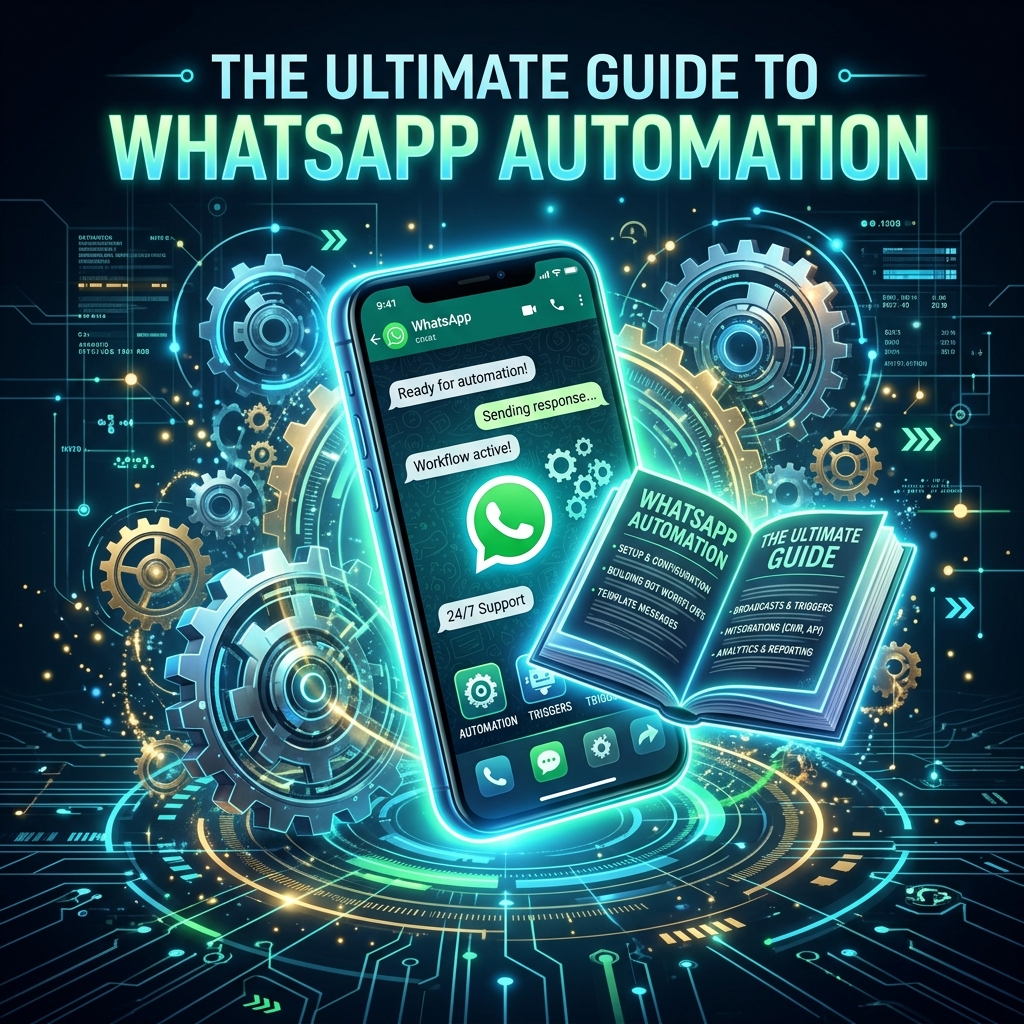
Today, the landscape has dramatically shifted. WhatsApp automation can seem intimidating at first glance, but it is now easier than ever for small businesses to adopt, implement, and reap massive benefits from it. Whether you want to recover abandoned carts, nurture leads, or provide instant support, automation is the key to scaling your operations efficiently.
This comprehensive guide will demystify WhatsApp Business automation, walking you through the basics, the necessary tools, and how you can launch your first highly profitable automated campaign using platforms like Zeserv.
Understanding the Basics: Moving Beyond the App
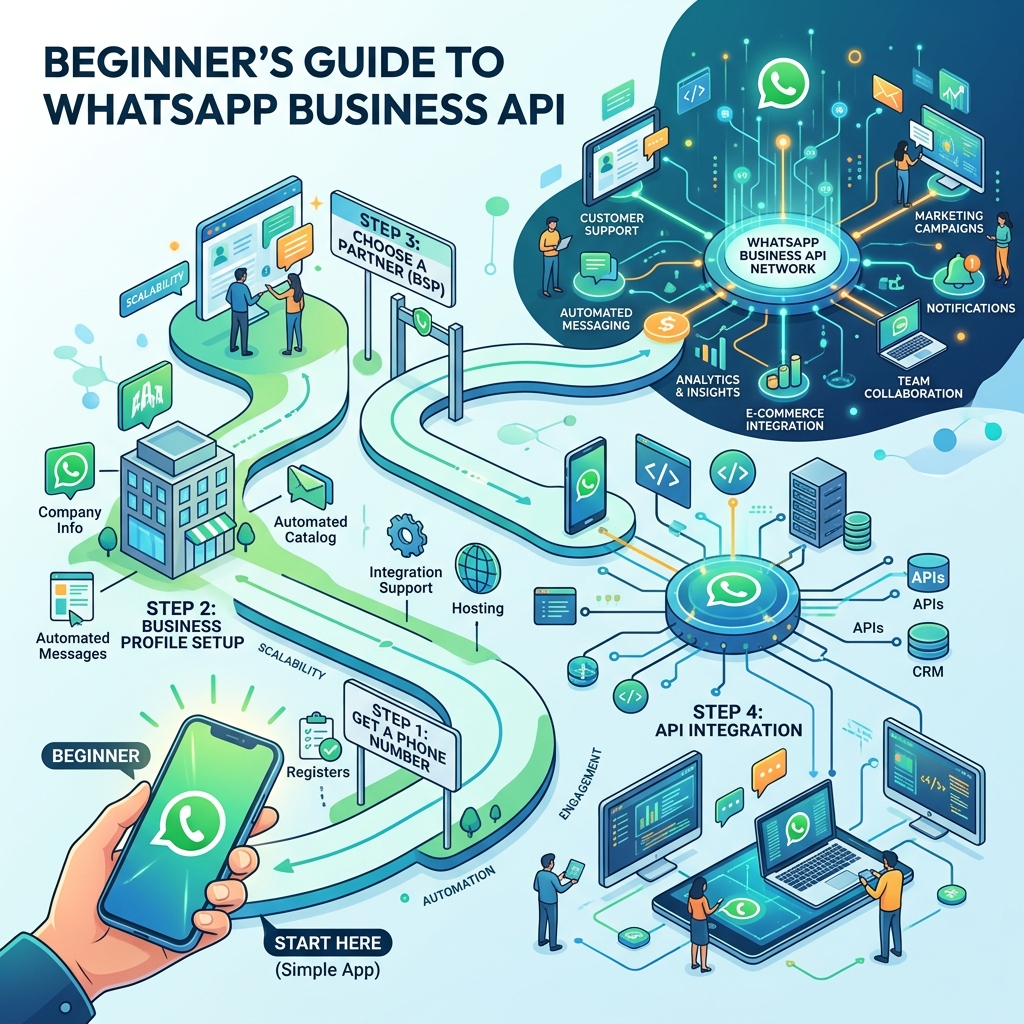
The first step in your automation journey is understanding the technology. When we talk about "WhatsApp Automation," we are not talking about the standard, free WhatsApp Business App you download from the App Store. While that app offers basic tools like quick replies, it cannot run true, scalable automation.
To automate messaging, you need to upgrade to the WhatsApp Business API.
- WhatsApp Business App: Designed for micro-businesses. Limited to one smartphone and a few linked devices. No chatbots, no bulk broadcasts to non-contacts, and no integration capabilities.
- WhatsApp Business API: Designed for growing businesses. Has no front-end interface natively. It requires a third-party software platform to function, but it unlocks limitless possibilities: multi-agent inboxes, smart chatbots, ERP/CRM integrations, and massive broadcast campaigns.
Choosing the Right Partner: The Role of a BSP
Because the WhatsApp Business API doesn't have an app you can just download, you must connect to it through a software interface. Meta (WhatsApp's parent company) partners with Business Solution Providers (BSPs) to offer this software.
Choosing the right partner is critical. You need a platform that is not only reliable but also user-friendly, so you don't need to hire a developer to use it. This is where Zeserv excels. As a premier WhatsApp CRM and automation platform, Zeserv connects you directly to the API and provides a powerful, visual, no-code dashboard to manage everything from chatbots to team inboxes.
Mapping Your Customer Journey for Automation
Automation works best when it is strategic. Before building a bot, map out the key stages of your customer journey and identify the bottlenecks that can be solved with automated messaging.
1. Awareness & Lead Capture
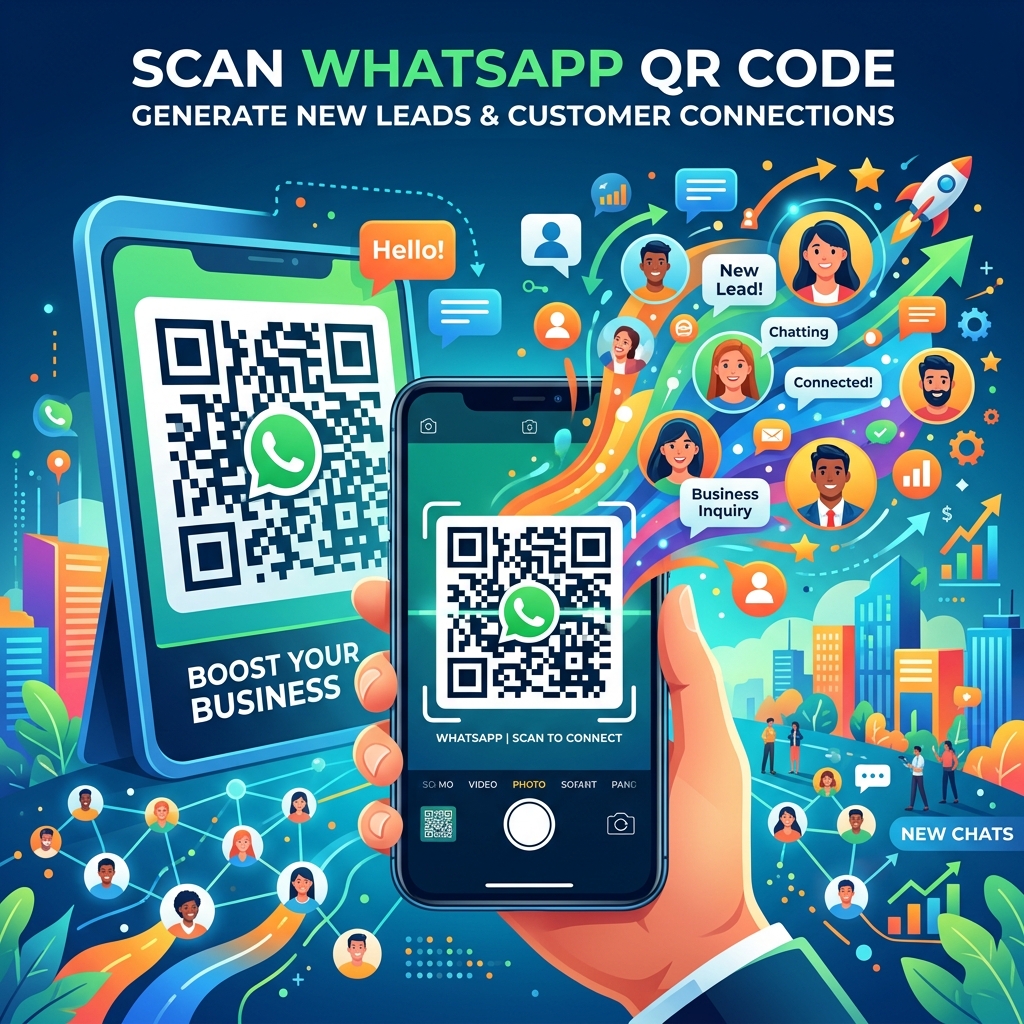
When a prospect first discovers your business, speed is everything. By running Click-to-WhatsApp ads on Facebook or Instagram, you drive traffic directly into a chat. You can set up an automated welcome flow in Zeserv to instantly greet them, offer a lead-magnet (like a discount code), and capture their name and preferences before a human agent even steps in.
2. Consideration & Nurturing
Not every lead buys immediately. If a prospect chats with you but goes cold, you can use automated drip campaigns. Schedule a message to go out two days later showcasing a product demo video or highlighting customer testimonials to gently nudge them back toward a purchase.
3. Purchase & Transactional Updates
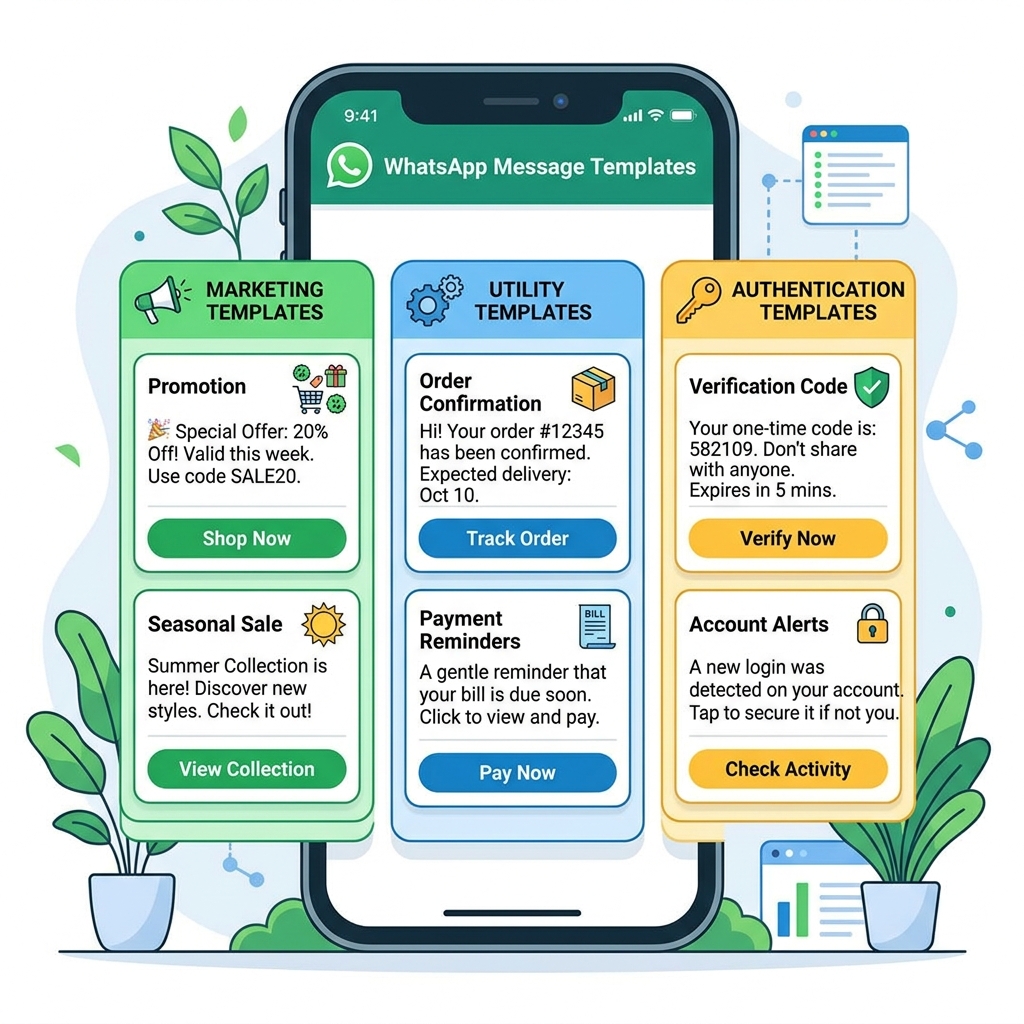
Post-purchase communication is vital for trust. Connect Zeserv to your e-commerce backend to automate order confirmations, payment receipts, and shipping tracking updates. This proactive communication reduces anxiety and prevents "Where is my order?" support tickets.
4. Retention & Re-engagement
It costs five times more to acquire a new customer than to retain an existing one. Use automation for lifecycle marketing. Set up triggers to automatically send a personalized "Happy Birthday" discount, a reminder to restock a consumable product 30 days after their last purchase, or a request for a Google Review after successful delivery.
Common Misconceptions About WhatsApp Automation
Many small business owners delay implementing automation due to widespread myths:
- "Automation is only for massive enterprise companies." False. With modern platforms like Zeserv, pricing is accessible for SMBs. Automation levels the playing field, allowing a 5-person team to provide the same level of 24/7 service as a 500-person corporation.
- "My customers will feel like they are talking to a wall." False. Modern chatbots are highly interactive. Furthermore, a well-designed automation flow always includes an "escape hatch" allowing the customer to seamlessly request human assistance if needed.
- "It takes months to set up." False. While complex API integrations used to take months, using a no-code visual builder means you can literally map out, test, and deploy a customer support chatbot in a single afternoon.
Decision Checklist: Steps to Kickstart Your Automation
Ready to get started? Follow this checklist to ensure a smooth transition to the API and automation:
- Secure a clean phone number: It is highly recommended to use a new phone number or one that is not currently tied to a personal WhatsApp account.
- Verify your Facebook Business Manager: Meta requires business verification for higher messaging limits. Ensure your official documents (business registration, utility bills) are ready.
- Select your software platform: Sign up for an account with a robust platform like Zeserv.
- Identify your top 3 repetitive tasks: Don't try to automate everything at once. Pick the top three time-wasters (e.g., FAQ answers, order updates) and build those flows first.
Frequently Asked Questions
Can I send promotional messages using the API?
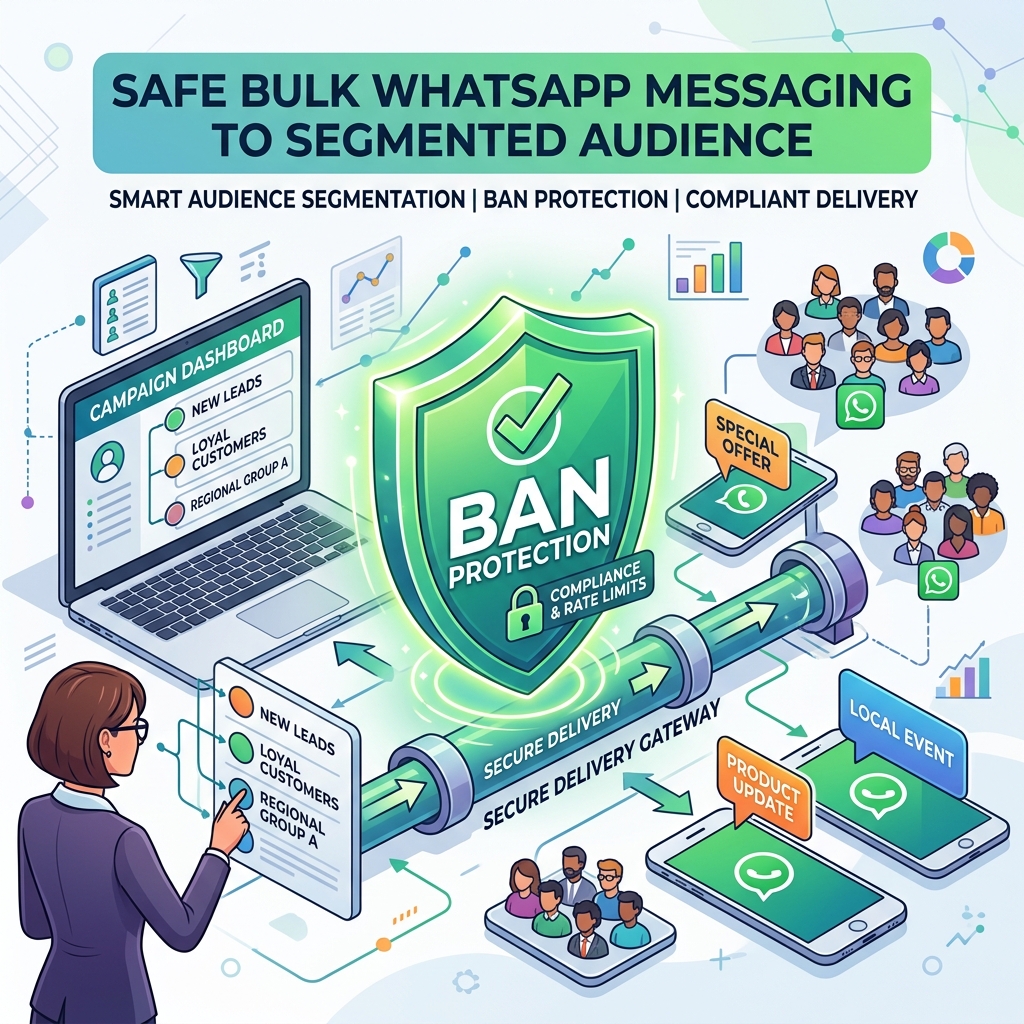
Yes, absolutely. WhatsApp allows promotional messages, but you must use pre-approved "Message Templates." You submit these templates through your Zeserv dashboard to Meta. Once approved (usually within minutes), you can broadcast them to users who have opted-in to receive messages from you.
What is the 24-hour customer service window?
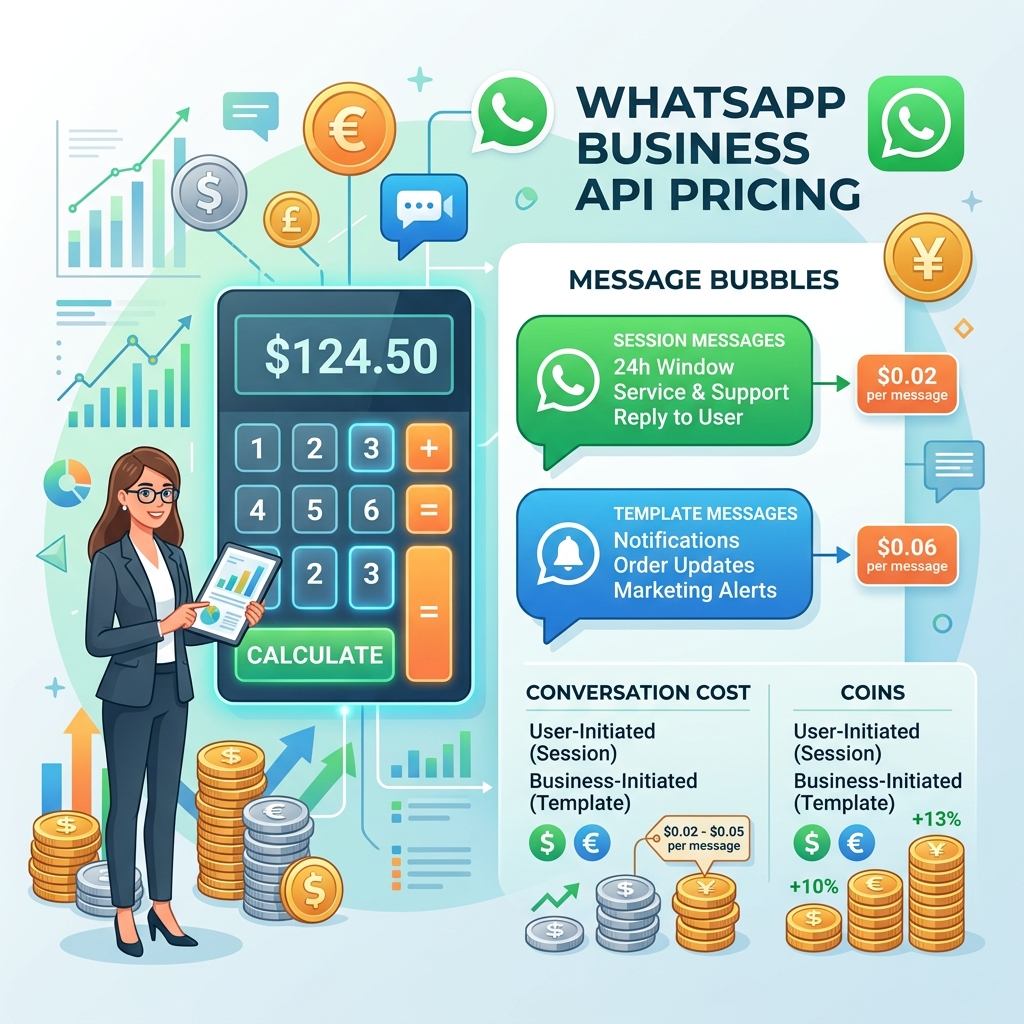
When a customer sends a message to your WhatsApp API number, a 24-hour window opens. During this time, you can reply with free-form, conversational messages without needing a pre-approved template. If 24 hours pass, you must use an approved template to initiate contact again. Automation helps you maximize this window by ensuring instant replies.
Do I lose my chat history if I switch from the free app to the API?
Currently, you cannot easily migrate chat history from the standard app to the API. This is why starting fresh with a dedicated business number is often the best approach, allowing you to build a clean CRM database from day one.
Conclusion
WhatsApp Business automation is no longer an optional luxury; it is a fundamental requirement for small businesses looking to scale efficiently and compete in a modern, digital-first marketplace.
By migrating to the API and leveraging intelligent automation, you can reduce operational costs, eliminate tedious manual tasks, and provide an unparalleled customer experience that builds fierce loyalty. Don't let the fear of technology hold your business back. Partner with an industry-leading platform like Zeserv to map your customer journey, build your automated flows, and unlock the true revenue-generating potential of WhatsApp today.