The Complete Beginner's Guide to WhatsApp Business API
Everything you need to know to transition from the basic WhatsApp Business App to the powerful, scalable WhatsApp Business API.
Introduction
As your business grows, so does your volume of customer messages. Initially, the free WhatsApp Business App is perfect for managing a few dozen conversations a day. But what happens when you start receiving hundreds or thousands of messages?
You quickly realize the limitations of the mobile app. You can't have multiple team members replying simultaneously from different computers effectively, you can't build advanced chatbots, and your broadcast lists are limited to 256 contacts who must have your number saved.
This is where the WhatsApp Business API (now known officially as the WhatsApp Cloud API) steps in.
The API is designed for medium to large businesses that need to scale their customer communication, automate responses, and integrate WhatsApp directly into their CRM or marketing software.
What is an API?
API stands for Application Programming Interface. In simple terms, it's a software bridge that allows two applications to talk to each other.
Unlike the standard WhatsApp Business App, the WhatsApp Business API does not have a front-end interface or a mobile app. You cannot download it from the App Store.
Instead, the API connects WhatsApp's infrastructure to a third-party software platform (like Zeserv). You use this third-party platform (often called a shared inbox or CRM) to read and reply to messages, build chatbots, and manage your contacts.
Key Differences: Business App vs. Business API
1. User Access
App: Limited to 1 phone and up to 4 linked companion devices.
API: Unlimited users and agents. Entire support and sales teams can operate from a single WhatsApp number simultaneously.
2. Broadcasting and Mass Messaging
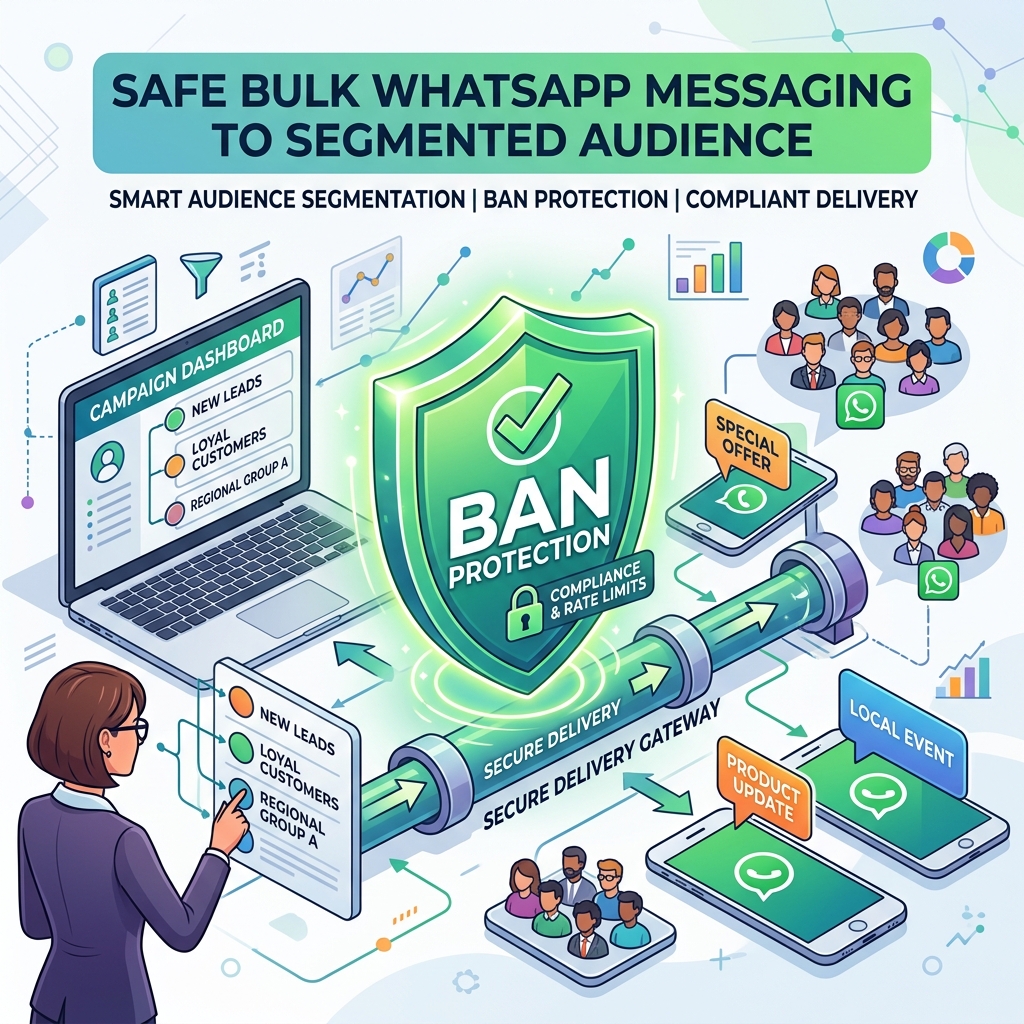
App: Broadcast lists are limited to 256 contacts, and messages are only delivered if the customer has your number saved in their address book. High risk of getting banned if misused.
API: You can broadcast to thousands (or even hundreds of thousands) of customers at once, whether they have your number saved or not. Since templates are pre-approved by Meta, the risk of a ban is drastically reduced (provided you follow opt-in rules).
3. Automation and Chatbots
App: Basic automation like "Away Messages" and "Greeting Messages."
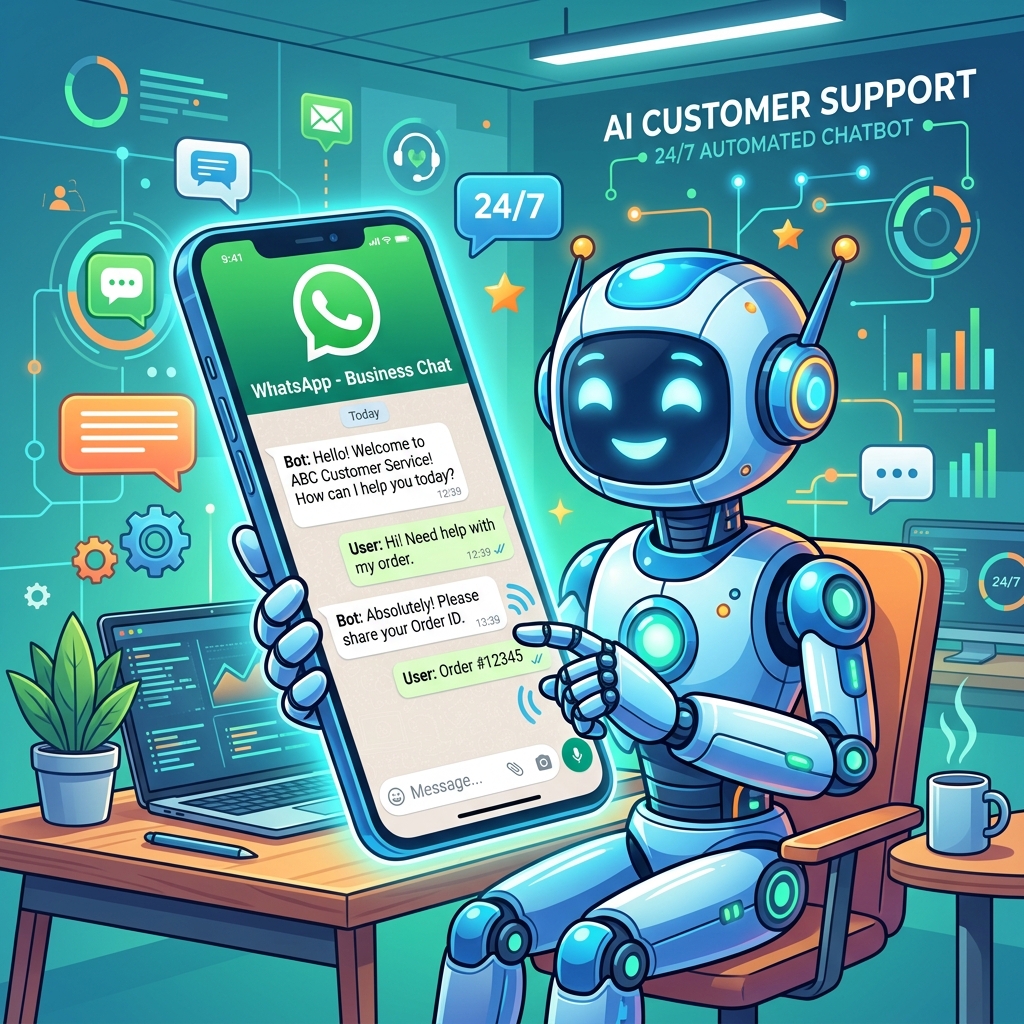
API: Advanced AI chatbots, interactive button menus, dynamic data fetching from your database, and complex conversational flows.
4. CRM Integration
App: Standalone silo of data.
API: Seamless integration. A WhatsApp chat can automatically update a deal stage in your CRM or trigger an automated email.
 }})
How to Get Started with the WhatsApp Business API
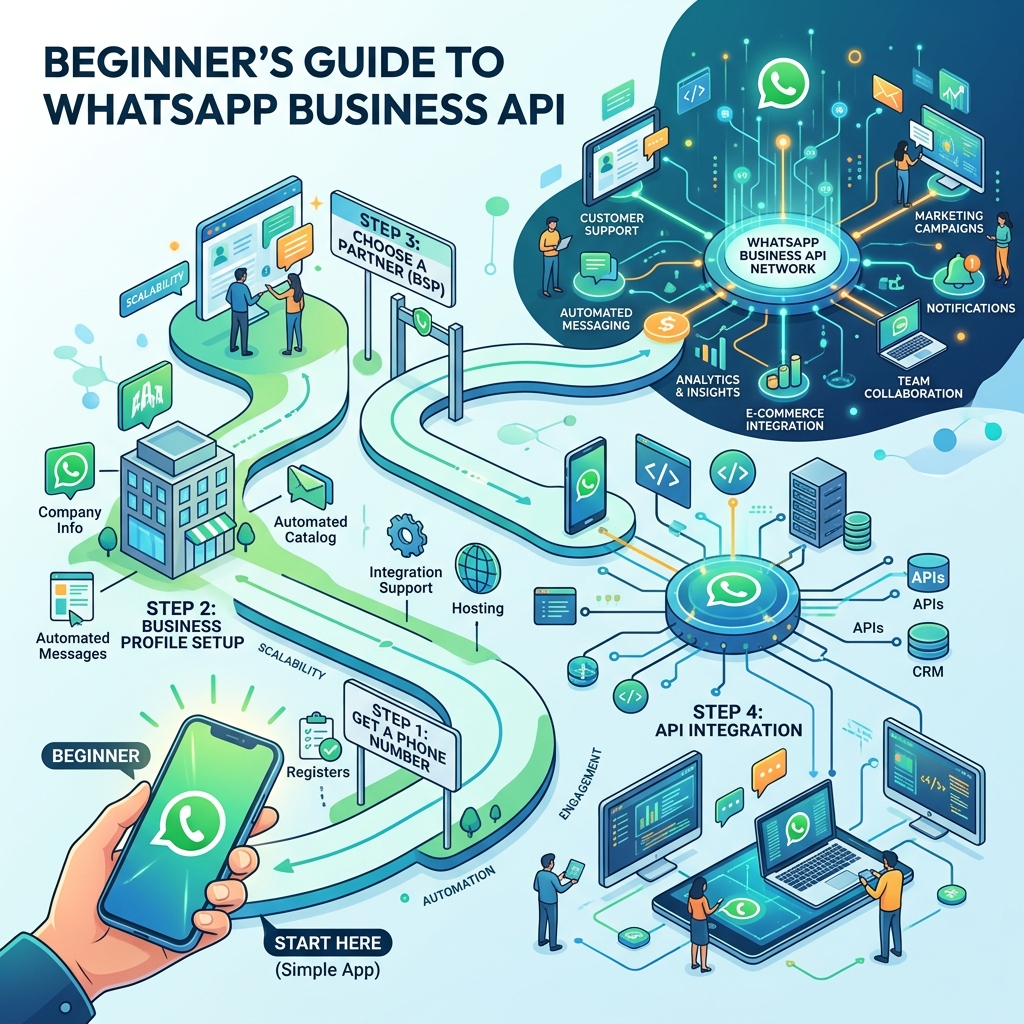
Setting up the API requires a few specific steps:
Step 1: Choose a Business Solution Provider (BSP)
Since the API has no interface, you need a software platform to use it. Zeserv acts as your interface, providing a shared inbox, campaign manager, and automation builder powered by the official API.
Step 2: Prepare a Phone Number
You need a phone number that is not currently registered with any personal or business WhatsApp account. If you want to use an existing number, you must delete the WhatsApp account associated with it before onboarding it to the API.
Step 3: Verify Your Business in Meta
To unlock the full messaging limits of the API (and apply for the coveted Green Tick), your business must be verified in the Meta Business Manager. This usually requires submitting a business registration document and a utility bill.
WhatsApp API Best Practices Checklist
- ✅ Always collect Opt-ins: You must have explicit permission from customers before messaging them via the API.
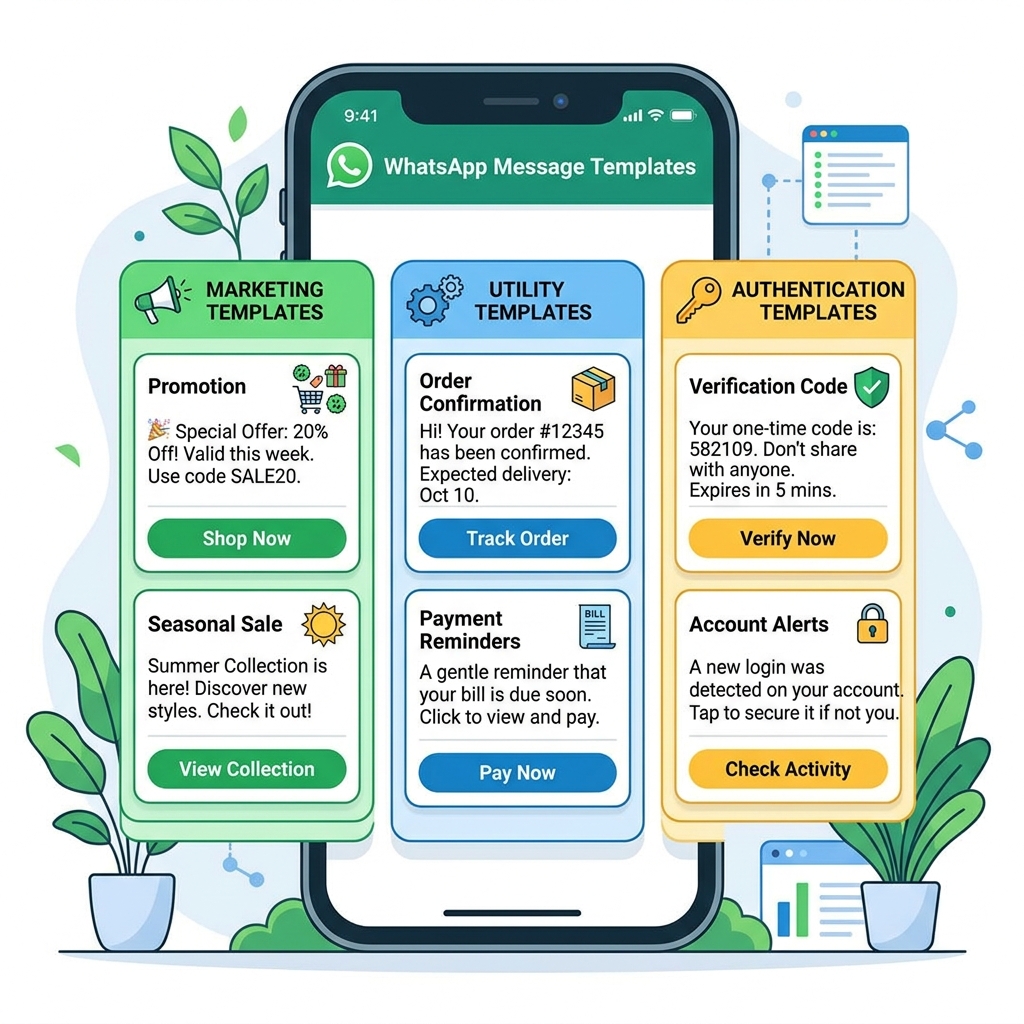
- ✅ Understand the 24-Hour Rule: You can only send freeform messages within 24 hours of a customer's last message. Outside that, you must use paid Message Templates.
- ✅ Monitor your Quality Rating: Meta tracks how often users block or report you. Keep your messages highly relevant to maintain a "Green" quality rating.
Frequently Asked Questions
Can I use the API for free?
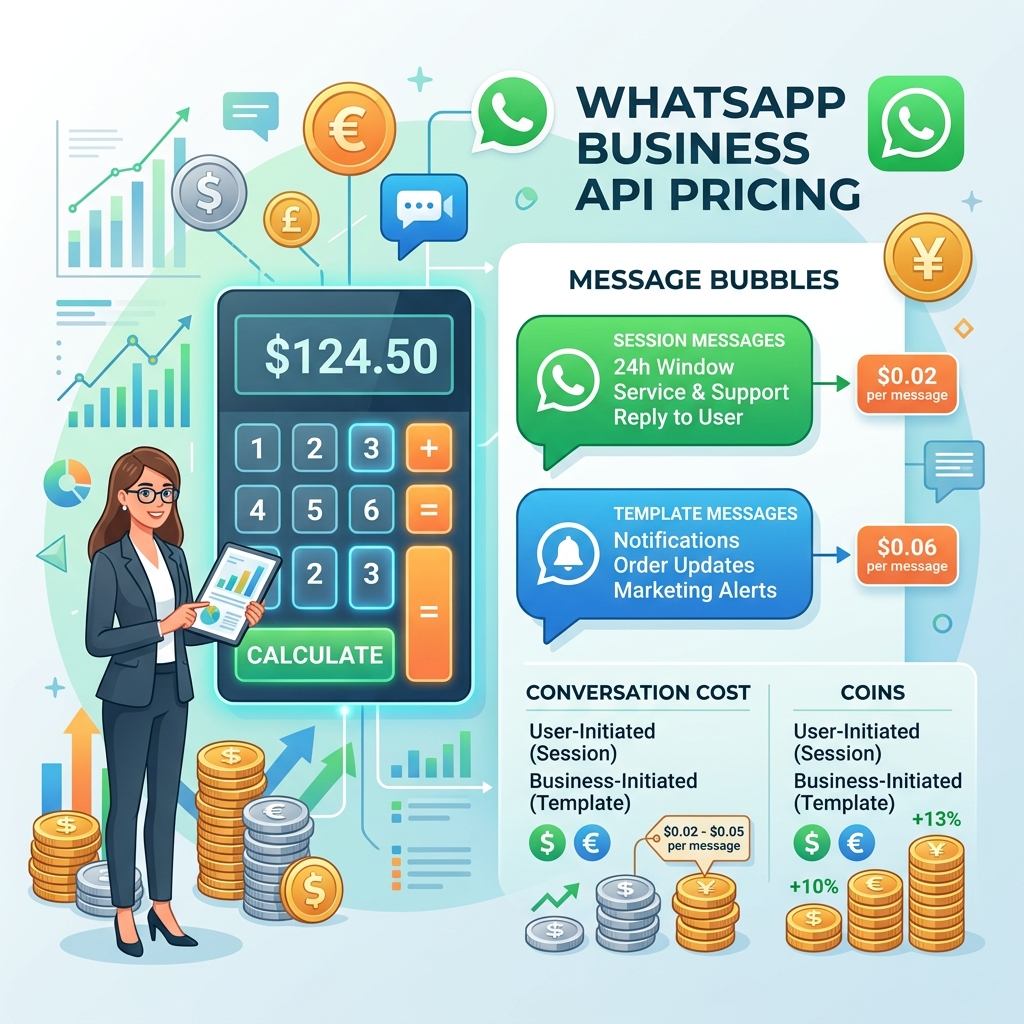
No. While the standard app is free, the API operates on a conversation-based pricing model. You pay Meta a small fee per conversation, plus the subscription cost of your BSP (like Zeserv).
Will I lose my existing chats if I migrate to the API?
Yes. Currently, there is no official way to migrate chat history from the standard WhatsApp Business App to the API. It's best to start fresh or keep a backup of old chats.
Can small businesses use the API?
Absolutely! The API was once reserved for large enterprises, but modern cloud platforms have made it affordable and accessible for small and medium businesses looking to scale.
Final Thoughts
Moving to the WhatsApp Business API is a significant step forward for any business. It transitions WhatsApp from being just another phone number to a central, automated pillar of your sales and customer service operations.
By partnering with the right platform and respecting Meta's messaging policies, the API will help you engage with customers at scale, save countless hours through automation, and drive substantial revenue growth.