How to Send Bulk WhatsApp Messages Without Getting Banned
Discover the safe, effective, and compliant strategies for mass broadcasting on WhatsApp to protect your business number from bans.
Introduction
The appeal of WhatsApp broadcasting is undeniable. With open rates routinely exceeding 90%, it is the most effective way to ensure your marketing message is seen.
However, many businesses attempting to capitalize on this fall into a dangerous trap: they treat WhatsApp like email. They buy contact lists, use unofficial "bulk sender" software, and blast generic promotions to thousands of people who don't know them.
The result? Their WhatsApp number is permanently banned within hours.
Meta enforces strict anti-spam policies to protect the user experience. If you want to leverage bulk messaging successfully and sustainably, you must play by the rules.
In this guide, we'll outline exactly how to send bulk messages safely without risking your business number.
Why Numbers Get Banned on WhatsApp
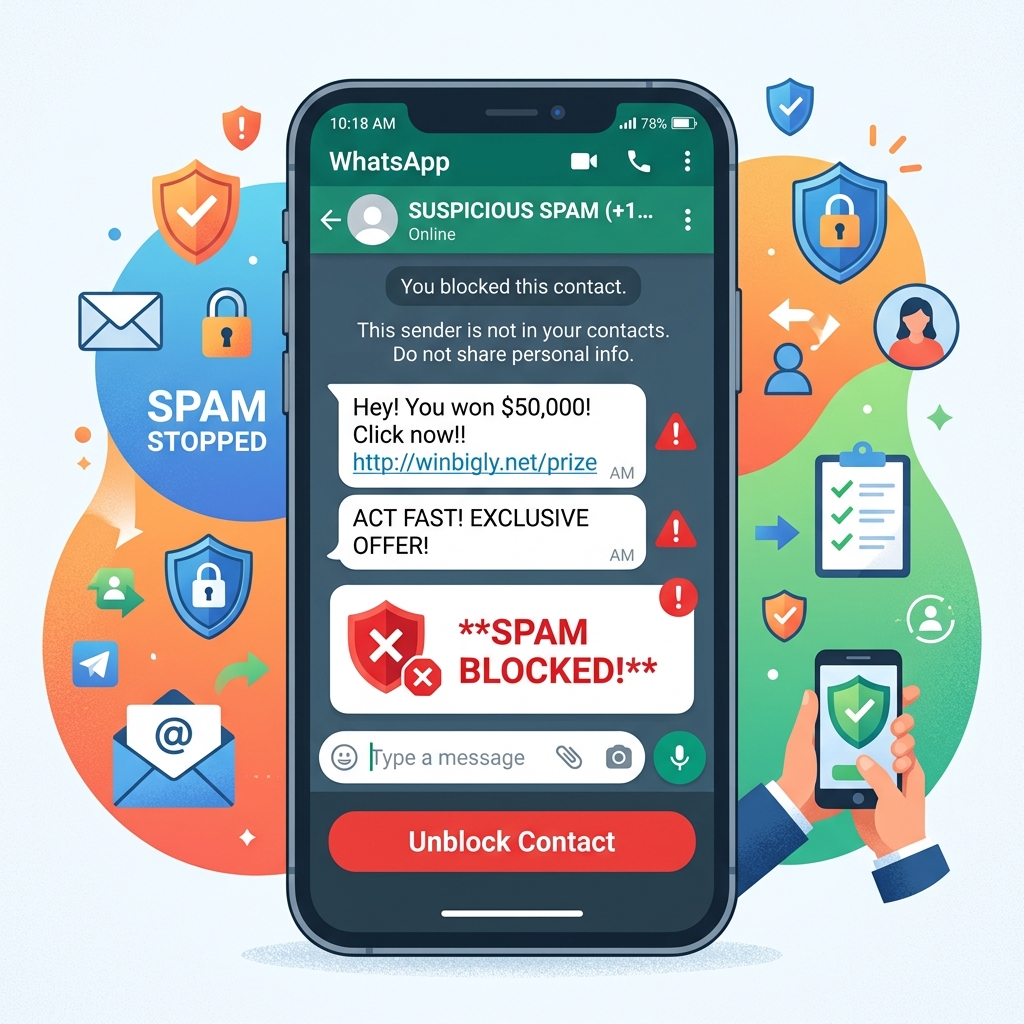
WhatsApp's automated systems ban over 2 million accounts every month for spam-like behavior. A ban is usually triggered by a combination of these factors:
- High Block Rates: If a significant percentage of recipients click "Block" or "Report Spam" upon receiving your message, WhatsApp's algorithms will flag your account.
- Unofficial Tools: Using cracked software, modified APKs (like GB WhatsApp), or non-API bulk senders violates the Terms of Service and guarantees a ban.
- Sending Velocity: Sending 10,000 messages on your first day of using a new number triggers automated spam filters.
- Lack of Opt-in: Messaging people who have never interacted with your business before.
The Right Way: Using the Official WhatsApp Business API
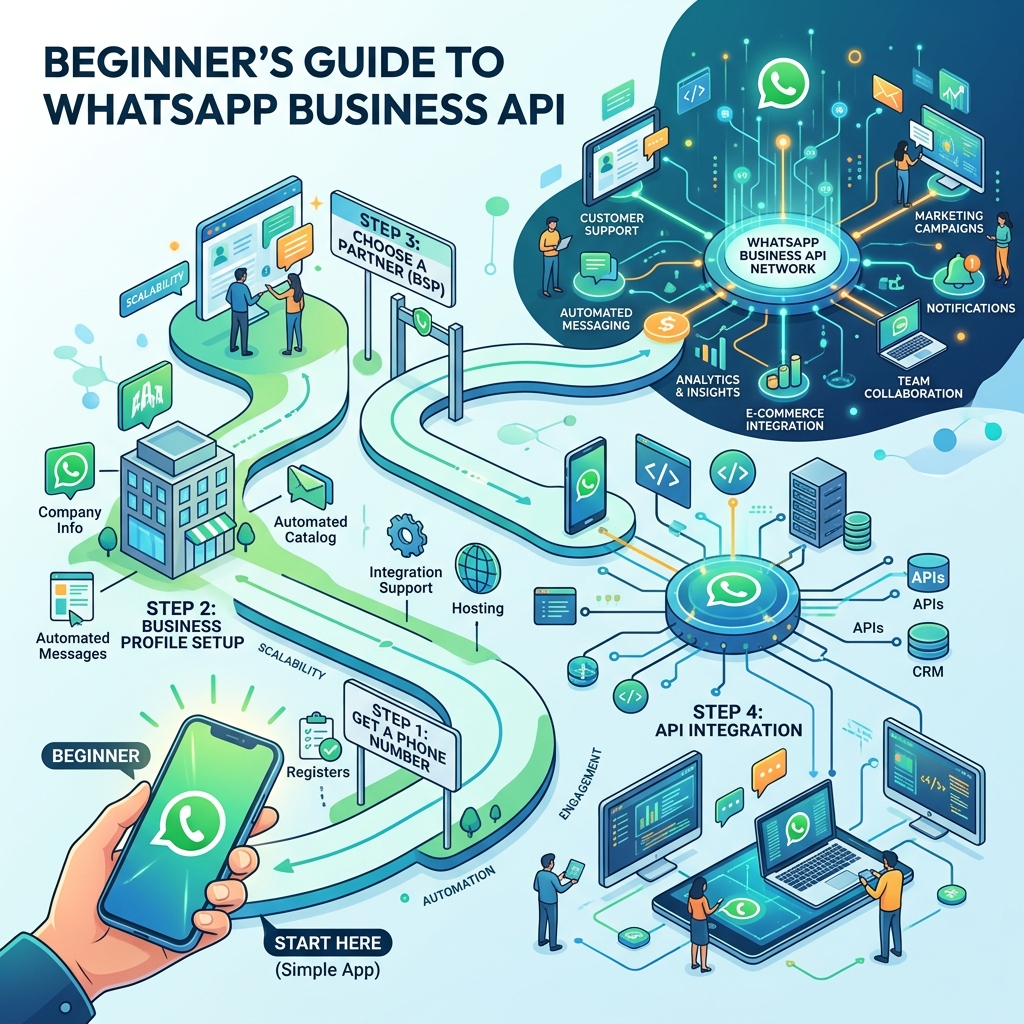
If you need to send bulk messages to hundreds or thousands of customers, the only safe way to do it is through the official WhatsApp Business API.
Unlike the standard app (which limits broadcasts to 256 saved contacts), the API allows you to send mass campaigns legally and at scale, provided you follow the rules.
1. The Importance of Opt-In
The golden rule of WhatsApp marketing is explicit consent. You must have proof that a customer opted in to receive marketing messages from you via WhatsApp.
Opt-ins can be collected via:
- A checkbox on your website checkout page.
- A web form specifically designed for WhatsApp updates.
- An initial conversation where the customer explicitly replies "YES" to receiving offers.
2. Use Approved Message Templates
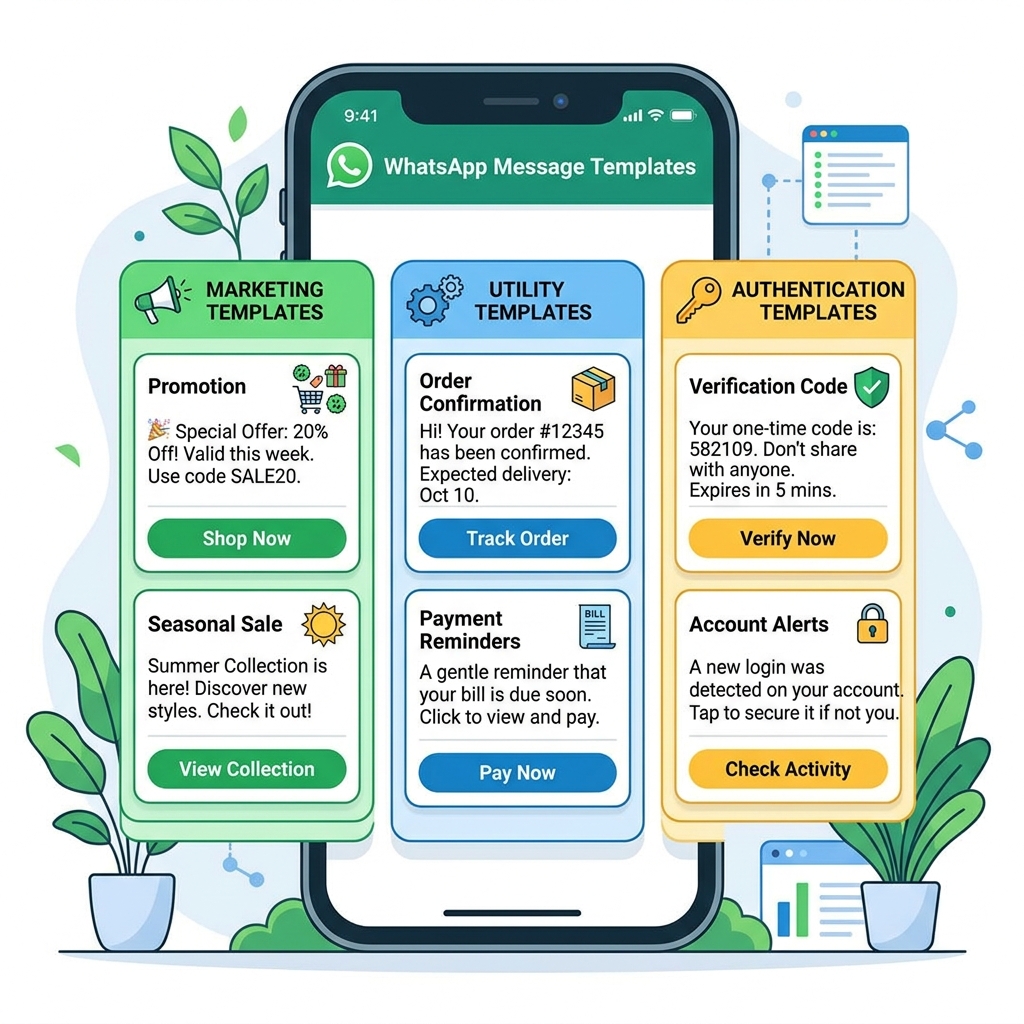
On the API, you cannot just type a promotional message and blast it. You must use a Message Template that has been pre-approved by Meta.
This process ensures your message isn't overly aggressive or violating commerce policies. Always ensure your templates provide genuine value, such as an exclusive discount, a restock alert, or a personalized invitation.
3. Tiered Messaging Limits and "Warm-Up"
Meta protects the platform by placing limits on how many unique users you can message per day. When you first verify your API account, you start at Tier 1 (1,000 unique customers per day).
To avoid triggering spam filters, you must "warm up" your number:
- Start by sending highly relevant, valuable messages to a small segment of 200-300 highly engaged customers.
- Monitor the engagement. If the block rate is extremely low, Meta's algorithm registers your number as high-quality.
- As you send consistently good messages, Meta will automatically upgrade you to Tier 2 (10,000 users/day), Tier 3 (100,000 users/day), and eventually an unlimited tier.
Never rush this process.
 }})
Best Practices for Bulk Messaging
Even on the official API, a high block rate can cause your account quality rating to drop to "Red" (Low Quality), severely restricting your sending capacity.
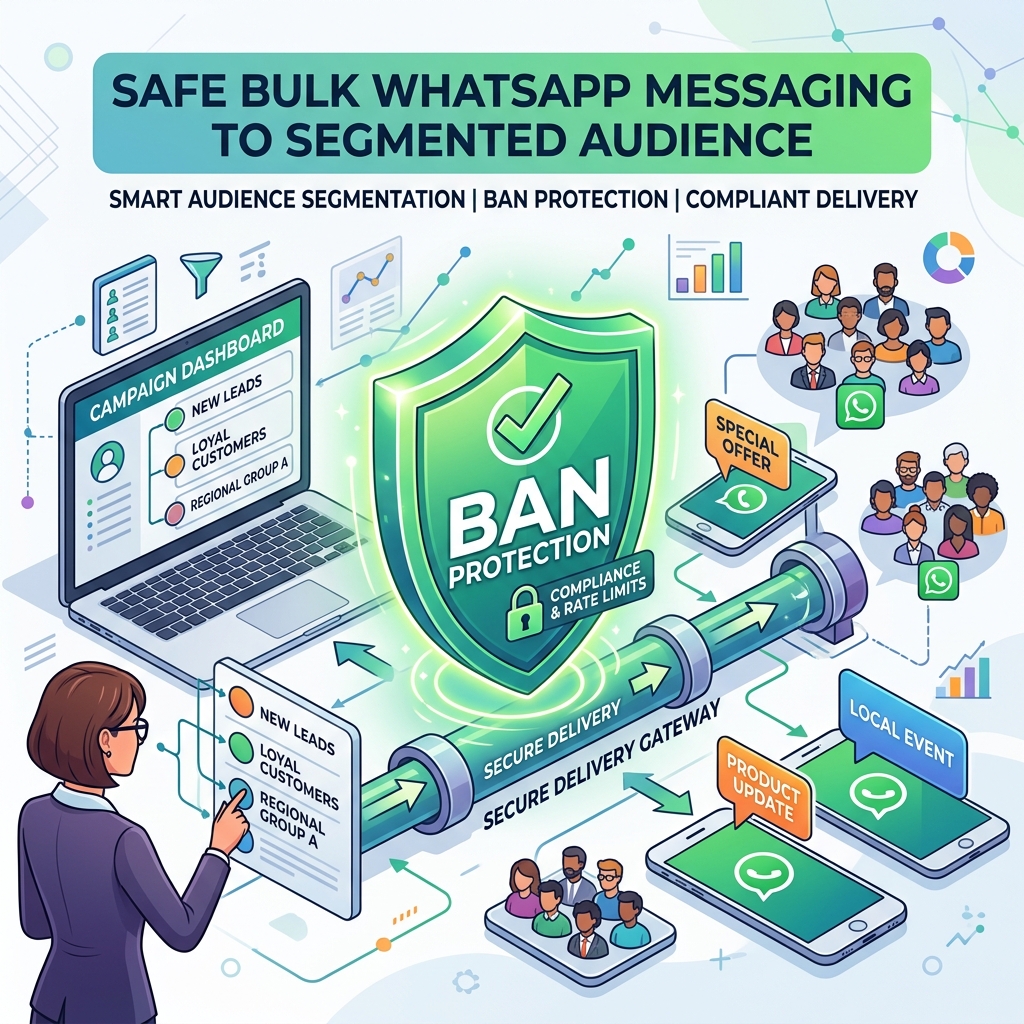
- Segment Your Audience: Don't send a campaign for women's shoes to your entire database. Segment by past purchases and demographics to ensure relevance.
- Personalize: Use variables to include the customer's first name in the message.
- Provide an Easy Opt-Out: Include a Quick Reply button that says "Stop Promos". It is much better for a customer to click a button to unsubscribe than to hit the "Block/Report" button at the top of the chat.
- Watch the Timing: Schedule your broadcasts during appropriate waking hours in the recipient's timezone.
Frequently Asked Questions
Can I recover a banned WhatsApp number?
If banned on the standard app, you can appeal through the app interface, and if it was an error, it may be restored within 24-48 hours. However, if you were actively using unofficial bulk sender tools, the ban is usually permanent.
Are there free bulk messaging tools?
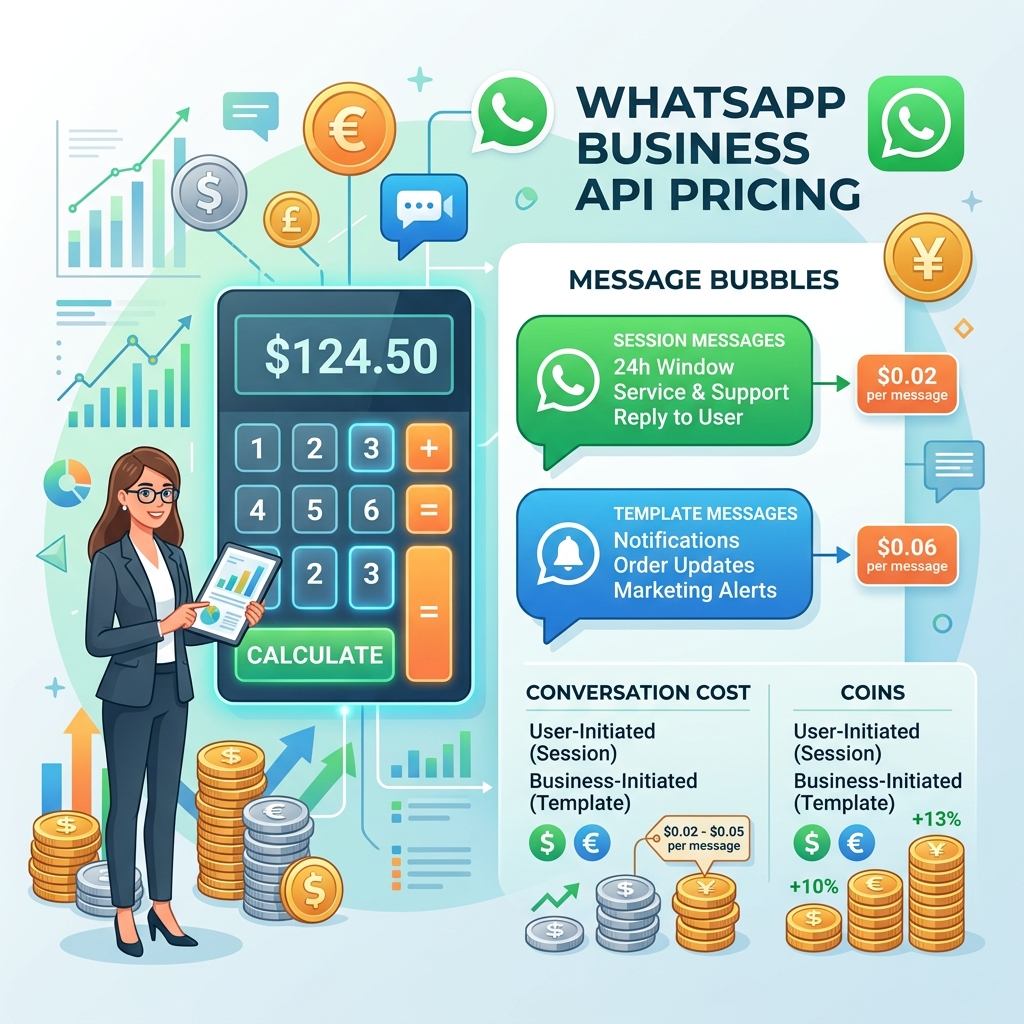
Any tool claiming to send "unlimited free bulk WhatsApp messages" is almost certainly an unofficial tool that will result in a ban. The official API requires paying Meta for conversation fees.
How do I check my Quality Rating?
In the Meta WhatsApp Manager dashboard, you can view your phone number's quality rating (Green, Yellow, or Red). Always monitor this closely after sending a large broadcast.
Final Thoughts
Mass messaging on WhatsApp is a privilege, not a right. To protect their ecosystem, Meta forces businesses to focus on quality over sheer quantity.
By migrating to the official WhatsApp Business API, collecting proper opt-ins, and warming up your sender reputation slowly, you can leverage the unparalleled reach of WhatsApp broadcasting safely and profitably for years to come.