How to Schedule Appointments Automatically Using WhatsApp
Eliminate phone tag and calendar conflicts by allowing customers to book, reschedule, and confirm appointments directly through an automated WhatsApp bot.
Introduction
If your business relies on appointments—whether you are a doctor, a salon owner, a consultant, or a mechanic—you know the pain of scheduling.
The traditional process is tedious: A customer calls. You check your calendar. You suggest Tuesday at 2 PM. They say they can only do Wednesday. You check Wednesday. You finally agree on a time, write it down, and hang up. Then, they forget to show up.
This back-and-forth wastes hours of administrative time every week. And forcing customers to download a separate booking app or navigate a clunky web portal creates unnecessary friction.
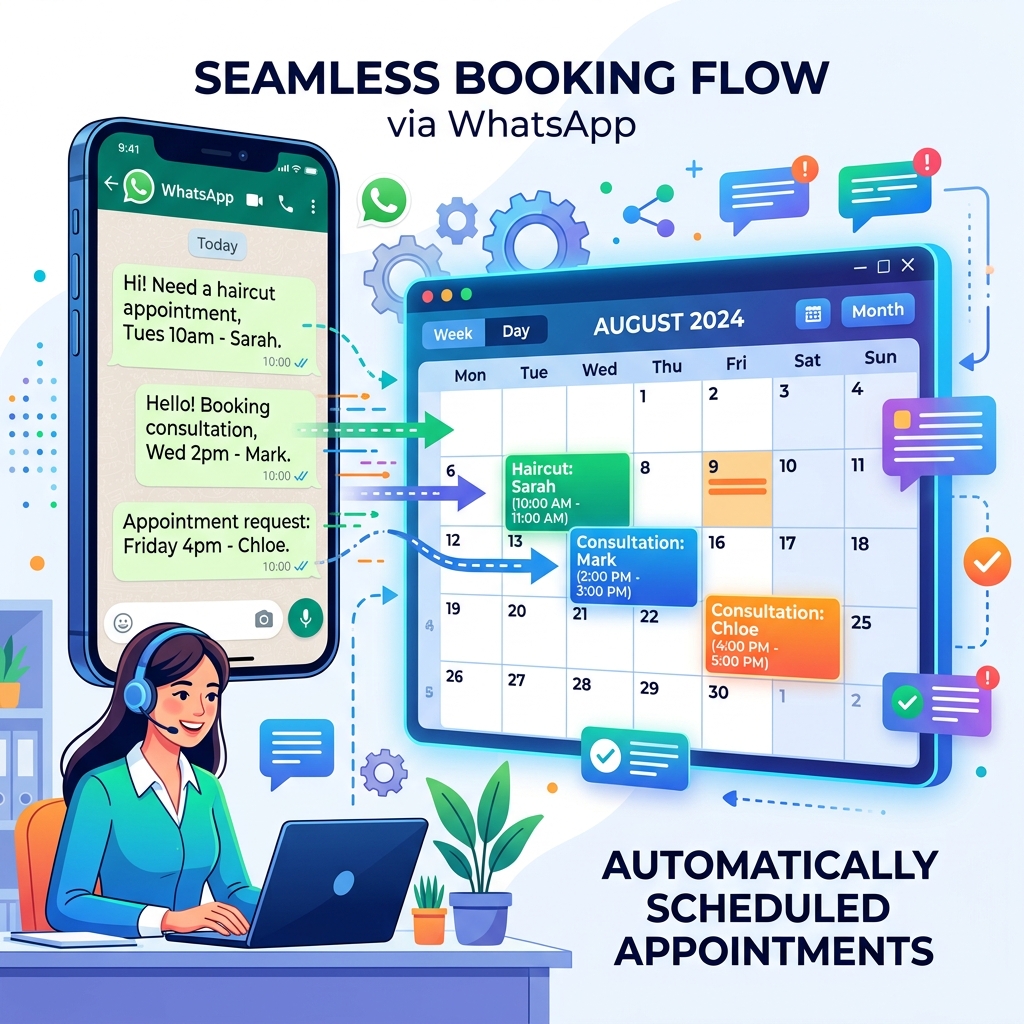
What if they could simply open WhatsApp, tap a few buttons, and book an appointment that instantly syncs with your Google Calendar?
With the WhatsApp Business API, this is entirely possible.
How Automated WhatsApp Booking Works
To automate scheduling, you combine three tools: The WhatsApp Business API, a chatbot builder (like Zeserv), and your calendar software (like Google Calendar, Calendly, or a CRM).
The customer flow looks like this:
- Trigger: The customer sends a message saying "Book Appointment" (or clicks a "Book Now" button on your Facebook ad).
- Service Selection: The chatbot replies with an interactive menu. "What service do you need?" The user selects "Dental Checkup".
- Date Selection: The bot asks, "Which day do you prefer?" and provides options based on real-time availability.
- Time Selection: The bot displays available time slots for that specific day using list buttons (e.g., [9:00 AM], [11:30 AM], [2:00 PM]).
- Confirmation: Once selected, the bot automatically blocks the time on your calendar and sends the customer a confirmation template with the booking details.
The Magic of Automated Reminders
Booking the appointment is only half the battle; ensuring the customer actually shows up is where you make money.
Missed appointments (no-shows) cost service businesses thousands of dollars annually. While email reminders are often ignored, WhatsApp messages have a 98% open rate.
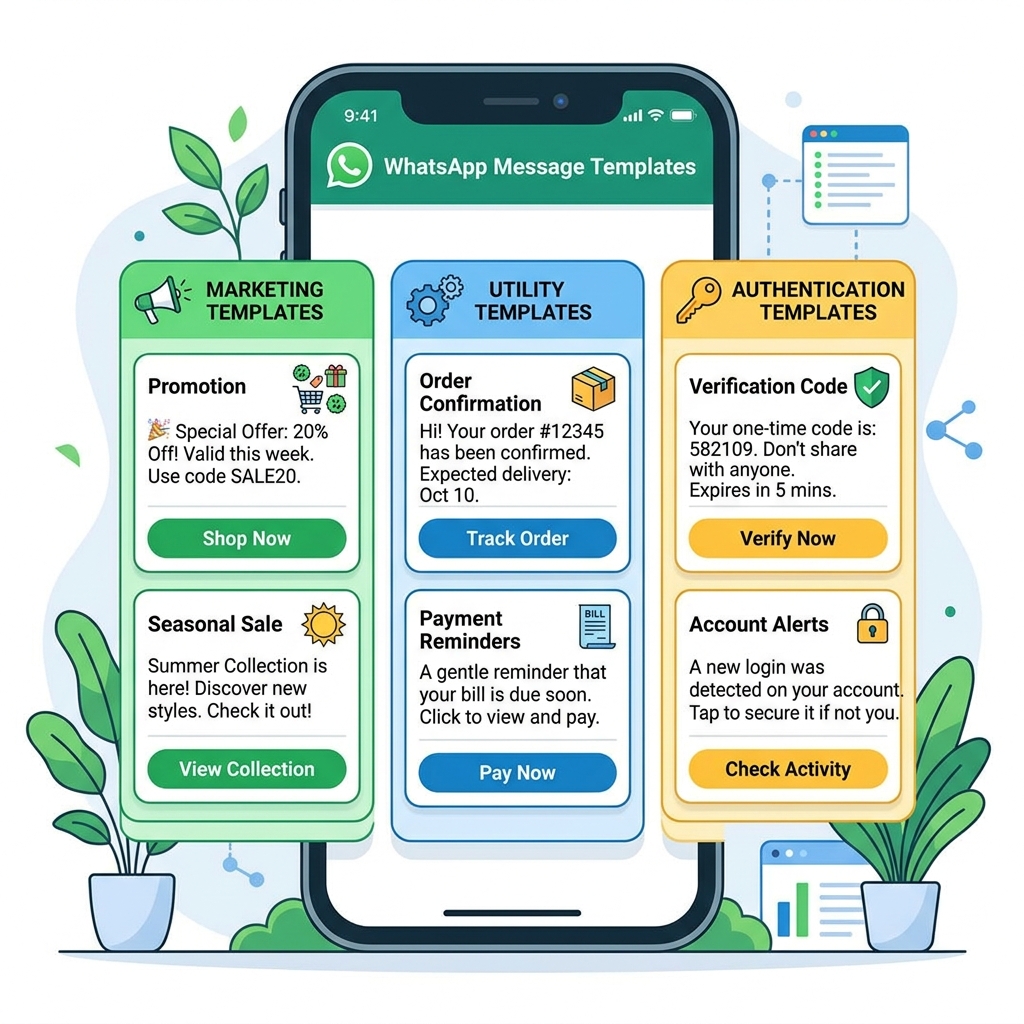
You can configure your CRM to automatically trigger a WhatsApp Message Template 24 hours before the appointment:
"Hi {{Name}}, this is a reminder for your appointment tomorrow at {{Time}}. Please reply with 1 to Confirm, or 2 to Reschedule."
If they reply "2", the chatbot takes over again, cancels their old slot, and presents new available times, completely hands-free.
 }})
Top Use Cases by Industry
1. Healthcare & Clinics
Patients appreciate privacy and speed. A WhatsApp bot can authenticate a patient using their phone number, allow them to book a consultation, and securely send pre-appointment instructions (e.g., "Please arrive 10 minutes early to fill out insurance forms").
2. Beauty & Wellness (Salons/Spas)
A bot can ask the customer which specific stylist they prefer, check that stylist's calendar, and book the slot. After the appointment, the bot can automatically follow up to ask for a Google Review.
3. B2B Consulting & Sales
Consultants can connect their WhatsApp bot to tools like Calendly. When a prospect requests a demo, the bot generates a dynamic Calendly link and sends it in the chat, allowing the prospect to pick a time without leaving the app.
Best Practices for WhatsApp Scheduling
- ✅ Keep it simple: Don't ask for unnecessary information. Just get their name, the service they want, and the time. You can collect other details in person.
- ✅ Use List Messages: Instead of asking customers to type out a time (which leads to formatting errors like "2pm" vs "14:00"), use WhatsApp's native 'List Messages' feature so they simply tap the time slot they want.
- ✅ Always sync instantly: Ensure your bot checks your calendar API in real-time to prevent double-booking.
Frequently Asked Questions
Can I take deposits or payments through WhatsApp?
Yes. Many API providers allow you to integrate payment gateways (like Stripe or Razorpay) directly into the chatbot flow. The appointment is only confirmed once the deposit is paid.
What if a customer has a complex request?
Always include a "Talk to a Human" option in your bot menu. If their request falls outside the standard booking flow, the bot can route the chat to a live receptionist.
Final Thoughts
Automating your appointment scheduling via WhatsApp is one of the fastest ways to increase your revenue and decrease administrative headaches. By meeting your customers on the app they already use every day, you remove booking friction, drastically reduce no-shows, and provide a modern, highly professional customer experience.