How to Recover Lost Sales Using WhatsApp Follow-Up Automation
Turn cold leads and abandoned carts into paying customers with strategic, automated WhatsApp follow-ups that convert at 3x the rate of email.
Introduction
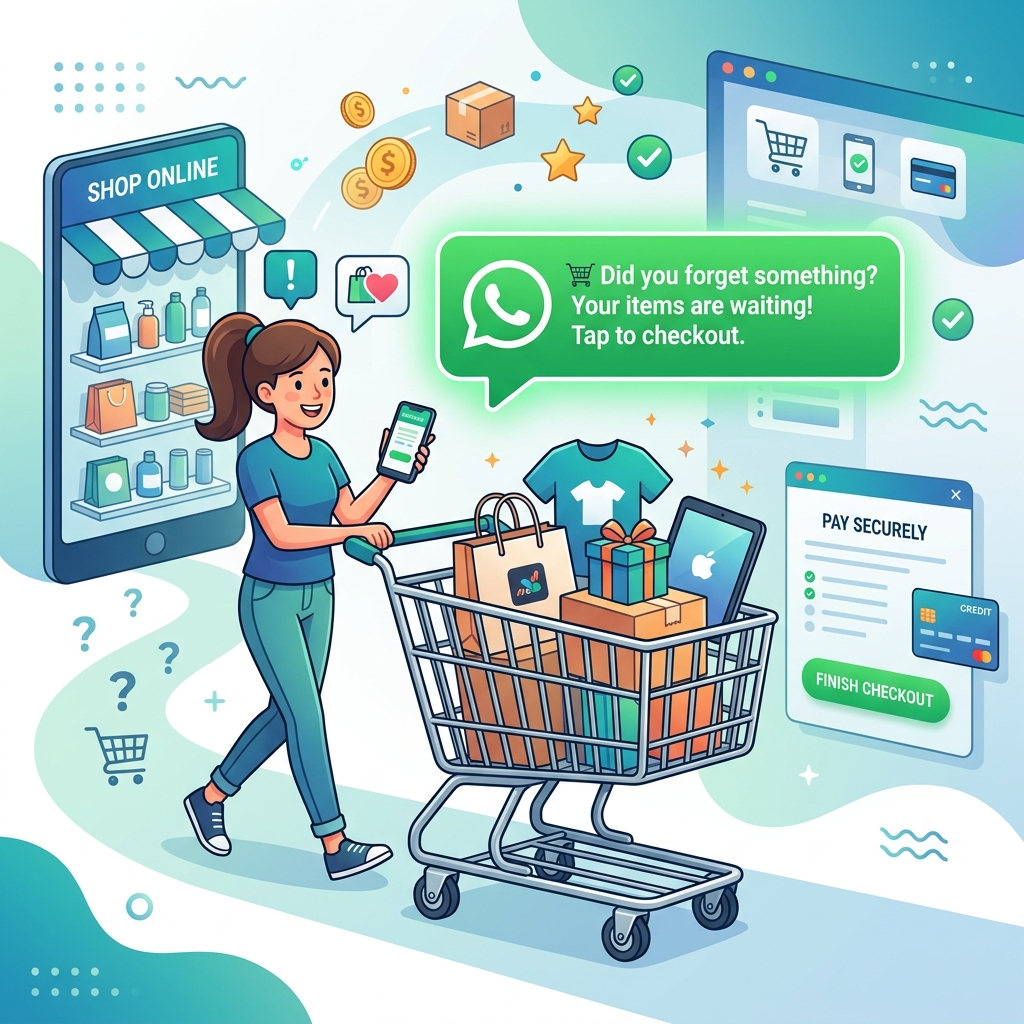
You spend thousands of dollars on advertising, SEO, and social media to drive traffic to your website. A customer lands on your page, browses your products, adds an item to their cart, reaches the checkout page... and then their baby cries, their phone rings, or they decide they want to compare prices.
They close the tab.
That is an abandoned cart, and in the e-commerce world, it happens to over 70% of shoppers. Traditionally, businesses try to recover these sales by sending automated emails. But let's be honest: email open rates hover around 20%, and click-through rates are even lower.
What if you could reach them on a platform where they open 98% of their messages? With WhatsApp Business API, you can automate follow-ups that bring customers back and significantly boost your bottom line.
The Power of WhatsApp for Retargeting
The core advantage of WhatsApp is immediacy. When an email lands in a "Promotions" folder, it might not be seen for days. When a WhatsApp message pings a user's phone, they typically read it within 3 minutes.
Additionally, WhatsApp is a two-way street. If a customer abandoned their cart because they had a question about shipping costs or product sizing, an email might not help them. A WhatsApp message, however, invites them to reply and get their objection resolved instantly.
How to Set Up Automated Follow-Ups
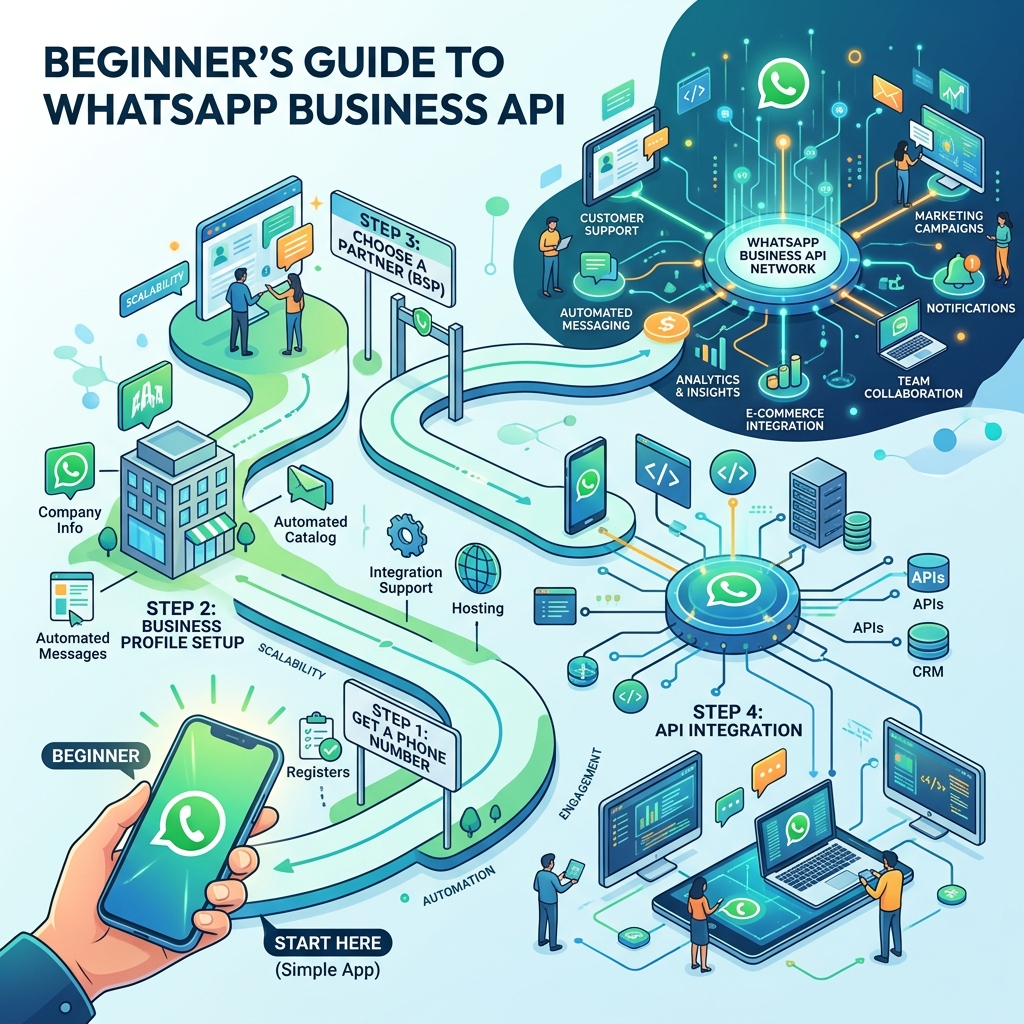
To automate follow-ups, you need to connect your e-commerce platform (like Shopify, WooCommerce, or a custom CRM) to the WhatsApp Business API using a tool like Zeserv.
Here is a proven 3-step sequence for recovering lost sales:
Step 1: The Gentle Nudge (1 Hour Later)
Don't be overly salesy right away. Sometimes the customer just got distracted. The goal of this message is to provide excellent customer service.
"Hi {{Name}}, we noticed you left the {{Product Name}} in your cart! Did you have any questions about sizing or shipping? Reply here and our team will help you out instantly, or click below to complete your checkout."
Include two buttons: [Complete Purchase] and [Talk to Agent].
Step 2: The Urgency/Scarcity Message (24 Hours Later)
If they haven't purchased after a day, create a sense of urgency. Remind them that stock is limited or that their cart will soon expire.
"Hi {{Name}}, just a quick heads up! Your cart containing {{Product Name}} will expire in a few hours, and we only have 3 left in stock. Don't miss out!"
Include a [Checkout Now] button.
Step 3: The Discount Offer (48 Hours Later)
If they still haven't bought, price might be the objection. This is the time to offer a small incentive.
"Hi {{Name}}, we'd love to see you in the {{Product Name}}. Here is a special 10% discount code just for you: VIP10. It is valid for the next 24 hours!"
Include a [Claim 10% Off] button.
 }})
Beyond Abandoned Carts: Other Follow-Up Ideas
Cart abandonment isn't the only type of lost sale. You can use WhatsApp follow-ups for:
- Lead Form Abandonment: If someone starts filling out a quote request but stops halfway, send a WhatsApp: "Hi, we saw you were looking for a quote. Can we help you finish?"
- Post-Demo Check-ins: For B2B sales, automatically message a prospect 2 days after a software demo to ask if they have any remaining questions.
- Subscription Renewals: 7 days before a customer's subscription expires, send a quick automated reminder with a renewal link.
Best Practices for Automated Follow-Ups
- ✅ Always get opt-in: Ensure you have a checkbox on your checkout page that says "Send me order updates and offers via WhatsApp."
- ✅ Don't be annoying: If a customer ignores three messages, stop messaging them. Do not set up a 10-message sequence.
- ✅ Use Variables: Always use the customer's name and mention the specific product they left behind. A generic "You left items in your cart" performs poorly compared to a specific mention.
Frequently Asked Questions
Does sending follow-up templates cost money?
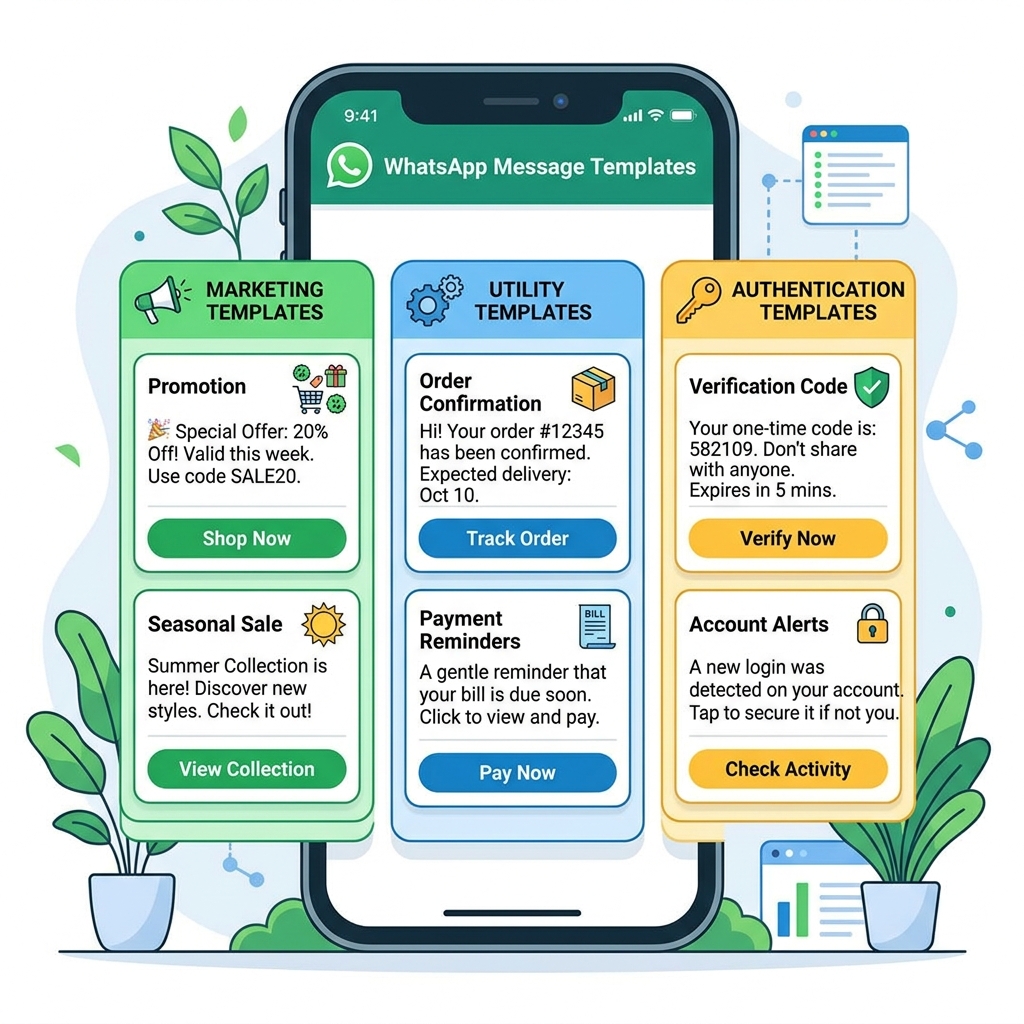
Yes. Sending a cart abandonment reminder falls under Meta's "Marketing" category, so you will be charged the standard marketing conversation rate for your country.
Can I include images of the abandoned product in the message?
Absolutely. WhatsApp templates support media headers. Sending a picture of the exact shoes or watch they left behind drastically increases click-through rates.
Final Thoughts
Every abandoned cart is a customer who *wanted* to buy from you but was stopped by a minor hurdle. By reaching out to them on WhatsApp, you remove that hurdle, answer their questions in real-time, and make the checkout process seamless.
If you haven't implemented WhatsApp cart recovery yet, you are leaving money on the table every single day.