Introduction: The 24/7 Support Dilemma
In today's fast-paced digital economy, customers expect instant gratification. When they have a question about a product, an issue with an order, or need guidance, they want answers immediately. Providing excellent customer support is no longer just a "nice-to-have"—it's a critical differentiator that can make or break your brand.
However, this presents a significant challenge for growing businesses. How do you provide round-the-clock support without exhausting your existing team or inflating your payroll by hiring a massive, 24/7 support staff? The answer lies in the app your customers are already using every day: WhatsApp.
With over two billion active users globally, WhatsApp is the undisputed king of conversational commerce. By leveraging WhatsApp automation through a robust platform like Zeserv, you can streamline your customer service operations, delight your audience with instant responses, and scale your business without scaling your headcount.
Why WhatsApp is the Ultimate Support Channel
Traditional support channels like email and phone calls are becoming increasingly obsolete for everyday customer interactions. Emails are slow, formal, and easily lost in spam folders. Phone calls often involve long hold times and frustrating IVR menus.
WhatsApp, on the other hand, offers a familiar, asynchronous, and highly engaging environment. Here is why it excels for customer support:
- Unmatched Open Rates: WhatsApp messages boast an open rate of over 98%, ensuring your support messages are actually seen.
- Rich Media Support: Customers can easily send photos of damaged products, voice notes explaining complex issues, or screenshots, making troubleshooting a breeze.
- Asynchronous Convenience: Customers can message you while on the go and reply at their convenience, without being tied to a browser window or phone call.
The Core Pillars of WhatsApp Support Automation
Automating your WhatsApp support doesn't mean replacing your human team with emotionless robots. Instead, it's about empowering your team by filtering out repetitive queries and handling the heavy lifting. Here is how you can achieve this with Zeserv.
1. Set Up Smart, Interactive Chatbots
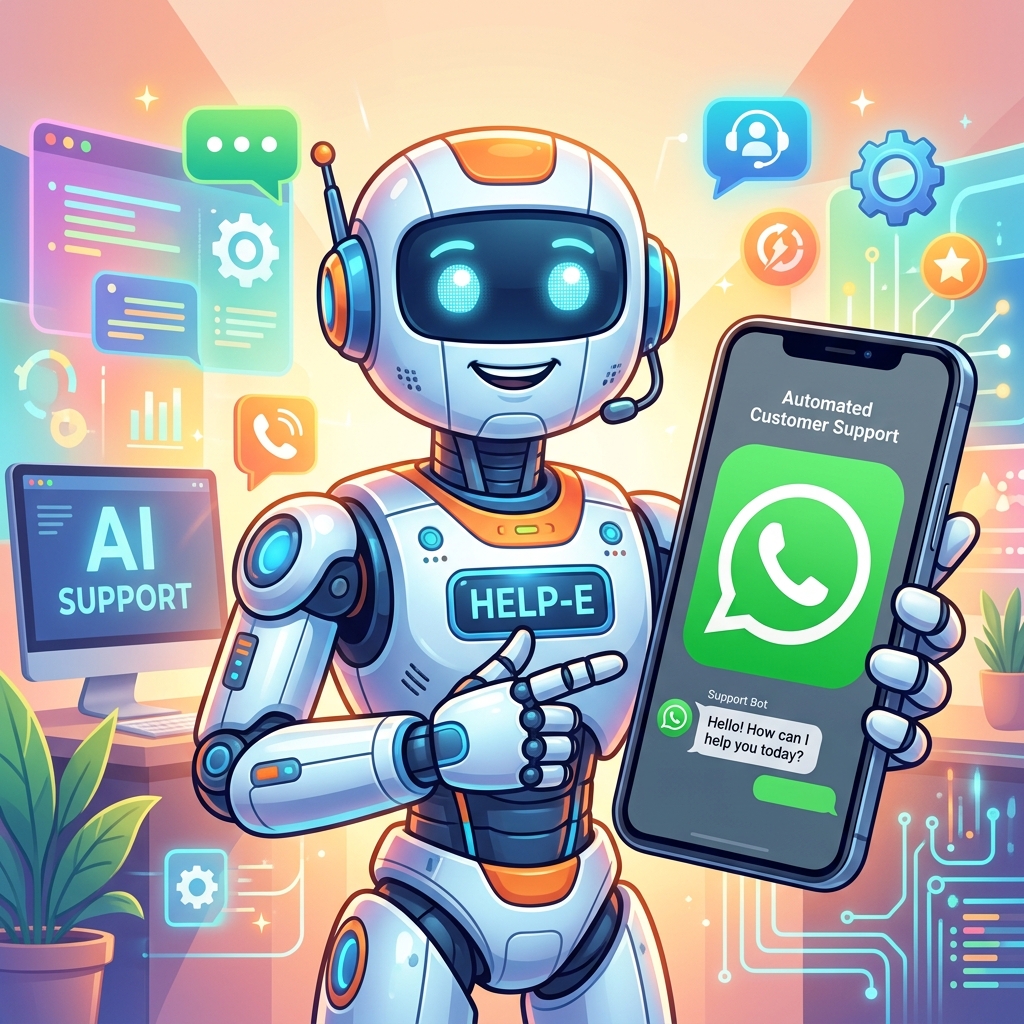
The foundation of automated support is a well-designed chatbot. Using Zeserv's intuitive drag-and-drop builder, you can create interactive chatbot flows that act as your frontline defense.
- FAQ Handling: Program your bot to instantly answer the most common questions: "What are your business hours?", "Do you offer international shipping?", or "What is your return policy?"
- Data Collection: Before routing a chat to a human, the bot can collect essential details like order numbers, email addresses, and the nature of the issue. This gives your agents context immediately.
- Seamless Human Handoff: When a query is too complex for the bot, it can intelligently route the conversation to the right human agent based on predefined rules, ensuring a smooth transition without frustrating the customer.
2. Leverage Automated Greetings and Away Messages
First impressions matter. When a customer messages you for the first time, they shouldn't be met with silence. Automated greetings instantly acknowledge the customer's message, making them feel valued.
Similarly, away messages are crucial for managing expectations outside of your business hours. An automated message stating, "Hi! We've received your message. Our human team is currently away, but we will get back to you by 9 AM tomorrow," prevents customers from feeling ignored and reduces follow-up spam.
3. Automated Transactional Updates
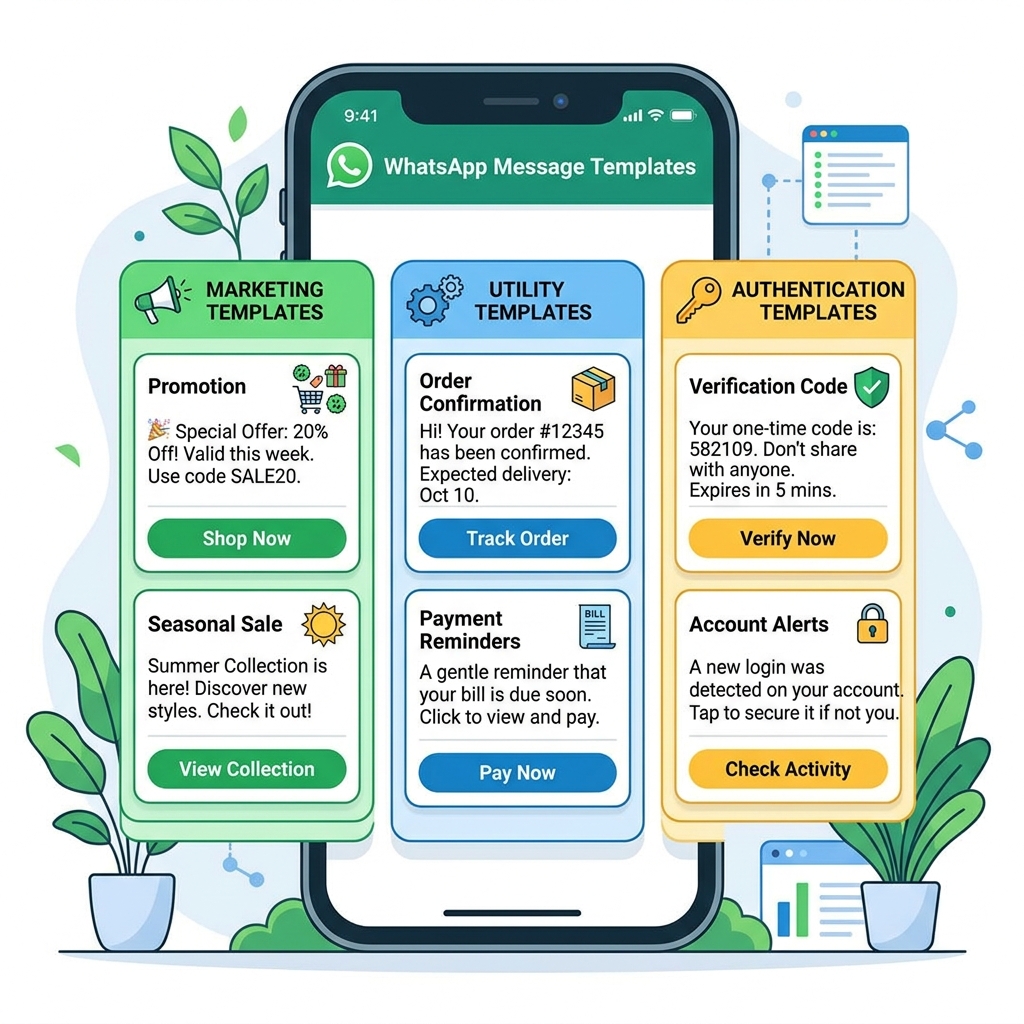
A significant portion of support tickets consists of "Where is my order?" (WISMO) queries. By integrating Zeserv with your e-commerce platform (like Shopify or WooCommerce), you can automate these updates entirely.
Trigger automated WhatsApp messages for order confirmations, shipping updates, and delivery notifications. By proactively keeping the customer informed, you drastically reduce the volume of inbound support requests.
Common Misconceptions About Automation
Despite the clear benefits, some business owners hesitate to embrace automation. Let's debunk a few common myths:
- "Automation ruins the human touch." False. Automation actually enhances the human touch by freeing up your agents from answering "Where is my order?" 50 times a day, allowing them to spend quality time resolving complex, sensitive issues that require empathy.
- "It's too technical to set up." False. While the underlying WhatsApp Business API is complex, platforms like Zeserv provide a no-code interface. If you can draw a flowchart on a whiteboard, you can build a chatbot on Zeserv.
- "My customers hate bots." False. Customers hate bad bots. A bot that provides an instant, helpful answer is vastly preferred over waiting 24 hours for a human to reply via email.
Decision Checklist: Are You Ready for Support Automation?
If you're wondering if it's time to invest in a platform like Zeserv, review this quick checklist:
- Are your support agents spending more than 30% of their time answering the same repetitive questions?
- Do you receive complaints about slow response times, especially outside of business hours?
- Is your business growing faster than you can hire and train new support staff?
- Are you currently managing WhatsApp on a single mobile device, leading to bottlenecks?
If you answered "Yes" to two or more of these questions, automating your WhatsApp support is the logical next step.
Frequently Asked Questions
Do I need a developer to create a chatbot?
Not at all. With a premier platform like Zeserv, you get access to a visual flow builder. You can design complex conversation paths, set up keyword triggers, and integrate auto-replies entirely without writing a single line of code.
Can multiple agents use the same WhatsApp number?
Yes. This is one of the biggest advantages of moving to the WhatsApp Business API via Zeserv. You can have an unlimited number of agents logged into the Zeserv shared inbox, all managing conversations from your single, official business number simultaneously.
What happens if the bot doesn't understand the customer?
You can configure a fallback message. If the bot doesn't recognize a keyword, it can say, "I didn't quite catch that. Would you like to speak to a human agent?" If the customer agrees, the chat is instantly paused for the bot and assigned to your support queue.
Conclusion
Scaling your customer support doesn't have to mean scaling your payroll. By strategically implementing WhatsApp automation, you can provide instant, helpful, and 24/7 service that delights your customers.
Automation handles the mundane, repetitive tasks, allowing your human team to focus on building relationships and solving complex problems. Stop struggling with single-device limitations and overwhelmed inboxes. Upgrade your customer experience today with Zeserv, your all-in-one WhatsApp CRM and automation platform, and watch your customer satisfaction scores soar.