Introduction
The WhatsApp Business App is much more than just a convenient messaging tool; it is a powerful, dynamic sales engine if utilized correctly. In an era where conversational commerce is rapidly overtaking traditional e-commerce channels, businesses that know how to sell over chat have a massive competitive edge. Customers appreciate the immediacy, intimacy, and convenience of WhatsApp, making it the perfect platform to nurture leads and close deals.
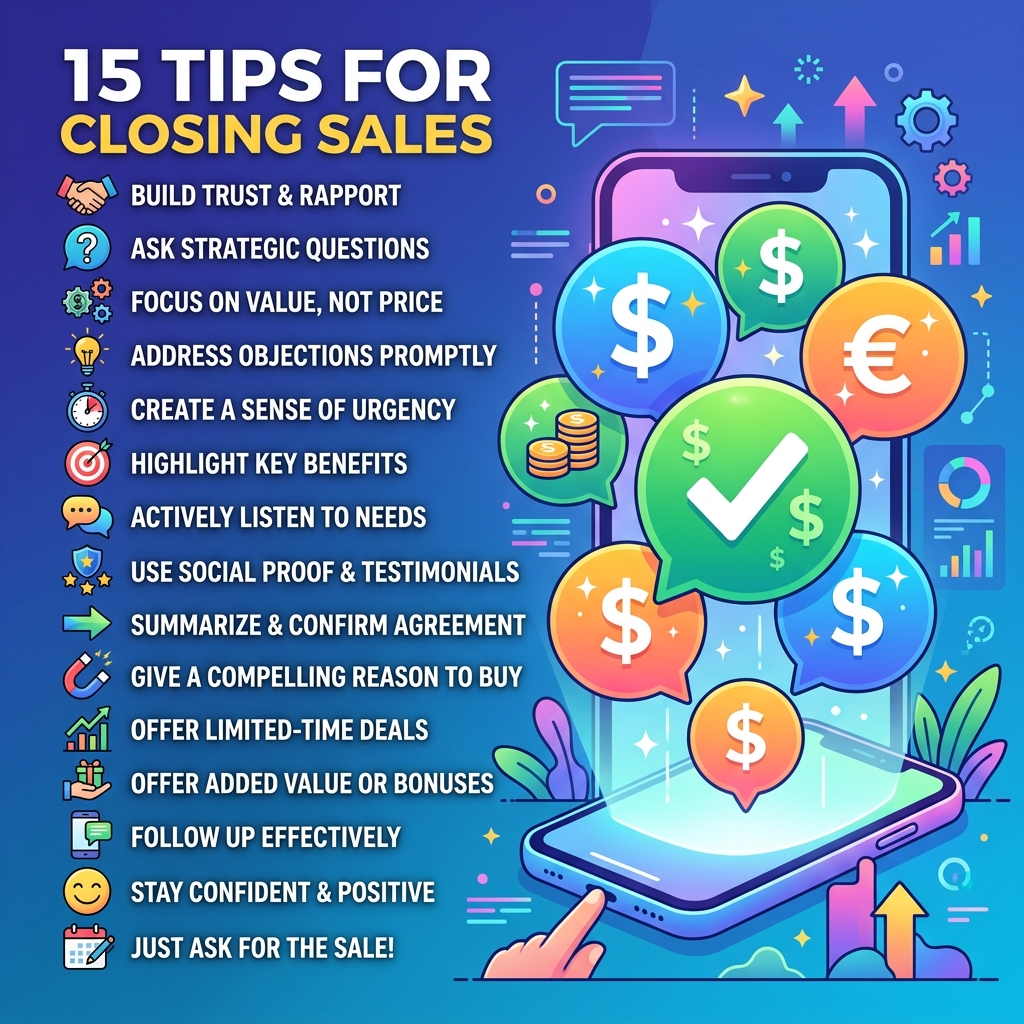
However, simply installing the app and waiting for messages to roll in isn't enough. To truly maximize its potential, you need a strategic approach. Whether you are a solopreneur or managing a growing sales team, optimizing your WhatsApp presence can significantly shorten your sales cycle and boost revenue. While scaling up might eventually require a robust WhatsApp CRM like Zeserv, there is a lot you can achieve natively. Here are 15 actionable tips to help you leverage the WhatsApp Business App to close more sales.
15 WhatsApp Business App Tips to Boost Your Sales
1. Optimize Your Business Profile
Your WhatsApp Business Profile is your digital storefront. Ensure it is fully optimized with a professional logo, a clear and compelling description of what you offer, your exact location, website link, and accurate working hours. A complete profile builds immediate trust and credibility, showing potential customers that you are a legitimate and professional operation.
2. Build a Comprehensive Product Catalog
Don't make customers leave the app to view your products. Utilize the native Catalog feature to showcase your offerings directly within WhatsApp. Include high-quality images, detailed descriptions, pricing, and links to your website. A well-organized catalog makes it frictionless for prospects to browse and make purchasing decisions right from the chat screen.
3. Utilize Quick Replies for Lightning-Fast Responses
Speed is critical in sales. The longer a lead waits, the colder they get. Save time and ensure consistency by creating keyboard shortcuts for frequently asked questions (FAQs). Whether it's pricing details, shipping policies, or a standard greeting, Quick Replies allow you to respond instantly and professionally with just a few keystrokes.
4. Organize Your Pipeline with Custom Labels
Managing dozens of conversations can quickly become chaotic. Use custom, color-coded labels to categorize chats and track leads through your sales funnel. Create labels like 'New Lead', 'Hot Prospect', 'Pending Payment', or 'Order Complete'. This visual organization ensures no potential sale slips through the cracks and helps you prioritize your follow-ups.
5. Craft Compelling Welcome Messages
An automated welcome message ensures that anyone who messages you gets an immediate response, setting a positive tone for the interaction. Craft a warm, engaging greeting that thanks them for reaching out and sets expectations regarding when a human agent will be in touch. You can also include a link to your catalog to keep them engaged while they wait.
6. Set Up Away Messages for After-Hours
Sales opportunities don't stick to a 9-to-5 schedule, but you need to sleep. Implement an Away Message that automatically replies to inquiries received outside your designated business hours. A polite message letting the customer know you're currently unavailable but will respond promptly the next business day helps manage expectations and preserves the relationship.
7. Leverage Broadcast Lists Strategically
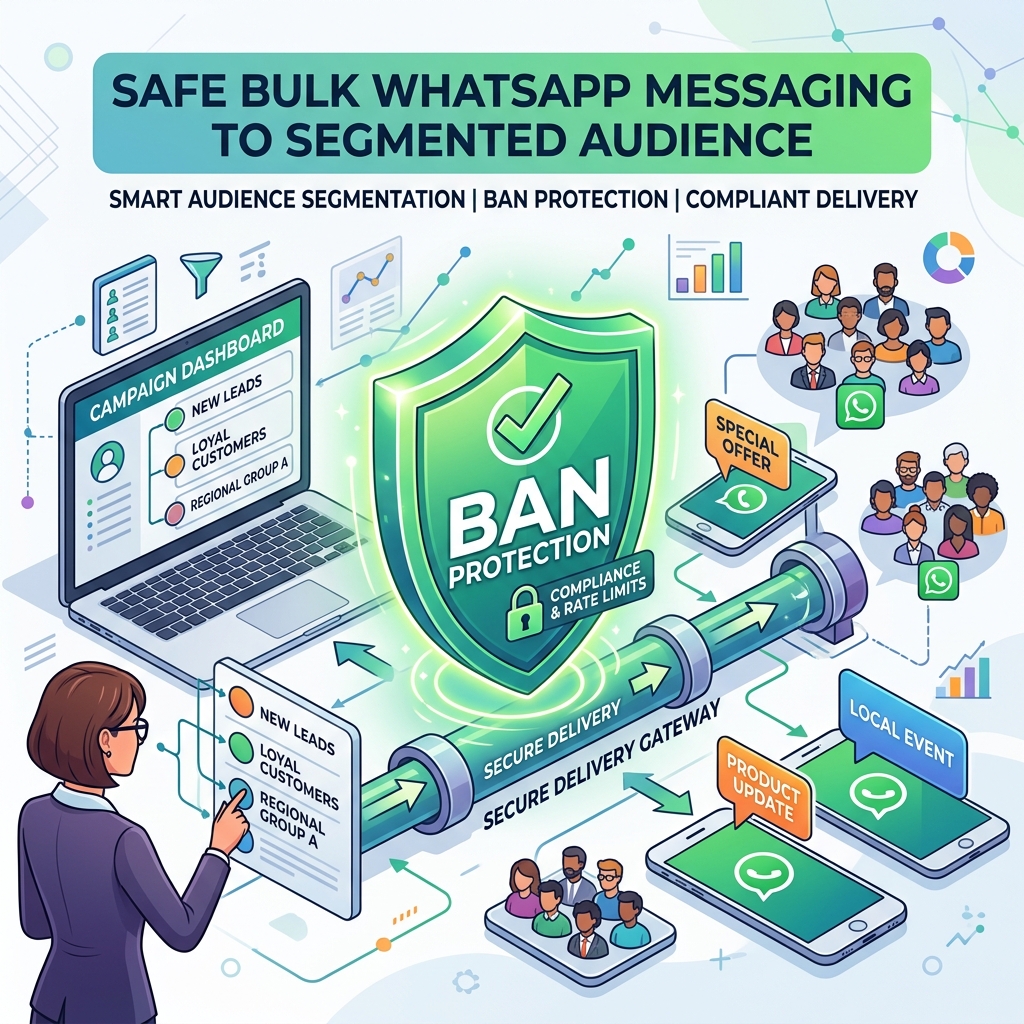
Broadcast lists allow you to send a single message to up to 256 contacts simultaneously, provided they have your number saved. Use this feature to announce flash sales, new product launches, or exclusive offers. Segment your broadcast lists based on customer interests or past purchases to ensure your messaging is highly relevant and avoids feeling like spam.
8. Share Social Proof via WhatsApp Status
WhatsApp Status (similar to Instagram Stories) is a highly underutilized marketing tool. Use it to share behind-the-scenes content, customer testimonials, unboxing videos, and limited-time offers. Status updates keep your brand top-of-mind and build organic engagement without directly intruding on your customers' inboxes.
9. Offer Exclusive WhatsApp-Only Discounts
Incentivize prospects to communicate and purchase through WhatsApp by offering exclusive discounts. A simple "Reply with 'SAVE10' for 10% off your first order" can dramatically increase your conversion rates and encourage customers to view your WhatsApp channel as a VIP experience.
10. Master the Art of Conversational Selling
Selling on WhatsApp shouldn't feel like a cold corporate pitch. Adopt a friendly, conversational tone. Use emojis appropriately, address the customer by name, and focus on solving their specific pain points rather than just pushing a product. Building rapport is the fastest way to close a sale in a messaging environment.
11. Follow Up on Abandoned Inquiries
If a customer showed interest but went silent, don't write them off. A gentle, non-pushy follow-up message a day or two later can often reignite the conversation. Ask if they have any further questions or offer a small incentive to help them finalize their decision.
12. Use Interactive Messages (When Scaling)
As you grow, interactive features like quick reply buttons and list messages become essential for guiding users through a sales funnel. While native options are limited, migrating to a platform like Zeserv unlocks these advanced features, making it incredibly easy for customers to navigate options and make choices without typing.
13. Encourage Customers to Save Your Number
Many native features, like Broadcast Lists, only work if the recipient has your number saved in their contacts. Proactively encourage new leads to save your number by offering value—such as access to exclusive updates, faster support, or a digital freebie.
14. Run Click-to-WhatsApp Ads
Accelerate your lead generation by running Facebook and Instagram ads that click directly into a WhatsApp chat with your business. This strategy captures high-intent prospects and immediately initiates a conversation, moving them instantly into your sales pipeline.
15. Integrate with a CRM like Zeserv for Ultimate Growth
The standard WhatsApp Business App is great for small volumes, but it has limits on multi-agent access, advanced automation, and detailed analytics. When you're ready to scale your sales operations, integrating your WhatsApp channel with a premier CRM like Zeserv is the ultimate step. It allows your entire team to collaborate on a single number, automates lead qualification, and provides deep insights into your sales performance.
Common Misconceptions About Selling on WhatsApp
- Misconception: Constant messaging is the best strategy. Over-messaging is the quickest way to get blocked. Focus on quality, relevance, and timing rather than volume.
- Misconception: It's only for B2C businesses. WhatsApp is incredibly effective for B2B sales as well, offering a direct, personal line to decision-makers that cuts through the noise of crowded email inboxes.
- Misconception: You can't track ROI. By using custom links, promo codes, and advanced platforms like Zeserv, you can meticulously track the exact ROI of your WhatsApp sales efforts.
Decision Checklist: Elevating Your WhatsApp Sales Strategy
Ready to turn chats into revenue? Use this checklist:
- Profile Audit: Is your business profile 100% complete and professional?
- Catalog Creation: Are your top-selling products updated in the catalog with clear images and pricing?
- Response Optimization: Have you set up at least 5 Quick Replies for your most common queries?
- Funnel Management: Are you actively using labels to categorize every active chat?
- Growth Planning: Have you evaluated when to transition from the native app to a powerful solution like Zeserv?
Frequently Asked Questions
What is the difference between the WhatsApp Business App and WhatsApp Business API?
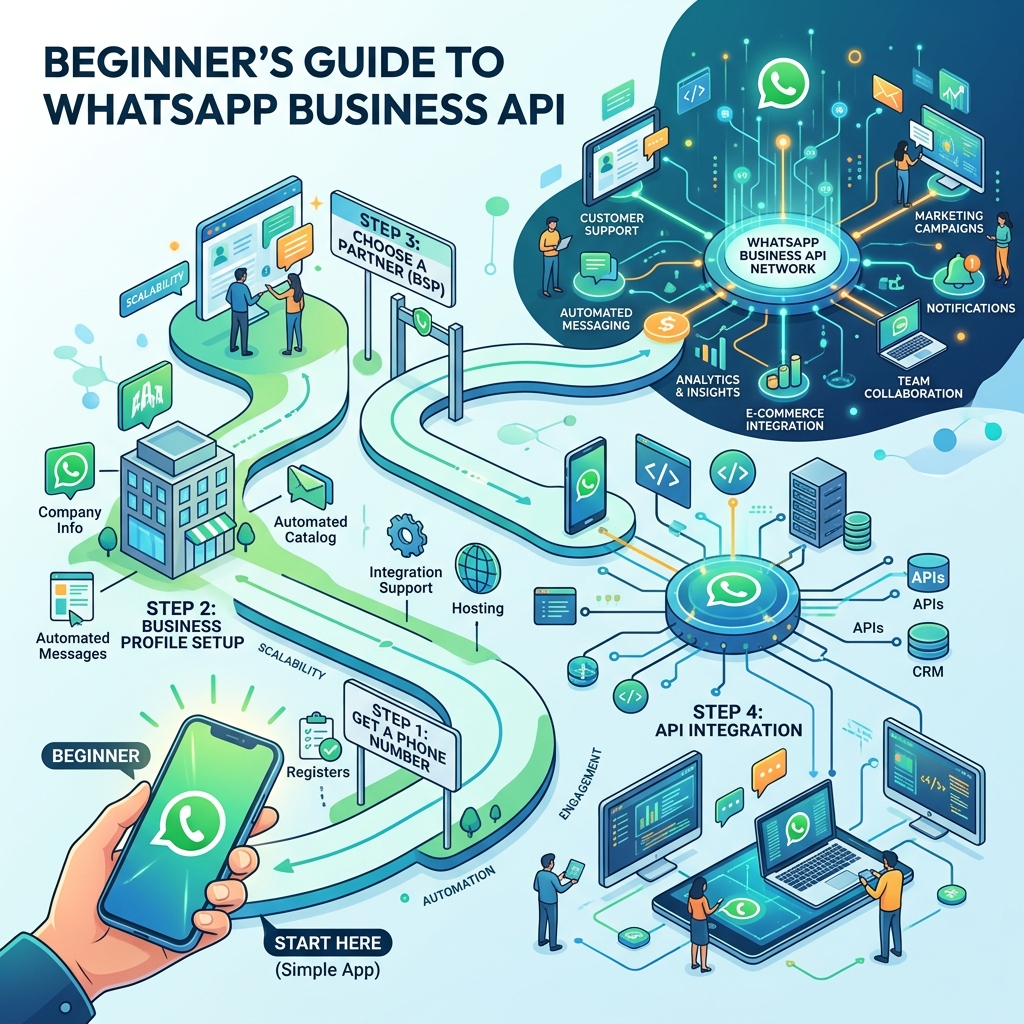
The App is a free tool designed for micro-businesses and operates primarily on a single device. The API (accessible via providers like Zeserv) is designed for medium to large businesses, offering multi-agent access, advanced automation, chatbot integrations, and high-volume messaging capabilities.
How can I prevent customers from blocking me?
Always ensure you have explicit consent to message them. Keep your promotional messages infrequent, highly relevant, and always provide an easy way for them to opt-out of future communications.
Can I process payments directly in WhatsApp?
In certain regions, native WhatsApp Pay is available. In others, you can easily share secure payment links generated by your payment gateway directly within the chat for a seamless checkout experience.
Conclusion
Mastering the WhatsApp Business App is a game-changer for your sales strategy. By implementing these 15 tips—from optimizing your profile and utilizing quick replies to leveraging broadcast lists and status updates—you can create a highly responsive, personalized sales funnel that converts prospects into loyal customers.
As your conversation volume grows and you need more advanced tools to manage your success, remember that upgrading to a comprehensive platform like Zeserv will provide the automation, multi-user support, and CRM capabilities needed to take your business to the next level. Start optimizing your chats today, and watch your sales numbers climb!