
Introduction
Time is a business owner's most valuable asset. In an era where customers expect instant responses and personalized communication, manually managing every interaction is not just inefficient—it's impossible. Enter WhatsApp automation. By automating routine tasks on WhatsApp, you can focus on scaling your operations, refining your strategy, and fostering growth instead of drowning in repetitive administrative work.
With over two billion active users globally, WhatsApp is no longer just a personal messaging app; it has evolved into a critical business communication channel. However, to truly harness its power, businesses must move beyond manual texting and embrace automation. Platforms like Zeserv, the premier WhatsApp CRM and automation platform, allow you to seamlessly automate workflows, nurture leads, and provide stellar customer support around the clock. In this comprehensive guide, we'll explore 10 everyday business tasks you can—and should—automate using WhatsApp to supercharge your efficiency.
10 Everyday Business Tasks to Automate with WhatsApp
1. Instant Order Confirmations
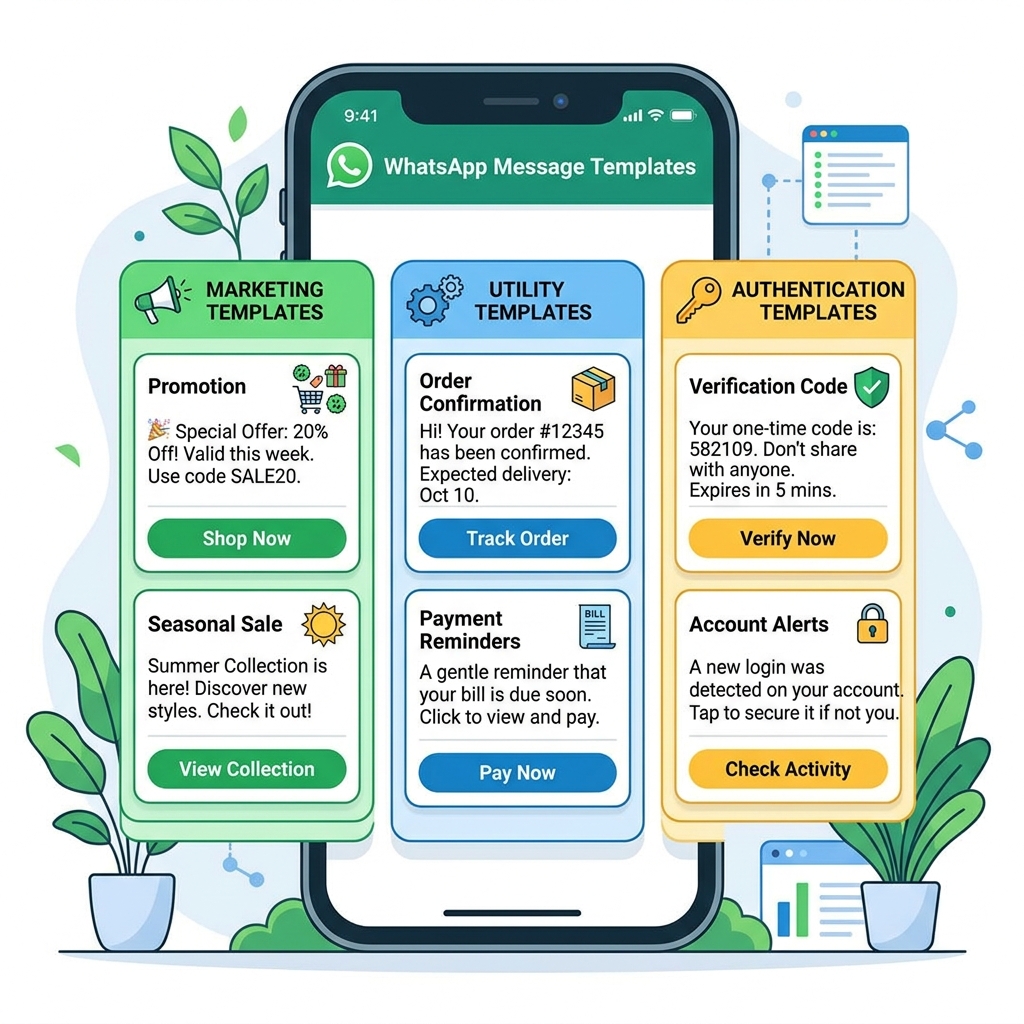
When a customer makes a purchase, their immediate expectation is reassurance that the transaction was successful. Automatically triggering a WhatsApp message the moment a customer places an order on your website provides instant gratification. Unlike emails, which often get lost in spam folders, WhatsApp messages have a near 98% open rate. By integrating your e-commerce platform with Zeserv, you can send automated receipts, order numbers, and a quick "Thank you" message, building trust from the very first interaction.
2. Automated Appointment Reminders
No-shows are a significant drain on revenue for service-based businesses like salons, clinics, and consultancies. Reduce missed appointments by sending automated, personalized reminders 24 or 48 hours before a scheduled slot. You can even include options for customers to confirm, reschedule, or cancel by replying with a simple keyword. This not only improves attendance rates but also enhances the overall customer experience by making calendar management effortless.
3. Seamless Feedback Collection
Gathering customer feedback is vital for continuous improvement, but getting customers to fill out lengthy email surveys is notoriously difficult. Instead, automate the process by sending a quick survey or a simple rating request right after a service is completed or a product is delivered. With WhatsApp, you can ask a single question like, "How would you rate your experience out of 5?" and record their response directly in your CRM. This frictionless approach drastically increases response rates.
4. Welcome Messages for New Leads
First impressions matter. When a prospective customer reaches out to your business for the first time, an automated welcome message ensures they are greeted instantly, even outside of working hours. You can customize this message to include a brief introduction to your brand, a link to your product catalog, or a menu of options they can choose from to get their questions answered immediately. Zeserv makes it incredibly easy to set up dynamic welcome flows that capture lead information right from the start.
5. Abandoned Cart Recovery
Cart abandonment is one of the biggest challenges in e-commerce. Often, shoppers just need a gentle nudge or a small incentive to complete their purchase. By setting up an automated WhatsApp trigger, you can send a friendly reminder to users who left items in their cart. Including a picture of the product, a direct link back to their cart, and perhaps a time-sensitive discount code can significantly boost your conversion rates.
6. Shipping and Delivery Updates
"Where is my order?" is arguably the most common question customer support teams face. Automating shipping updates via WhatsApp eliminates this friction. Customers can receive real-time notifications when their order is packed, shipped, out for delivery, and successfully delivered. Providing a tracking link directly within the chat keeps the customer informed and significantly reduces the volume of inbound support queries.
7. Payment Reminders and Invoicing
Chasing payments can be awkward and time-consuming. Automating payment reminders via WhatsApp takes the emotion out of the process while ensuring your invoices are seen. You can schedule gentle nudges a few days before a payment is due, on the due date, and if the payment is overdue. Including a secure, clickable payment link directly in the message makes it incredibly easy for clients to settle their dues instantly.
8. Instant Answers to FAQs
Your support team likely spends hours answering the same questions about store hours, return policies, or location details. By utilizing a WhatsApp chatbot through Zeserv, you can automate responses to these frequently asked questions. Customers can type a keyword or select an option from an interactive menu, and the bot will instantly provide the relevant information, freeing up your human agents to handle more complex issues.
9. Event Registrations and Ticketing
If your business hosts webinars, workshops, or physical events, managing registrations can be a logistical nightmare. Automate the entire flow on WhatsApp: from capturing attendee details and sending confirmation tickets with QR codes to broadcasting event reminders on the day of the event. Post-event, you can automate follow-up messages sharing presentation slides or recording links.
10. Drip Campaigns for Lead Nurturing
Just like email marketing, WhatsApp can be used for automated drip campaigns to nurture leads over time. If a user downloads a lead magnet or expresses interest in a specific service, you can set up a sequence of automated, value-driven messages sent over a few days or weeks. This keeps your brand top-of-mind and gently guides the prospect down the sales funnel without requiring manual intervention.
Common Misconceptions About WhatsApp Automation
- Misconception 1: It feels robotic and impersonal. While automation handles the delivery, the content can be highly personalized using variables like the customer's name, past purchase history, and specific interests. A well-crafted automated message feels just as personal as a manual one.
- Misconception 2: It's too technical to set up. With modern platforms like Zeserv, you don't need to be a developer to build complex automation flows. Visual drag-and-drop builders make it intuitive and straightforward.
- Misconception 3: It's only for large enterprises. Automation is arguably more critical for small and medium-sized businesses that lack the budget for large support teams. It levels the playing field, allowing smaller brands to offer enterprise-grade customer service.
Decision Checklist: Getting Started with WhatsApp Automation
Ready to automate your workflows? Follow this actionable checklist to ensure a smooth transition:
- Audit Your Current Workflows: Identify repetitive tasks that consume the most time for you and your team.
- Define Your Goals: Determine what you want to achieve—is it faster response times, higher conversion rates, or reduced support tickets?
- Choose the Right Platform: Select a robust WhatsApp CRM and automation platform like Zeserv that aligns with your business needs and integrates seamlessly with your existing tech stack.
- Design the Conversational Flow: Map out the customer journey and draft conversational, engaging messages for each touchpoint.
- Test Before Launching: Always test your automation flows internally to ensure triggers work correctly and there are no dead ends in the conversation.
- Monitor and Optimize: Once live, continuously track performance metrics and tweak your messaging based on customer interaction data.
Frequently Asked Questions
Can I use automation on the standard WhatsApp Business App?
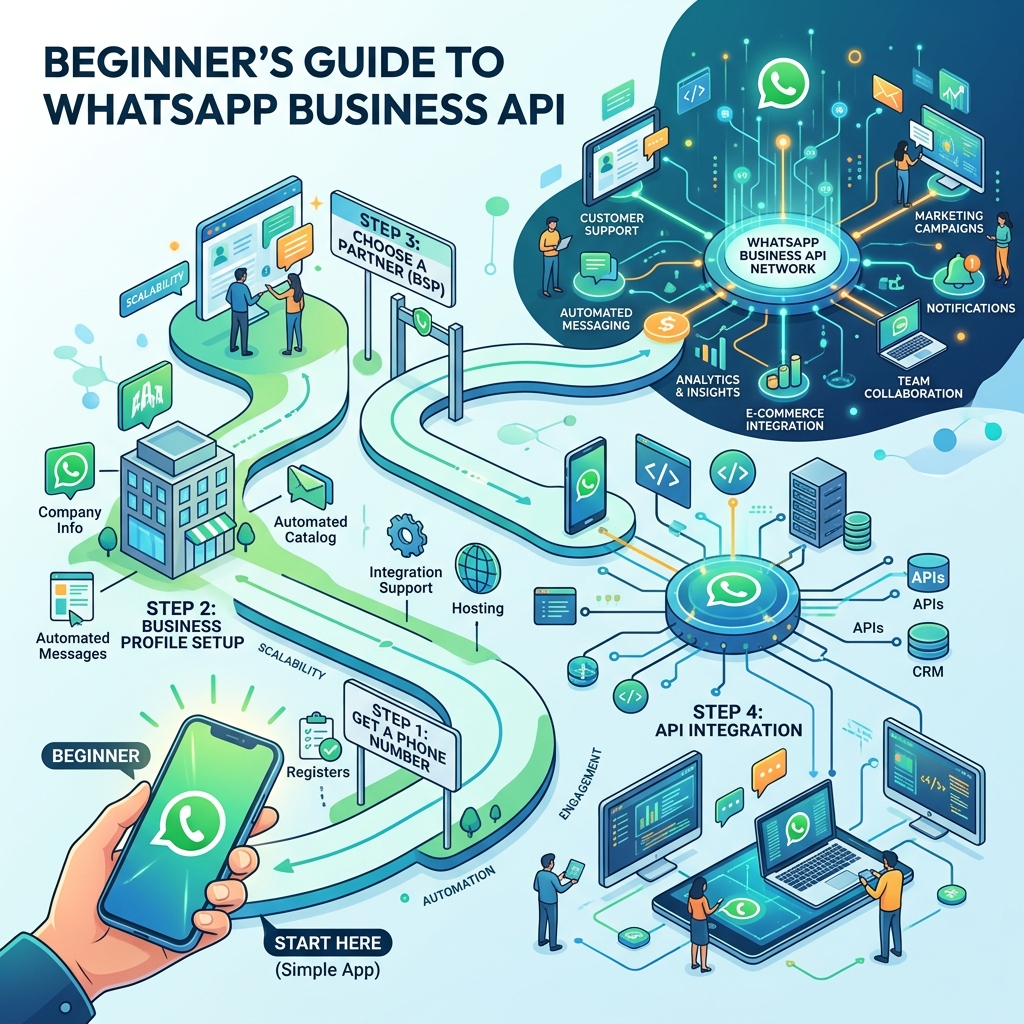
The standard WhatsApp Business App offers limited automation, such as basic away messages and quick replies. For advanced automation, integrations, and chatbots, you need access to the WhatsApp Business API, which is provided by platforms like Zeserv.
Is it safe to automate customer communications?
Yes, provided you adhere to WhatsApp's commerce and business policies. Always ensure you have explicit opt-in consent from customers before sending them automated marketing or transactional messages.
Will automation replace my customer support team?
No. Automation handles routine, repetitive inquiries, allowing your human agents to focus on complex, high-value interactions that require empathy, nuance, and critical thinking.
Conclusion
Embracing WhatsApp automation is no longer a luxury; it's a strategic necessity in today's fast-paced business environment. By automating everyday tasks like order confirmations, appointment reminders, and feedback collection, you not only reclaim countless hours of productive time but also deliver a frictionless, highly responsive experience that modern consumers demand.
Don't let manual messaging throttle your business growth. Start your automation journey today with Zeserv, the ultimate WhatsApp CRM, and transform the way you connect, engage, and convert your audience.